Tuning how findings are classified
These screens decide how a raw scanner finding becomes a prioritised item of work. They are set up rarely and have wide effects, so each one is worth understanding before it is changed.
CVSS configuration
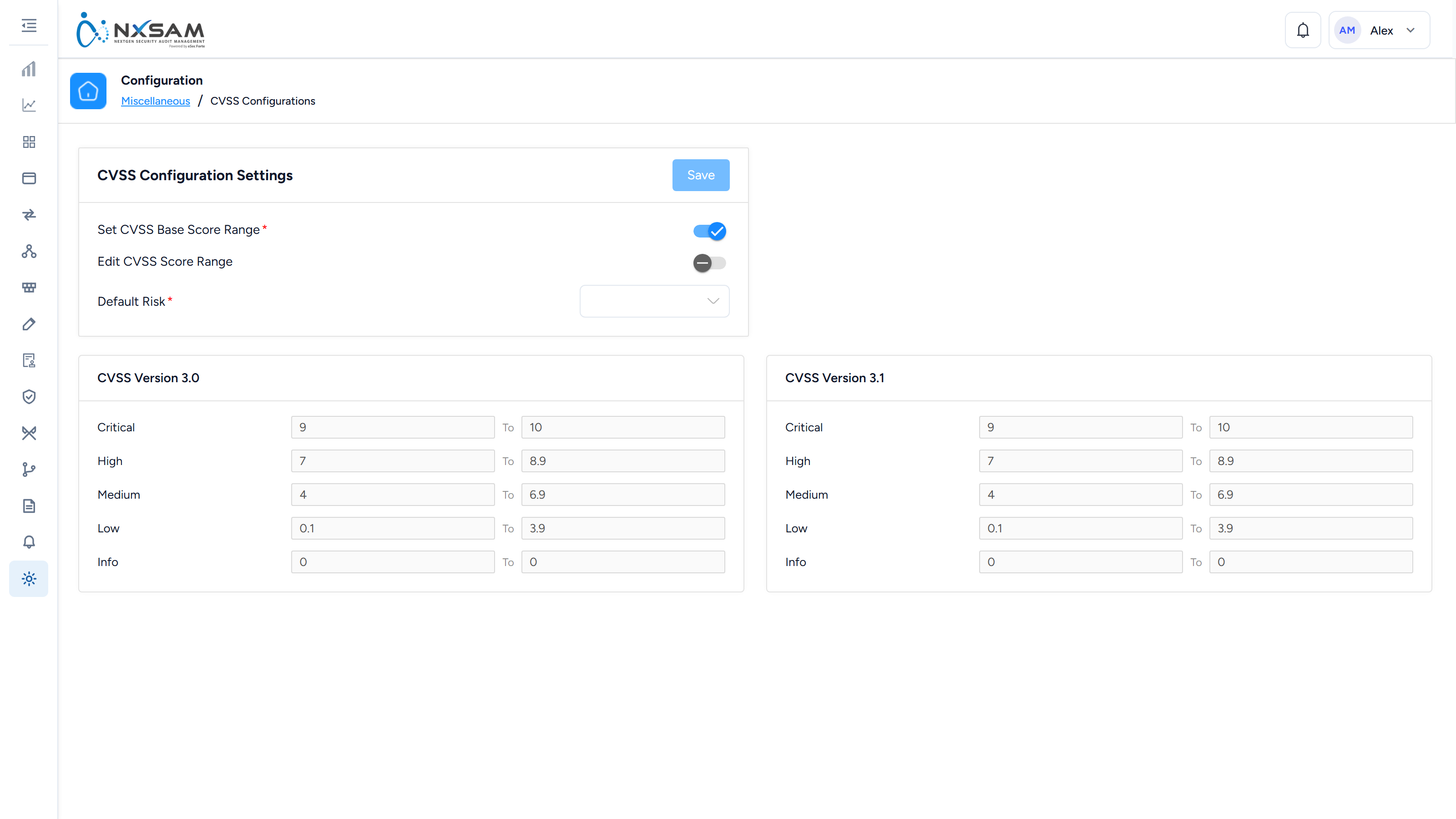
Sets how CVSS scores map onto NxSAM's severity levels — the boundary between High and Critical, and so on.
Changing the mapping re-classifies existing findings
Severity is derived, not stored per finding. Move a boundary and findings on either side of it change severity — which changes their SLA, which can make a batch of findings overdue that were not overdue yesterday.
This is the single change most likely to produce a sudden, unexplained jump in overdue counts. If one appears, ask what was changed here before investigating the data.
Vulnerability master and tool mapping
Two related things, easily confused:
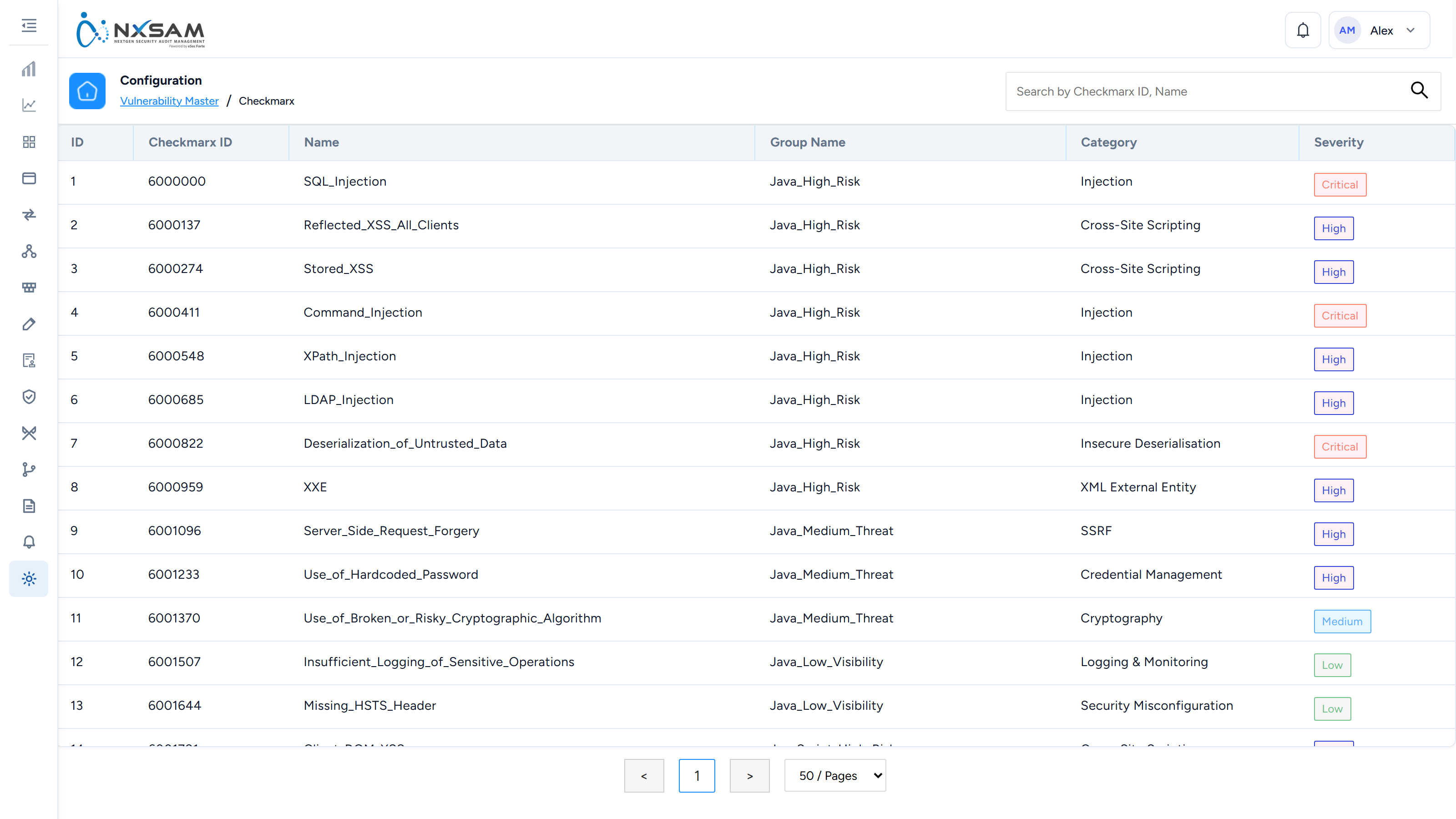
- Vulnerability master is the catalogue of known vulnerabilities NxSAM holds for a given tool — the descriptions, remediation guidance and default severities.
- Vulnerability master mapping decides how that tool's identifiers line up with the catalogue, so the same weakness reported by two tools is recognised as one thing.
There is one of each per tool, and they are near-identical screens. Getting the mapping right is what stops the same vulnerability being counted twice under two names.
Risk scoring rules
Risk score combines severity with context — asset criticality, exposure, exploitability — into a single number used for ranking. Every weight in that combination is configurable, including which likelihood signals participate at all.
Ranking is only as good as the context feeding it. If asset criticality is unset across the estate, risk score degrades to severity with extra steps, and the "top risky assets" list stops being informative.
The rules live at Setting → System → Analytics Risk Scoring, and are covered in full under System, in Tune the risk scoring rules — the two axes, remediation health, the thresholds the charts draw from, and which scanners are scored under which rule set.
Network VA groups and sub-groups
Group network assets for assessment and reporting — usually by location, environment or network segment. A finding inherits the grouping of its host, so this is what makes "which site is worst" answerable.
Test cases, categories and plans
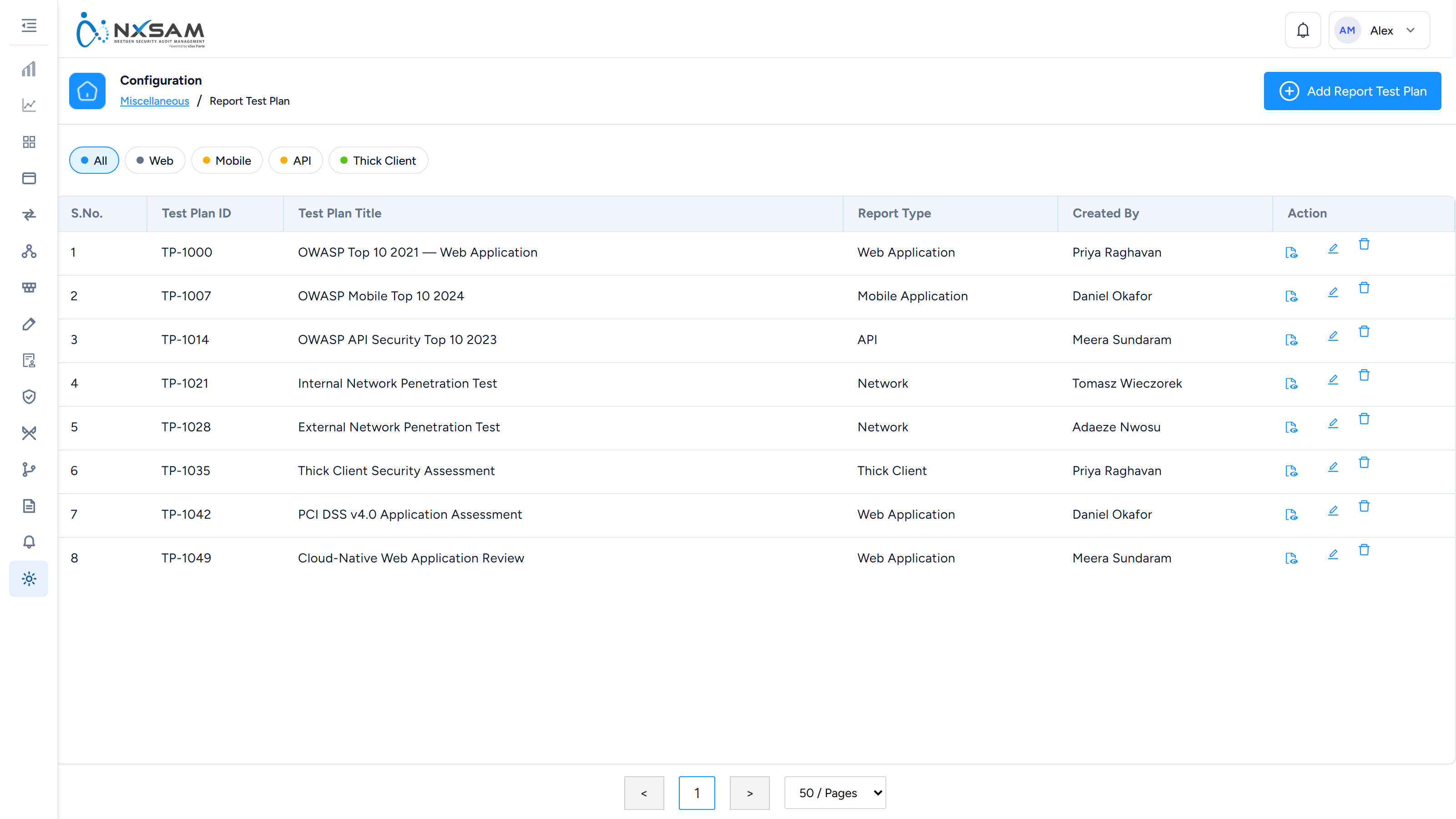
For manual assessment work. A test plan is a set of test cases, organised into categories, that a tester works through during an audit.
This is what makes manual testing repeatable and reviewable: two testers running the same plan cover the same ground, and an auditor can see what was checked rather than taking it on trust. Without it, a manual audit's scope exists only in the tester's head.
Audit status master
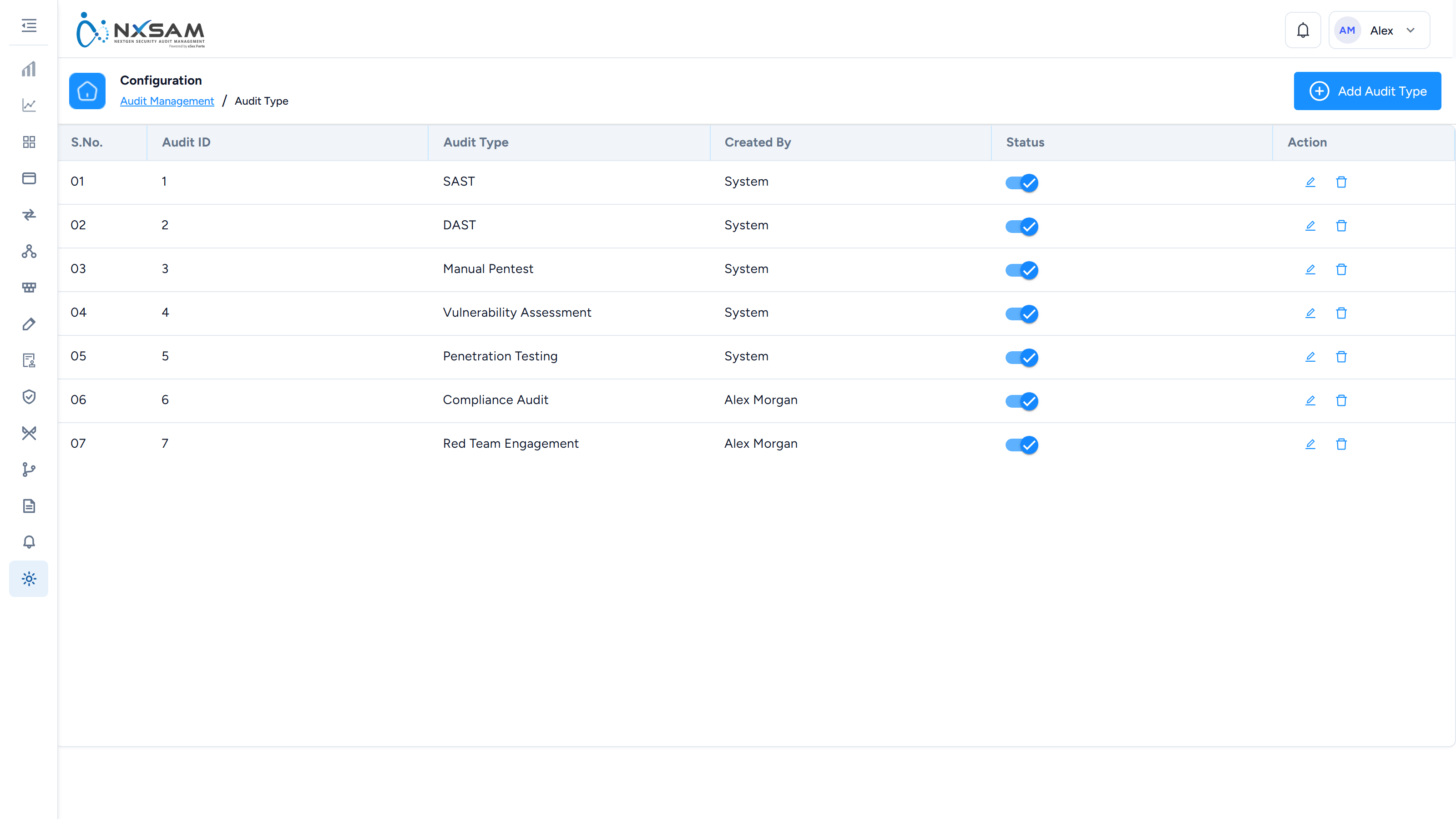
The set of states an audit can be in, and which transitions are permitted. Changing this affects every module that runs audits, and existing audits sitting in a state you remove have to go somewhere — so treat it as a schema change rather than a preference.
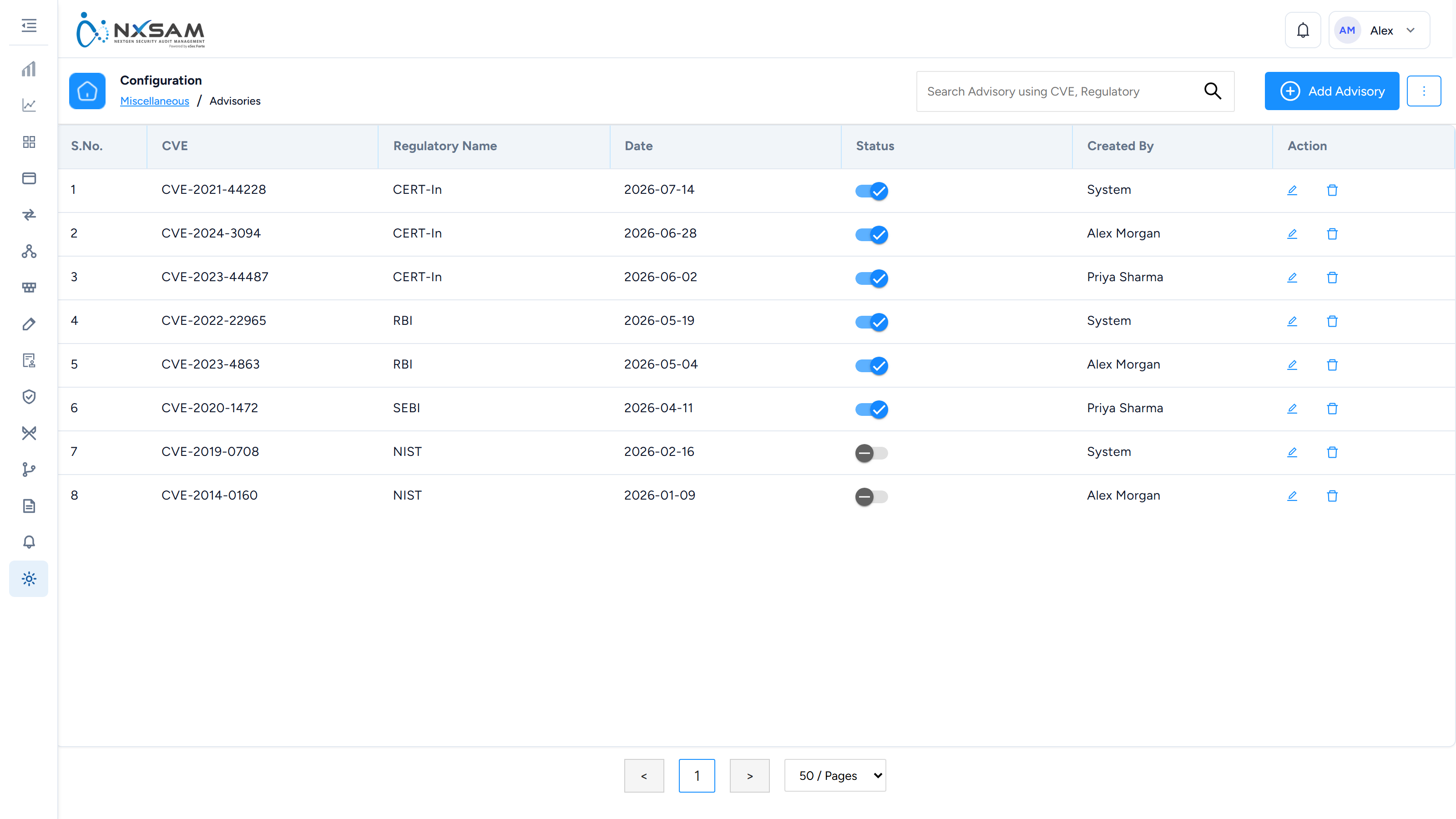
Advisories
Security advisories published to users inside the platform. Useful for a coordinated response: when a widely-exploited vulnerability is disclosed, an advisory tells everyone what is expected of them without depending on email.
Beats configuration
Scheduled background jobs — the periodic work that keeps derived data current, such as recalculating SLA states as dates pass and refreshing pre-computed statistics.
If a screen shows figures that are stale by a fixed interval rather than randomly wrong, this is the first place to look: a beat that stopped running produces exactly that symptom, and nothing else in the product will report an error.