Administration: find the right screen
Every screen in this module, what each one is for, and where it lives. Use it to find the right screen quickly, and to confirm you are on the one a colleague means — several screens in this product have similar names and different jobs.
Screenshots come from a demonstration data set, so the figures are illustrative. Click any screenshot to open it at full resolution.
Audit Properties
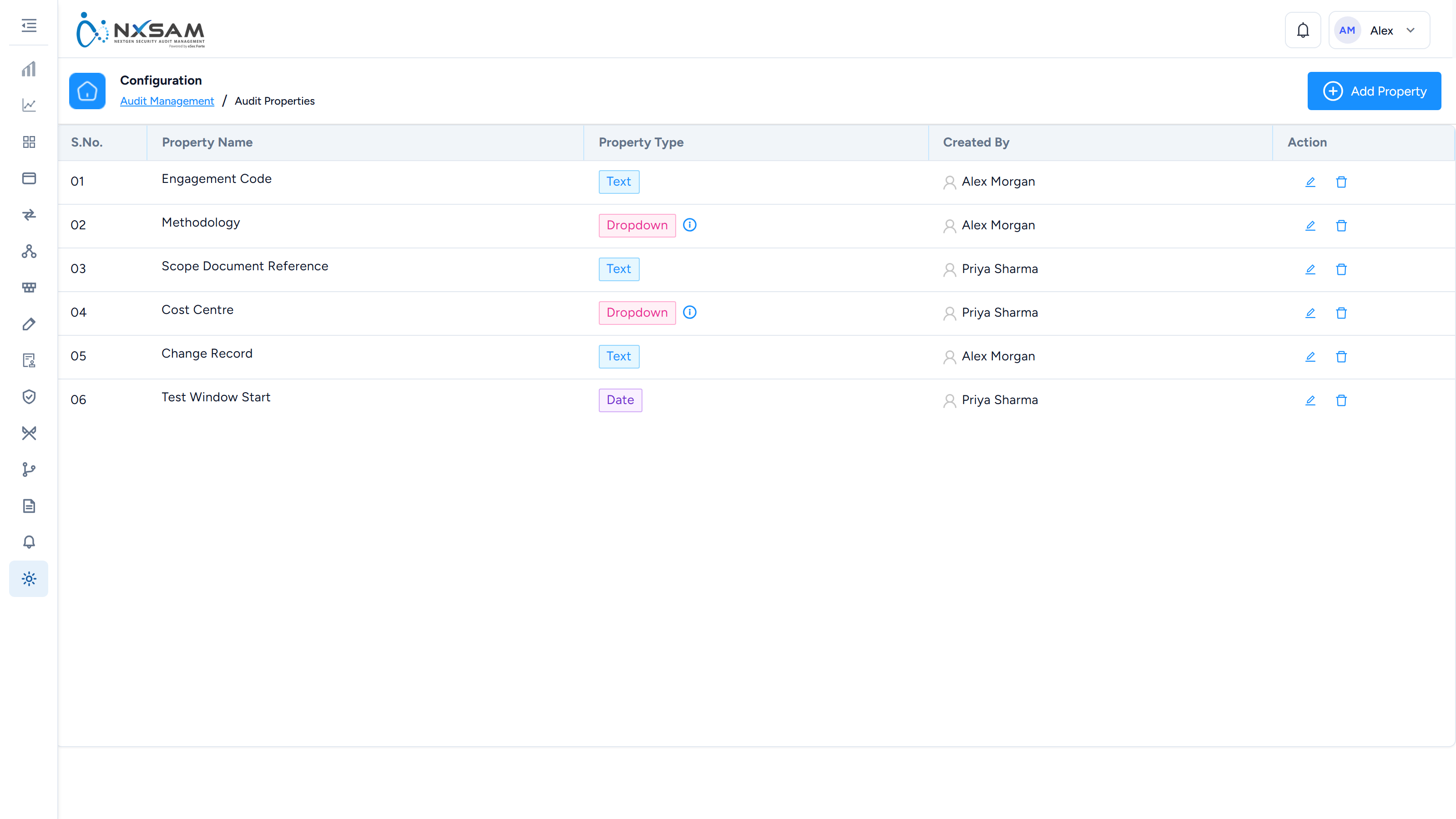
Additional fields recorded against an audit.
Audit Property Management
Which audit properties apply to which combination of asset type and audit type — the reason two audits can demand different fields.

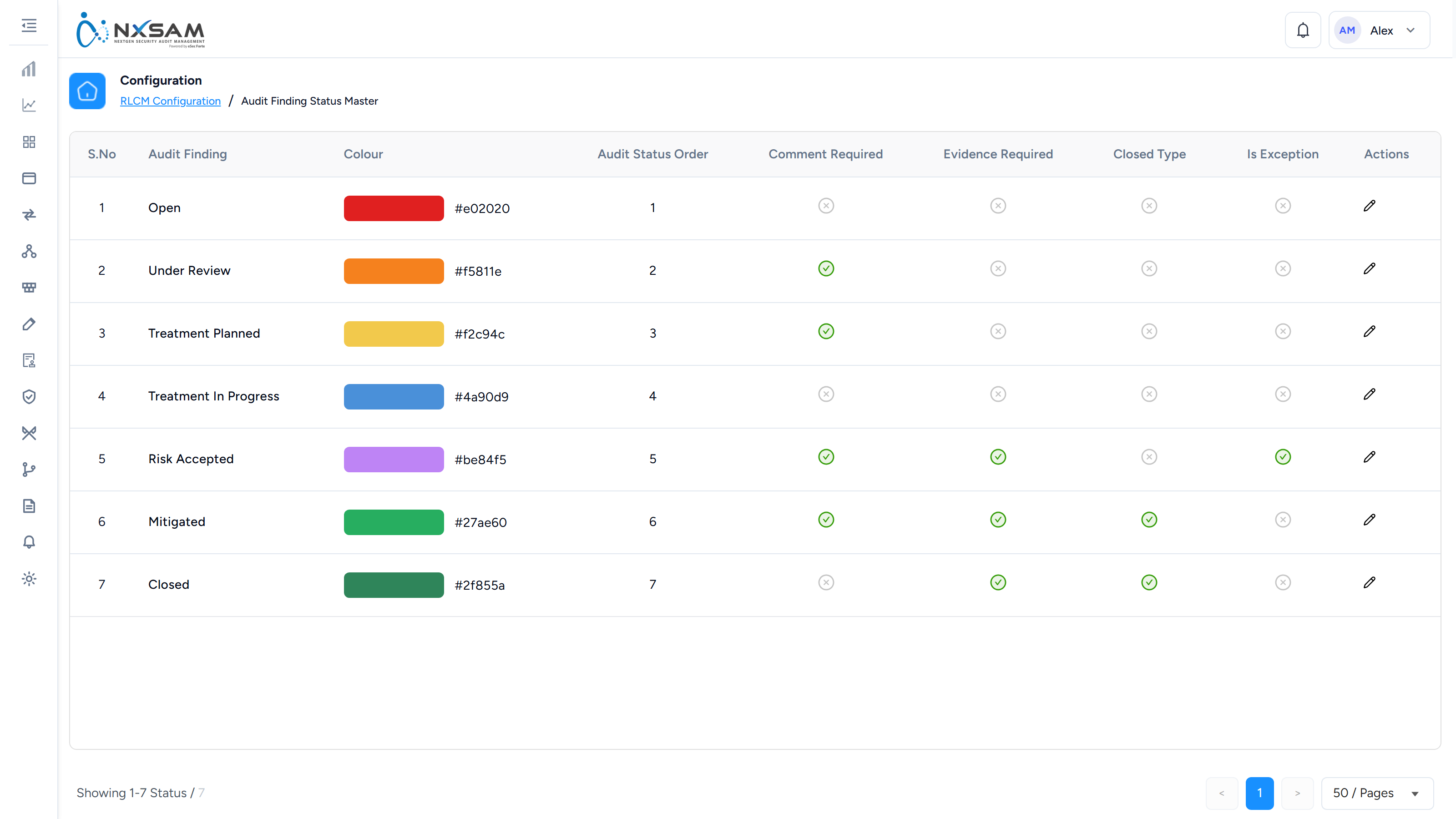
Audit Status Master
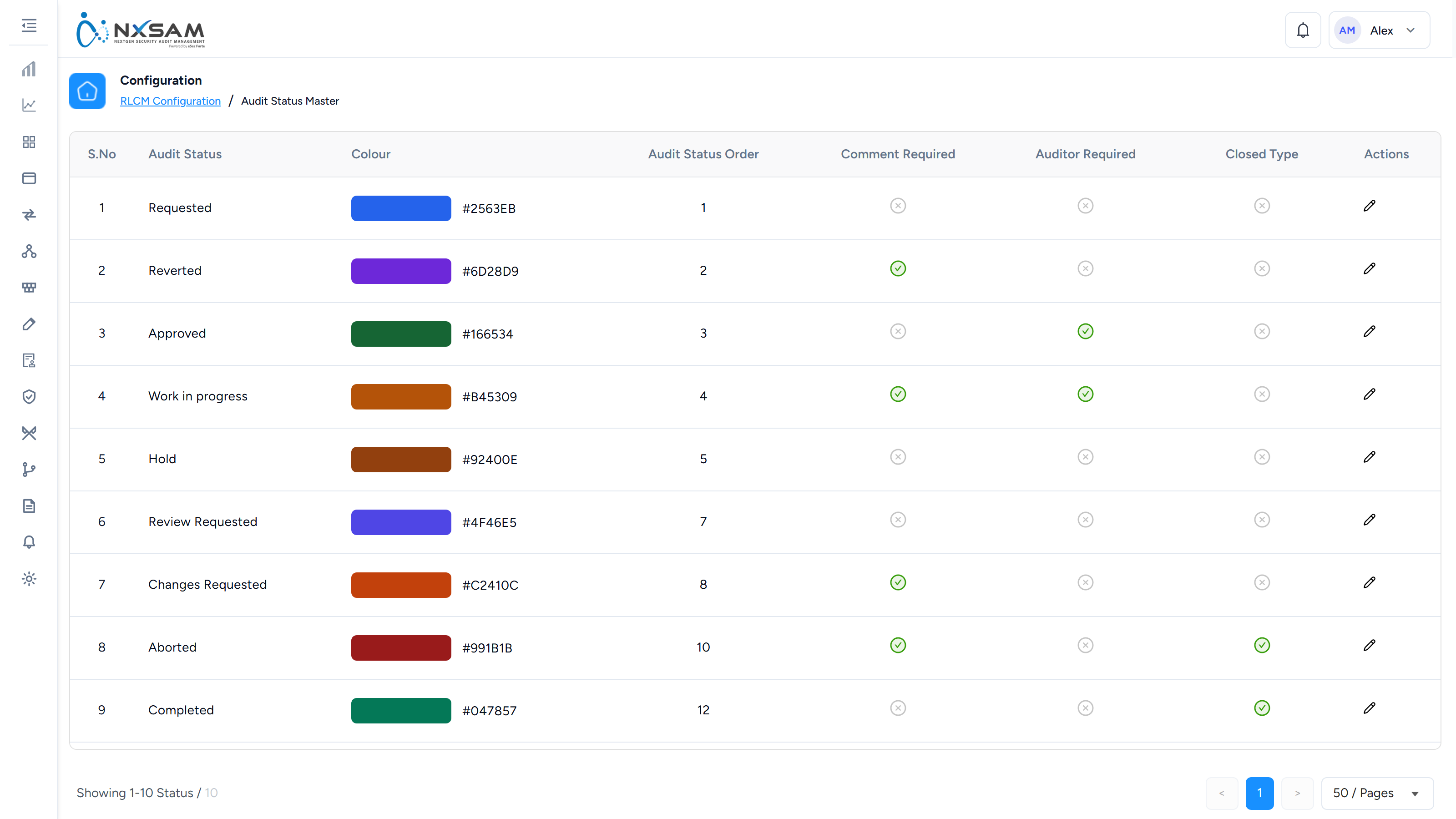
The states an audit can hold, their order, and which of them demand a comment or an auditor.
Email Log
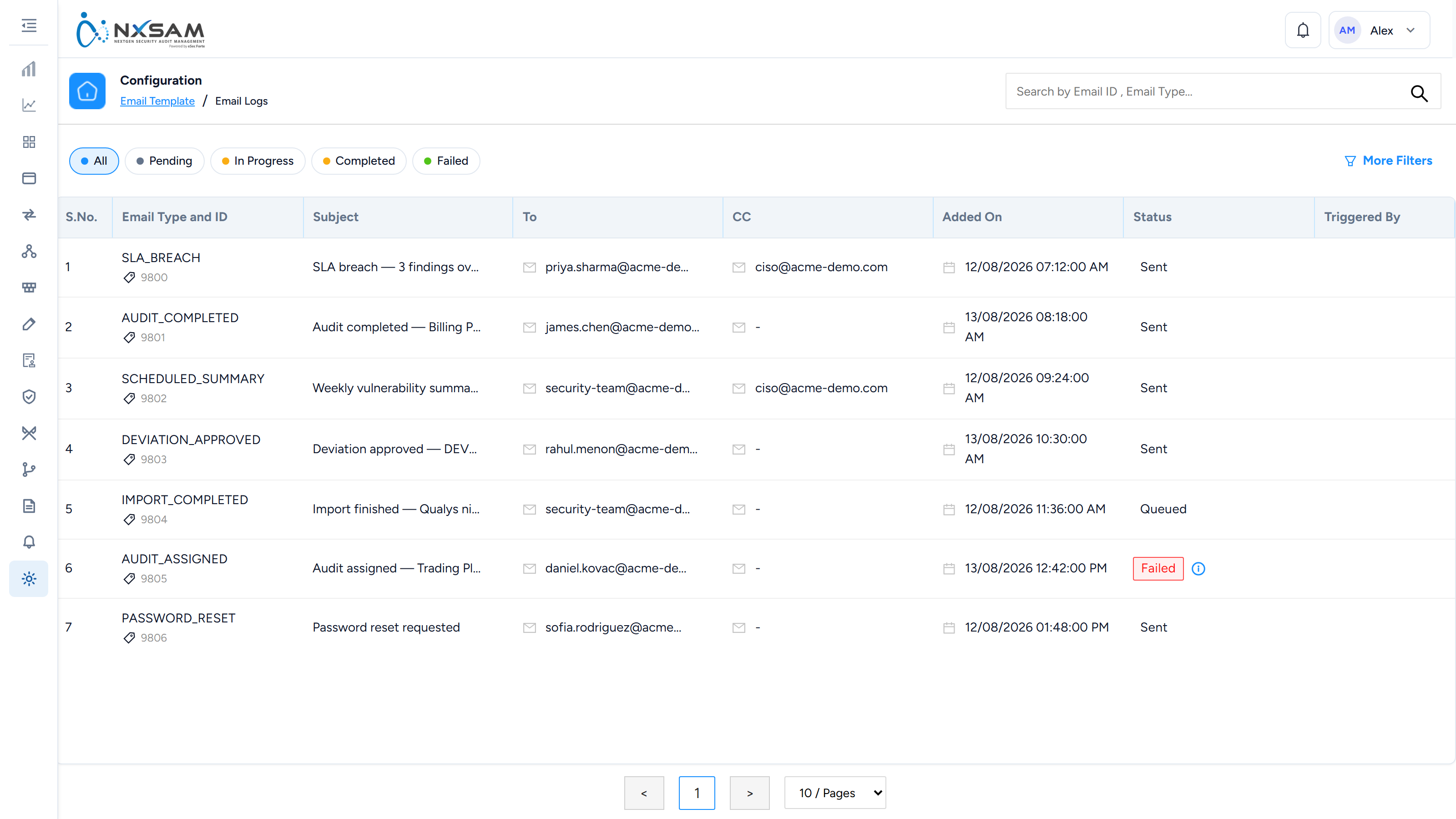
Every message the platform tried to send and what became of it. The first place to look when someone says a notification never arrived.
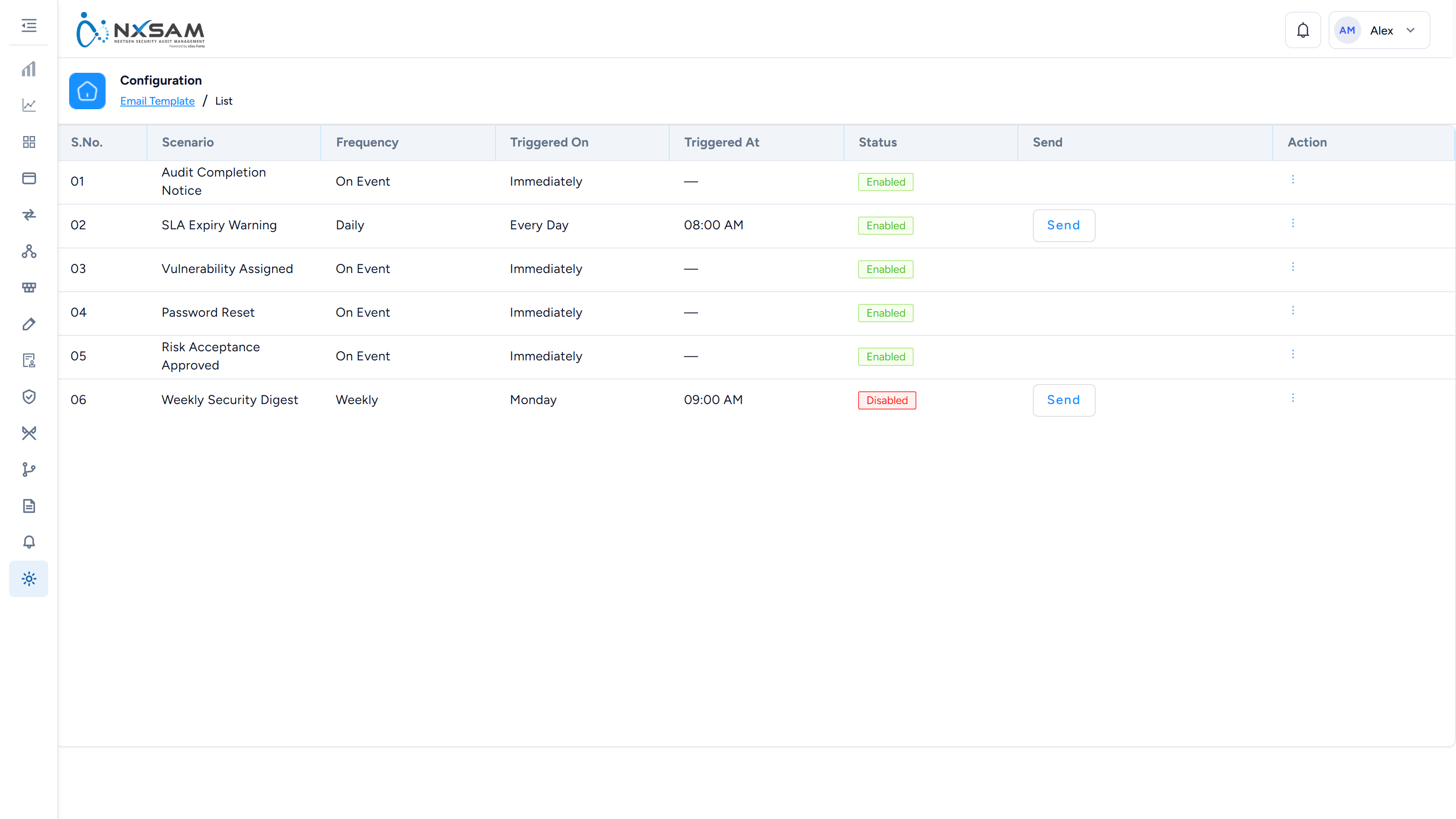
Email Templates
The wording of every notification the platform sends.
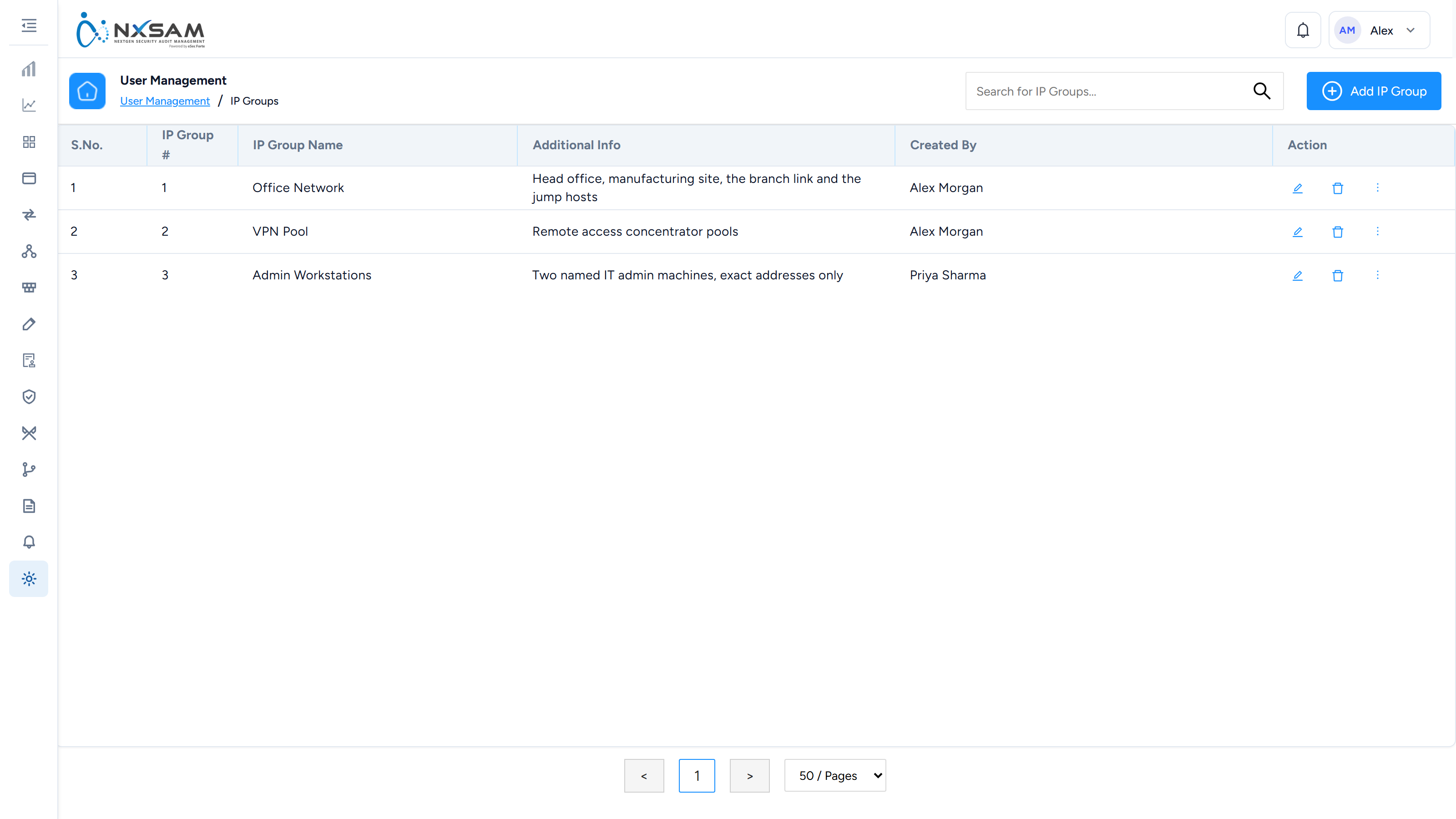
IP Groups
Address ranges sign-in can be restricted to.
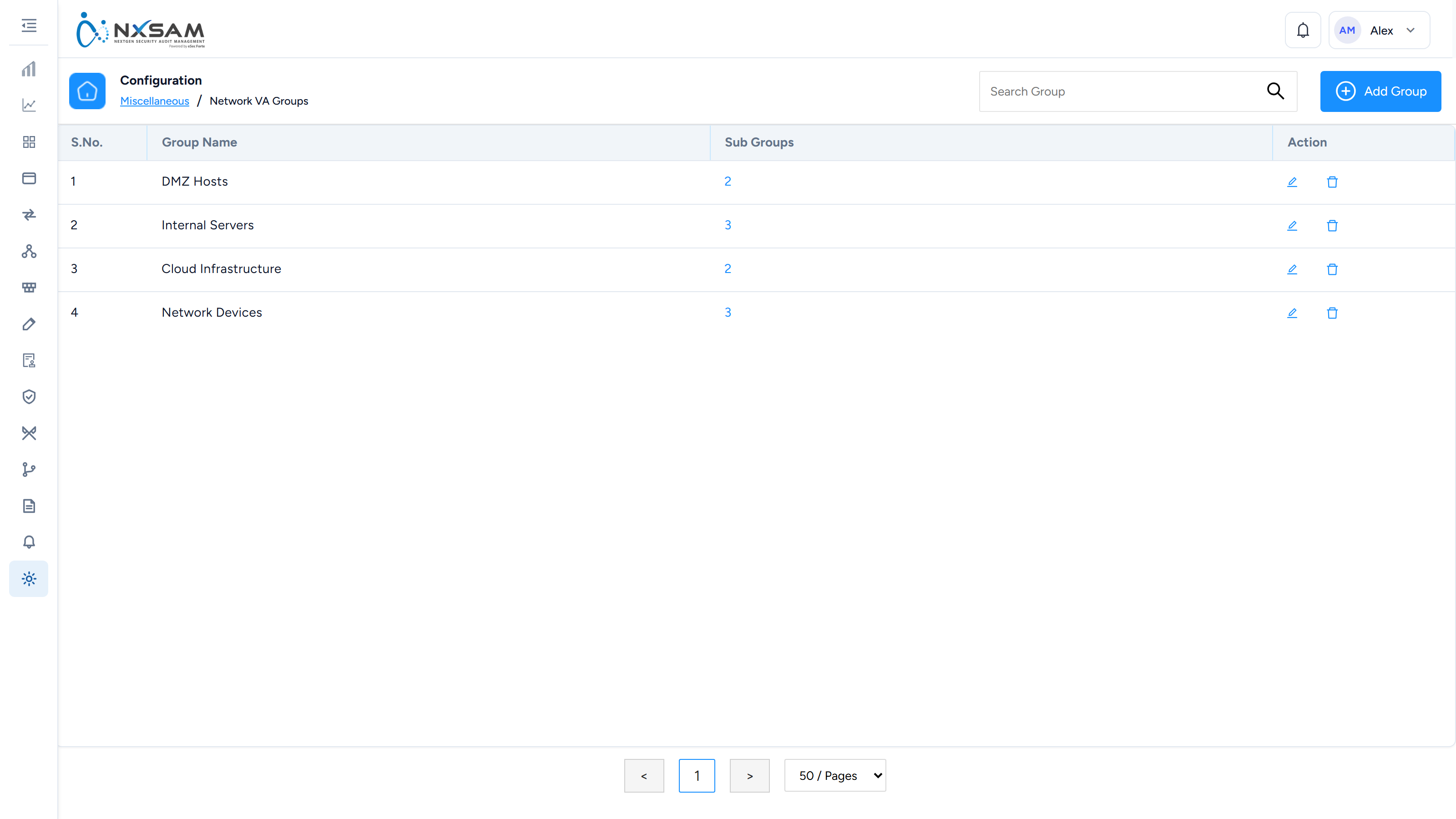
Network VA Groups
Groupings of network assets for assessment and reporting, usually by site or environment.
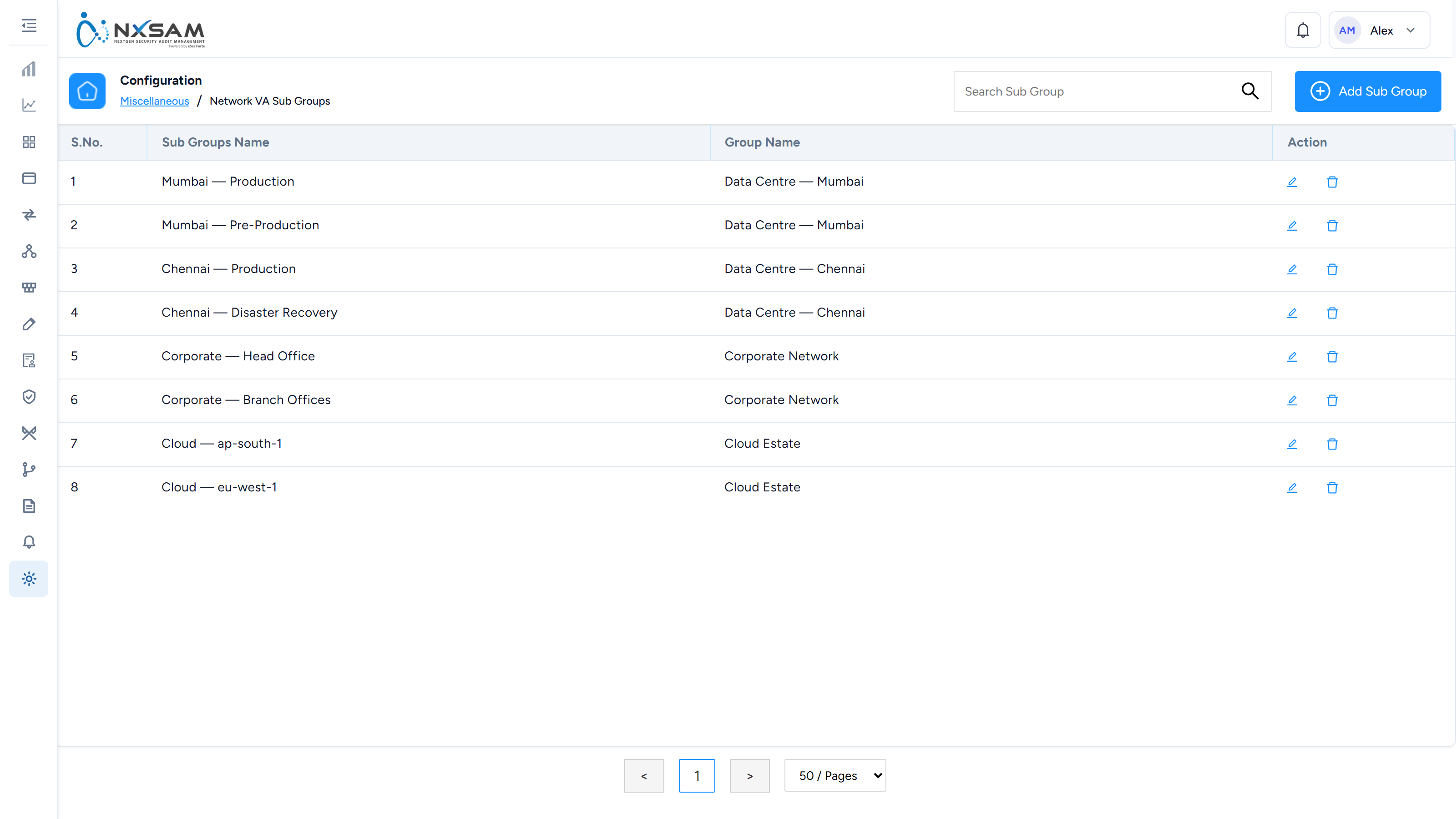
Network VA Sub-Groups
A second level of grouping within a VA group.
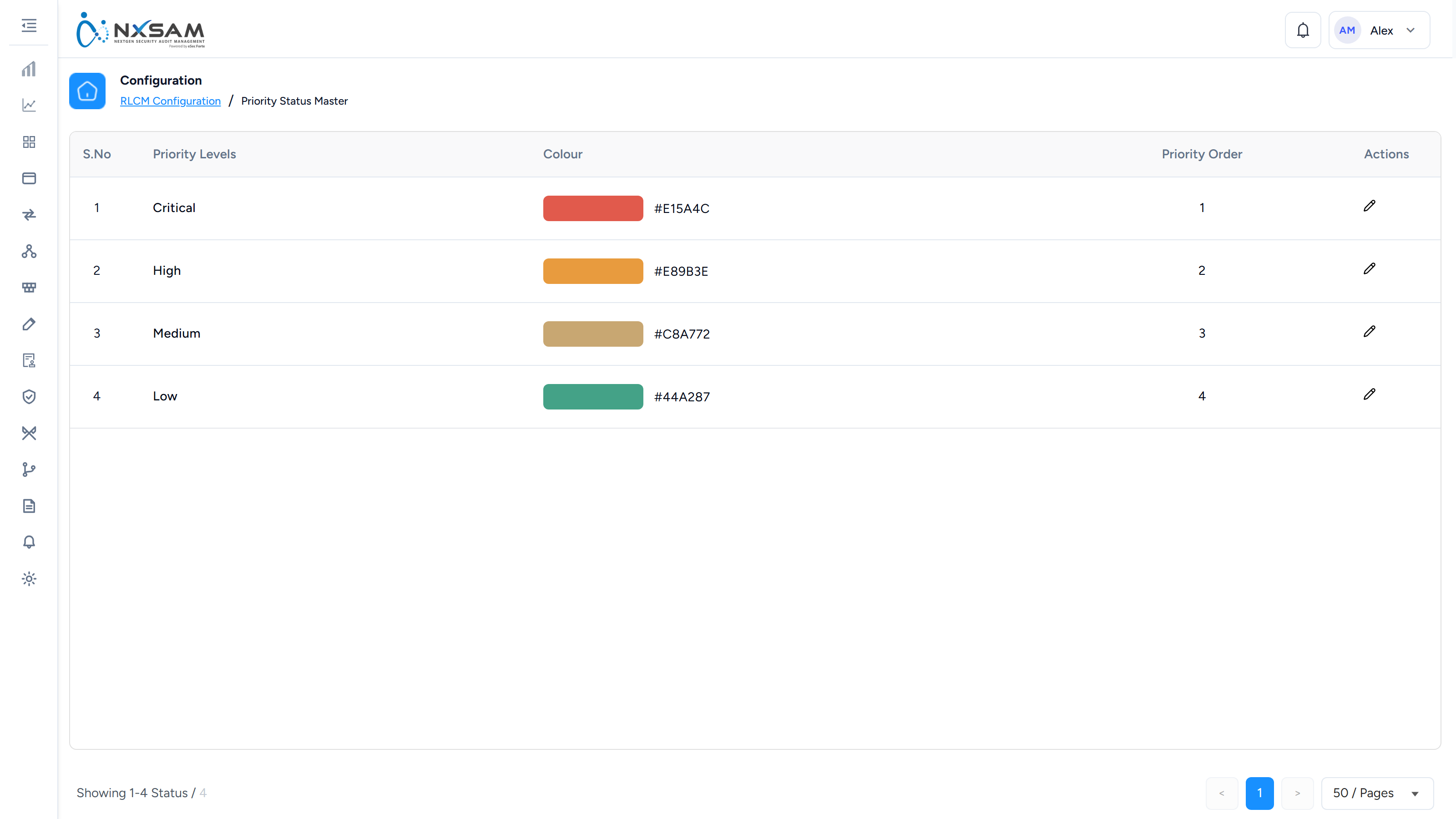
Priority Statuses
The priority values available on findings.
Risk Statuses
The risk states available across modules.
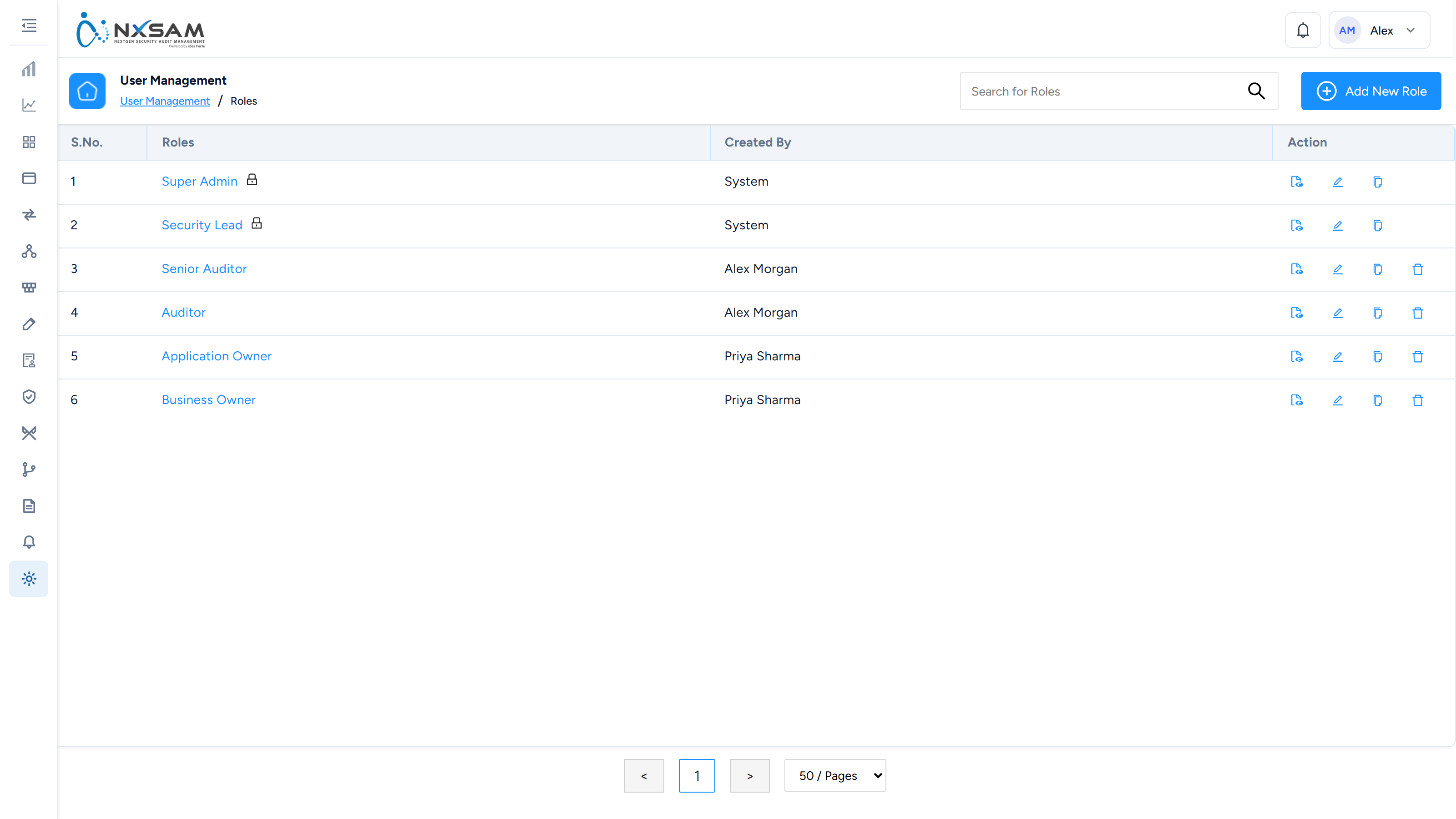
Roles
What each role can see and do. Permissions are granted to roles, never to people directly.
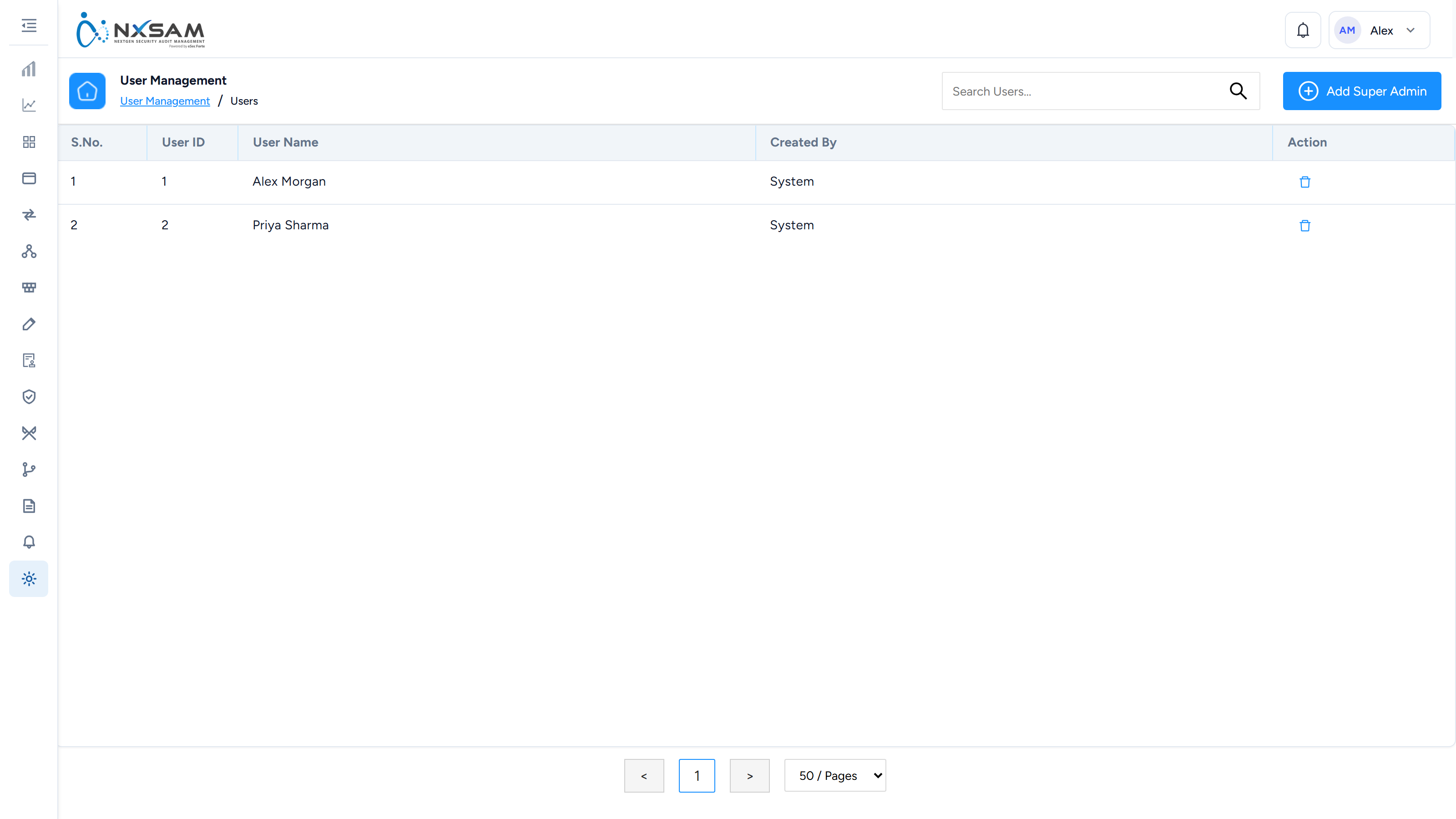
Super Administrators
Accounts with unrestricted access. Worth reviewing on a schedule.
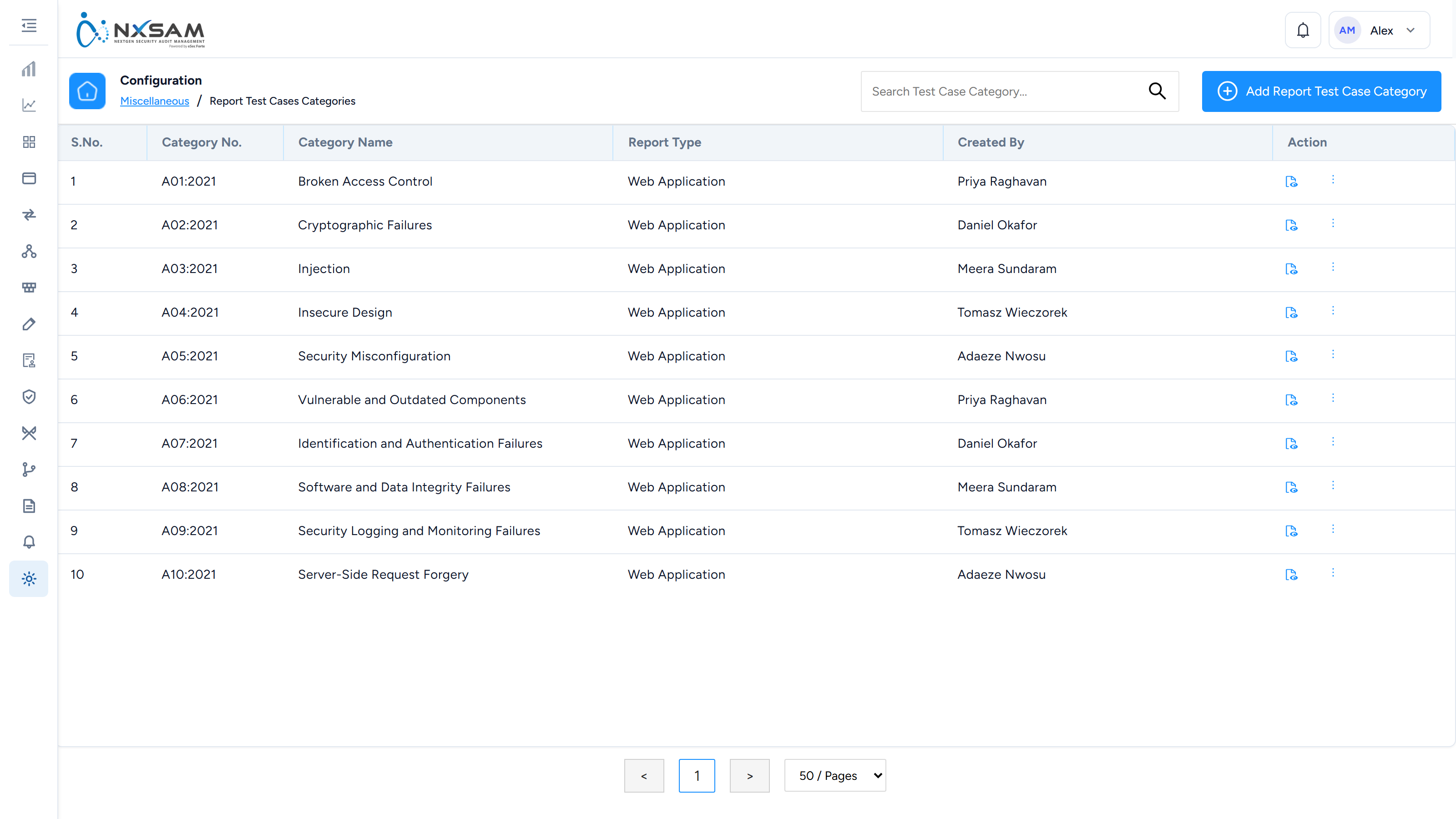
Test Case Categories
How test cases are grouped for reporting, and which report type each group belongs to.
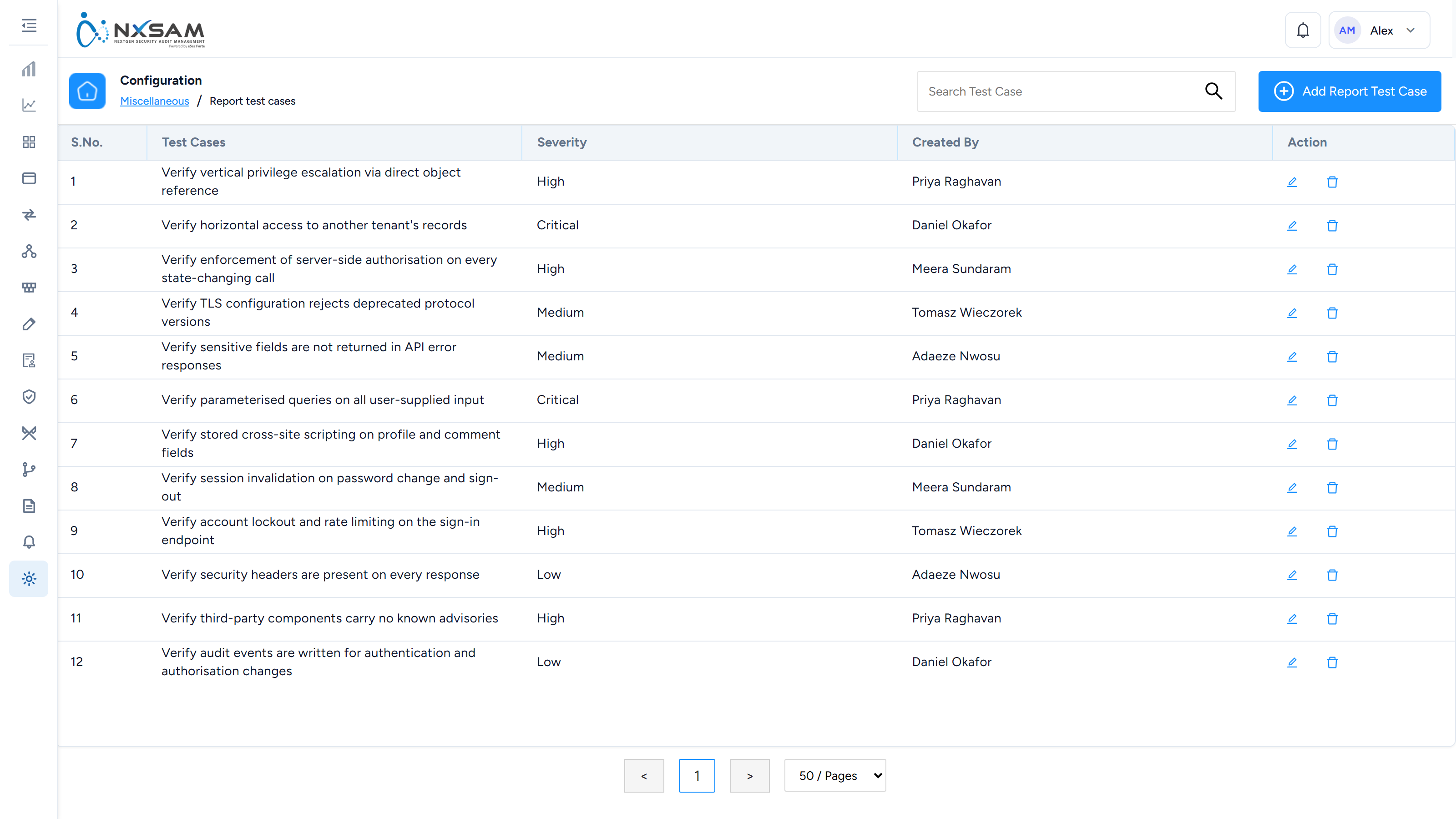
Test Cases
Individual checks a tester works through during a manual assessment.
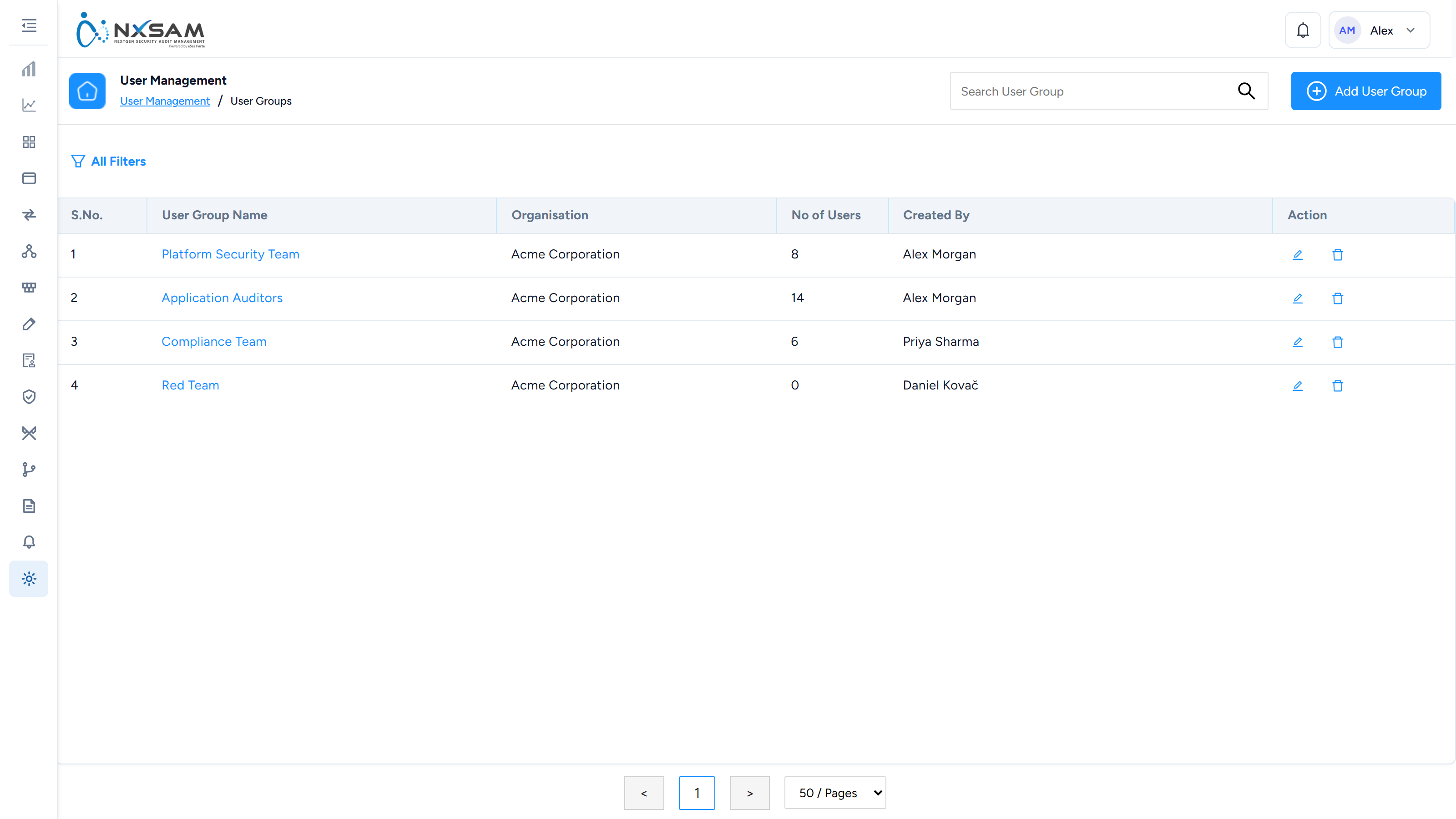
User Groups
Groups used to assign access to several people at once.
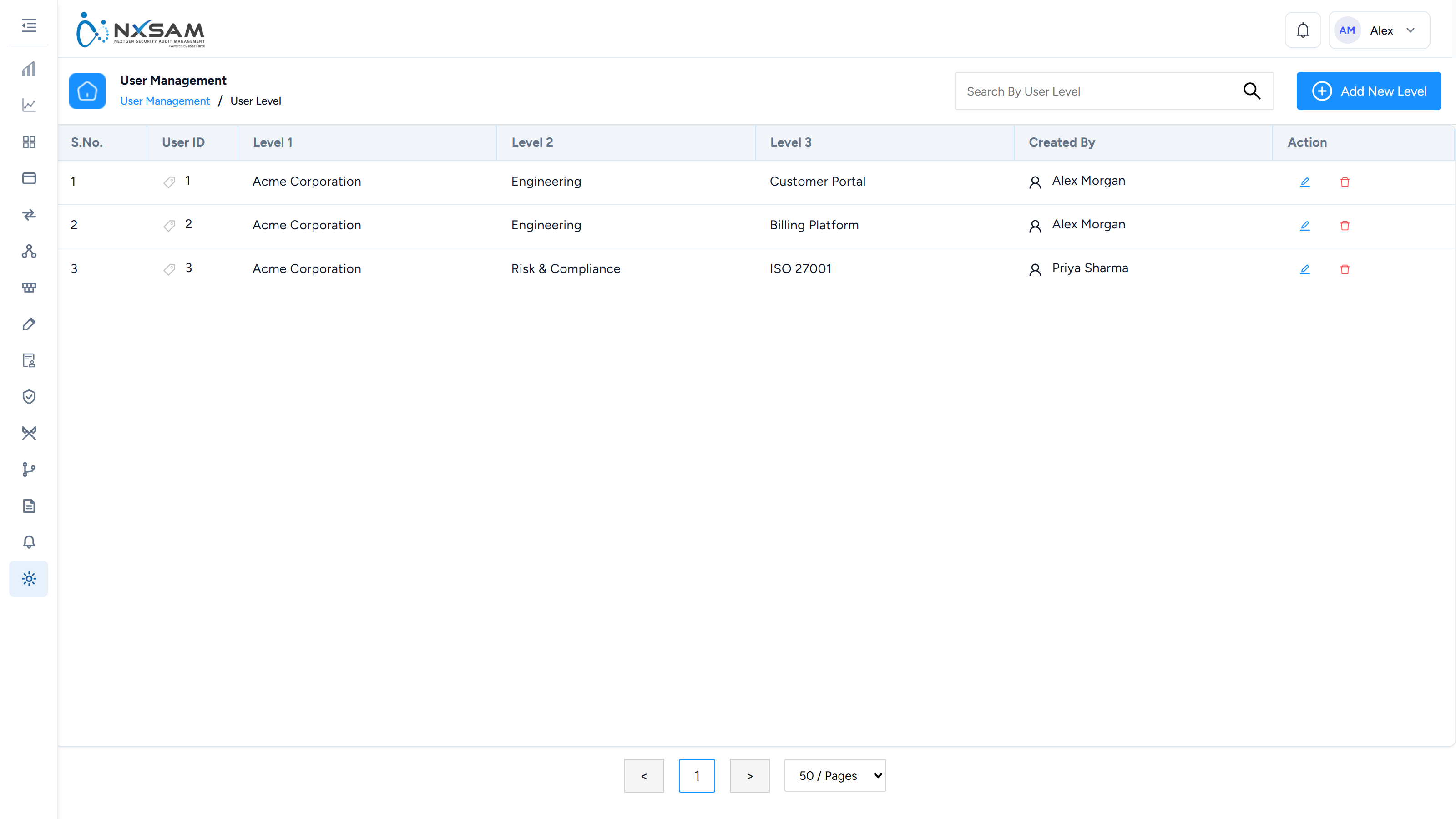
User Levels
Seniority tiers used in approval chains and escalation.
Users
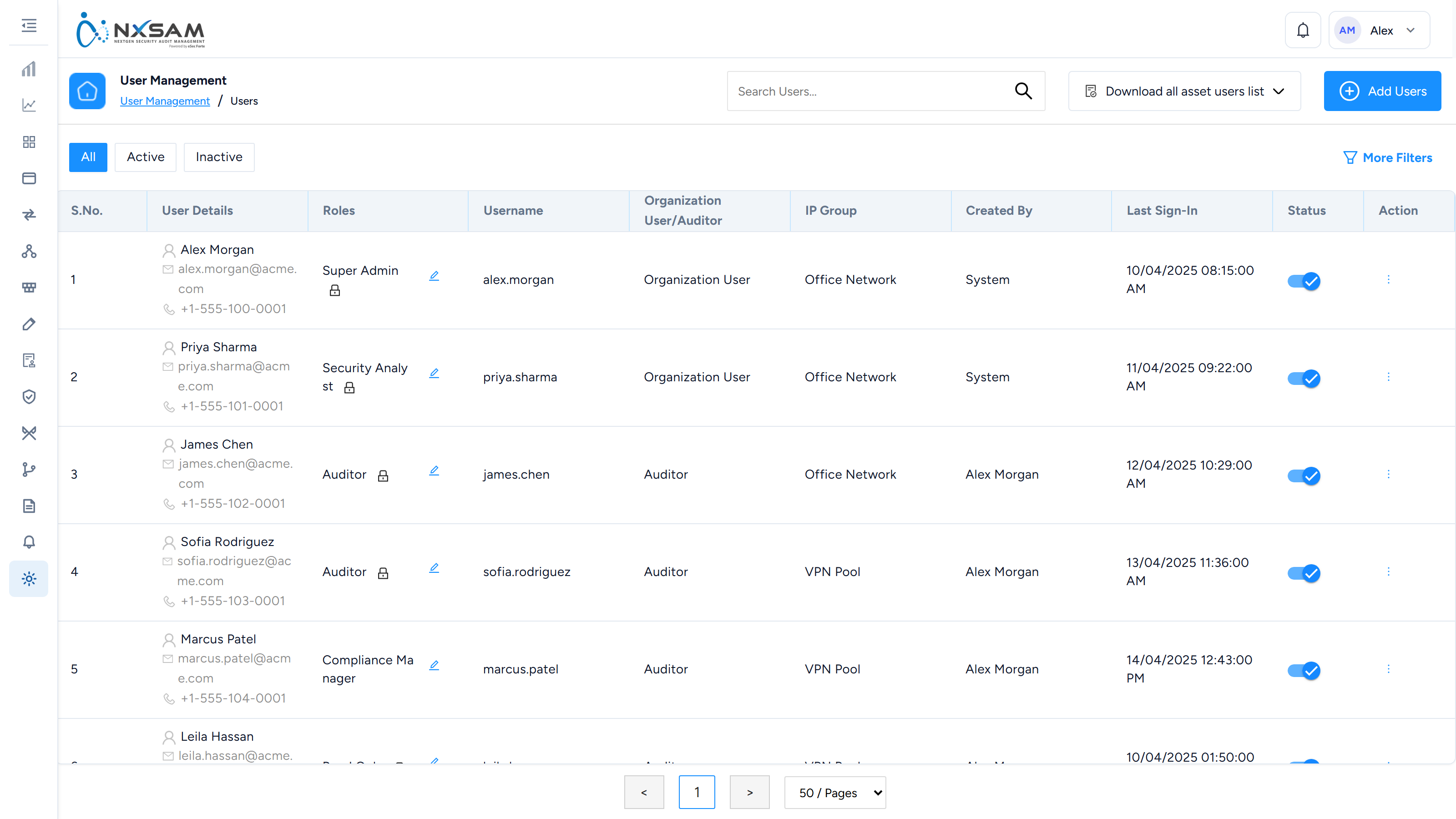
User accounts, their roles and when they last signed in.