Integrations
NxSAM does not scan anything itself. It connects to the tools that do, collects what they find, and gives you one place to track all of it. This page explains what that connection involves and what to expect once it is running.
What an integration does
Once configured, an integration:
- Connects to the tool using credentials you supply.
- Collects findings from the scans that tool has run.
- Matches each finding against what NxSAM already knows, so an issue found again is the same issue rather than a new one.
- Files it against the right asset, in the right module.
From then on the finding behaves like any other in NxSAM: it has a severity, an SLA, an owner, and a lifecycle.
Which tools connect where
| Area | Tools |
|---|---|
| Network vulnerability assessment | Qualys · Tenable.io · Tenable.sc · Nessus · Nexpose · Cortex XDR |
| Application security | Checkmarx · Checkmarx SCA · Burp Suite · Netsparker · Acunetix · Fortify · AppScan · Snyk Code · Gitleaks · Dependency Track · JFrog Xray |
| Container security | Prisma Cloud · Twistlock |
| Cloud posture | Prisma Cloud CSPM · Cortex CSPM · SentinelOne CSPM |
Findings from a network scanner appear under Network Security; findings from an application scanner appear under Application Security, and so on. The module a finding lands in is determined by the tool it came from, not by a choice you make at import time.
What you need before you start
Three things, in this order:
- Somewhere to reach. The tool's API endpoint, reachable from the NxSAM server. If NxSAM sits behind a proxy, that is configured per integration.
- An account. A service account with API access — not a personal login. Personal accounts break when the person leaves or changes their password.
- Scope. The account must be able to see the assets you expect to import. This is the step most often missed, and it fails quietly.
Valid credentials are not the same as useful access
An account with correct credentials but no visibility of your target scope connects successfully and imports nothing. The screen shows a working connection and an empty result, which looks identical to "there is nothing to report".
If an integration connects but never brings anything in, check what the service account can see in the source tool before changing anything in NxSAM.
Setting one up
Every integration follows the same pattern:
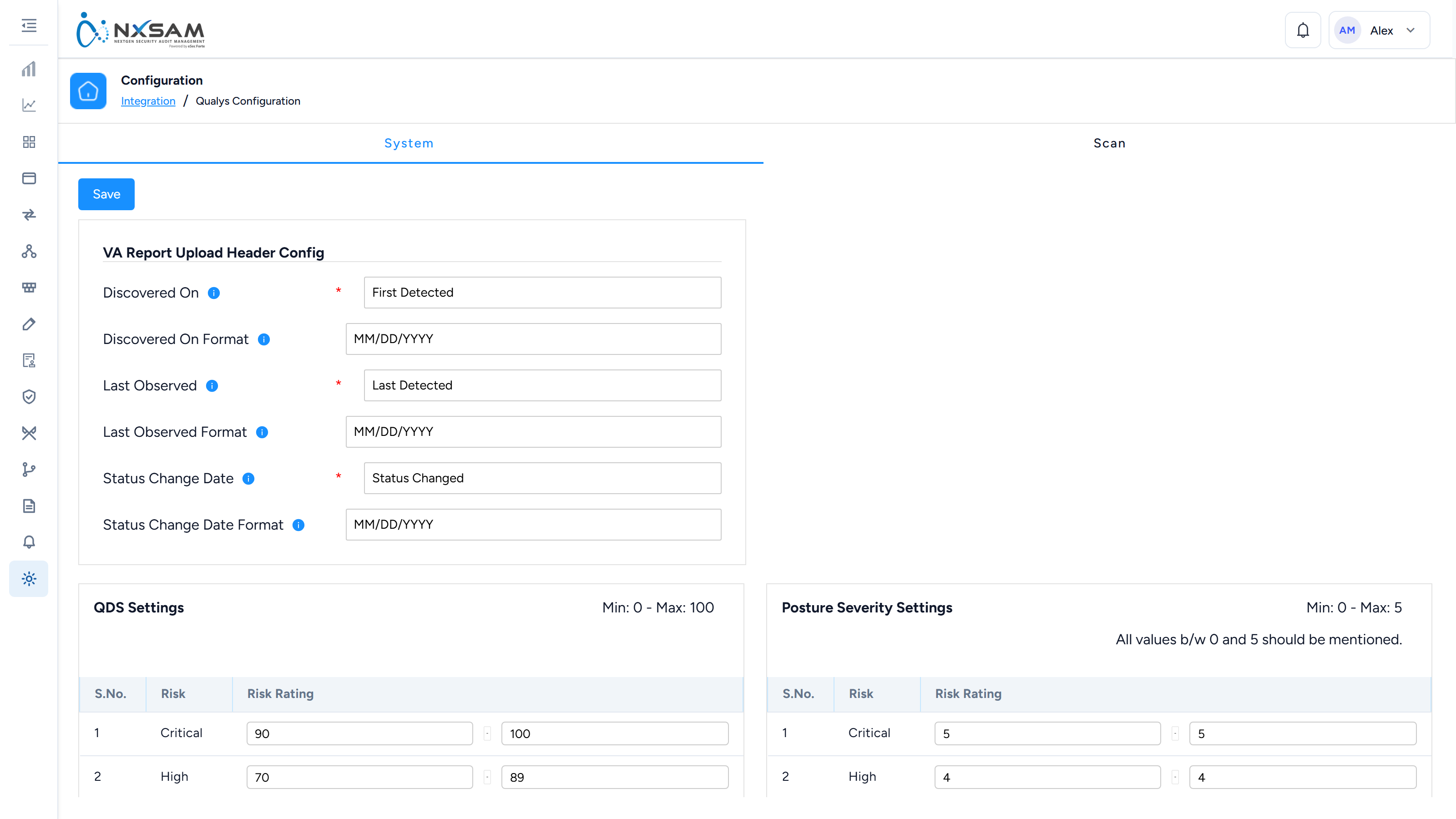
- Go to Configurations → Integration and choose the tool.
- Enter the connection details — endpoint, port, credentials.
- Select which client the imported data belongs to.
- Save, then run a sync.
The exact fields differ per tool, but they are always some combination of where, who, and for whom.
After the first sync
Expect these, and do not treat them as faults:
- The first sync imports history. Your first import can bring in a large number of findings at once, including old ones. Subsequent syncs are much smaller.
- Ages reflect discovery, not import. A finding your scanner first saw six months ago arrives already six months old, and may already be past its SLA. This is correct — the weakness has genuinely existed that long.
- Not every finding becomes an open item. Some tools are configured to mark certain findings as false positives automatically. Your support team can explain the rules configured for your deployment.
When something looks wrong
| What you see | Usually means |
|---|---|
| Connection works, nothing imported | The service account cannot see the target scope |
| Far fewer findings than the tool reports | Automatic classification rules are filtering them |
| Counts jumped sharply after a sync | How findings are matched has changed — raise with support |
| Findings you closed have come back | The scanner still sees them; closure needs re-validation |
For the rules behind these, your support team has the detailed reference.