Organising the inventory
Everything in NxSAM hangs off the asset inventory, so how it is organised decides how useful every report and dashboard downstream will be. These screens are where that structure is set.
The three levels of grouping
| Level | What it usually maps to |
|---|---|
| Organisation | A legal entity, or a major division |
| Business Unit | A department or function within it |
| Project | A programme of work, or a product |
Every asset sits under a project, which sits under a business unit, which sits under an organisation. Reports and dashboards group by these, and access can be scoped to them.

Set these up before importing assets in bulk
An import that references a project which does not exist yet either creates a placeholder or rejects the row. Creating the structure first avoids both, and avoids a cleanup pass later.
Asset owners
The Asset Owner Master holds the people who can be assigned as responsible for an asset. Ownership determines who sees an asset, and who is chased when findings on it approach their SLA.
An owner has to exist here before they can be assigned. Assigning ownership to someone who has left, and never revisiting it, is the most common cause of remediation reminders going nowhere.

Asset properties
Beyond the built-in fields, you can define asset properties of your own — a data classification, a hosting region, a compliance scope. These become filterable and groupable everywhere the asset appears.
Asset Property Management maps which properties apply to which asset types, so a property that only makes sense for network hosts does not appear on mobile applications.
Properties are worth defining early for the same reason as the grouping levels: they apply going forward, and backfilling them across an existing estate is manual.

Bringing assets in
| Screen | Use |
|---|---|
| Network asset upload | Bulk-create network assets from a file |
| Asset sync configuration | Connect a source of truth such as a CMDB |
| Network asset map | Relate network assets to the applications they host |
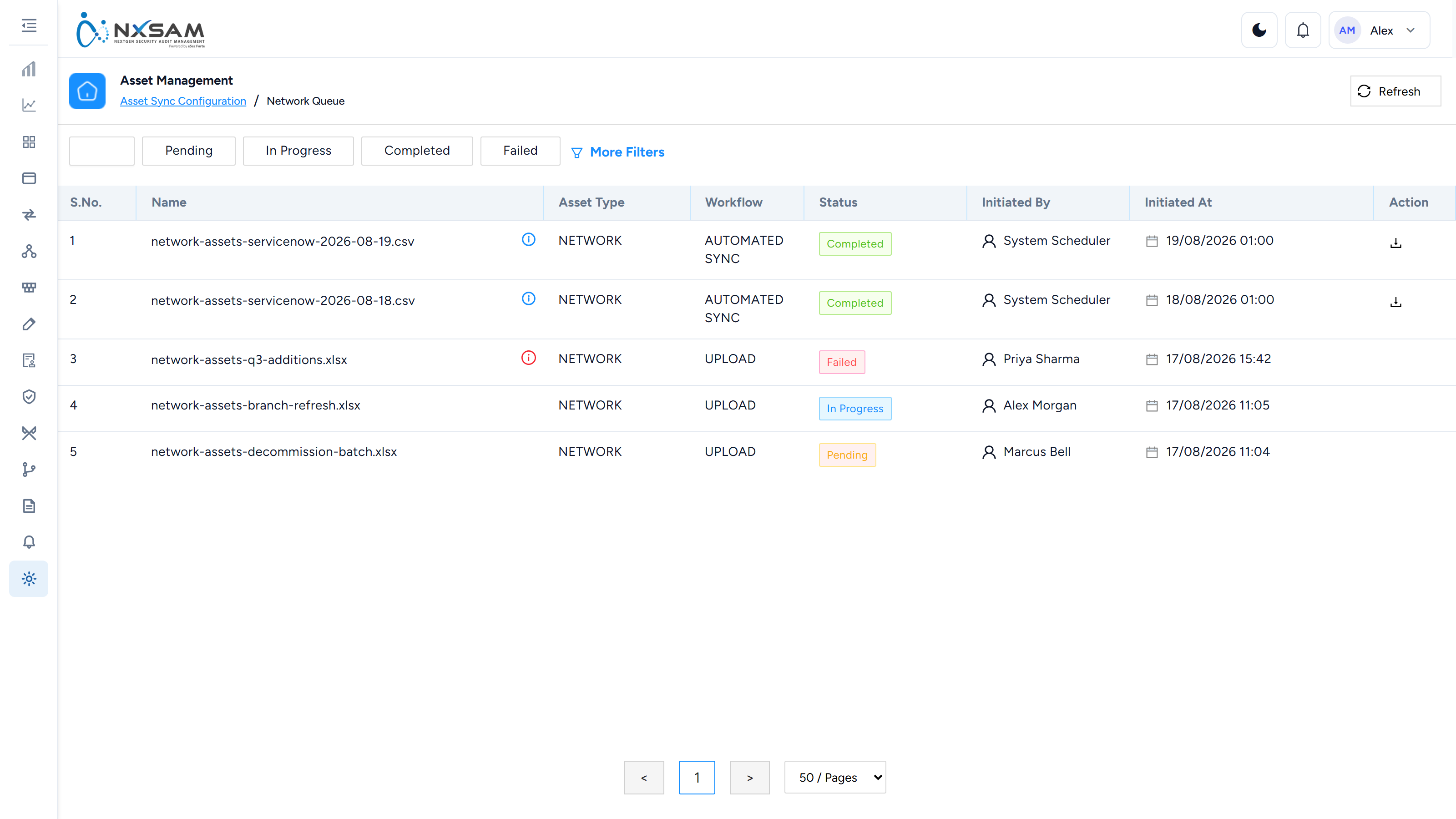
A bulk upload is queued rather than applied on submission, and the queue is where a rejected file explains itself.
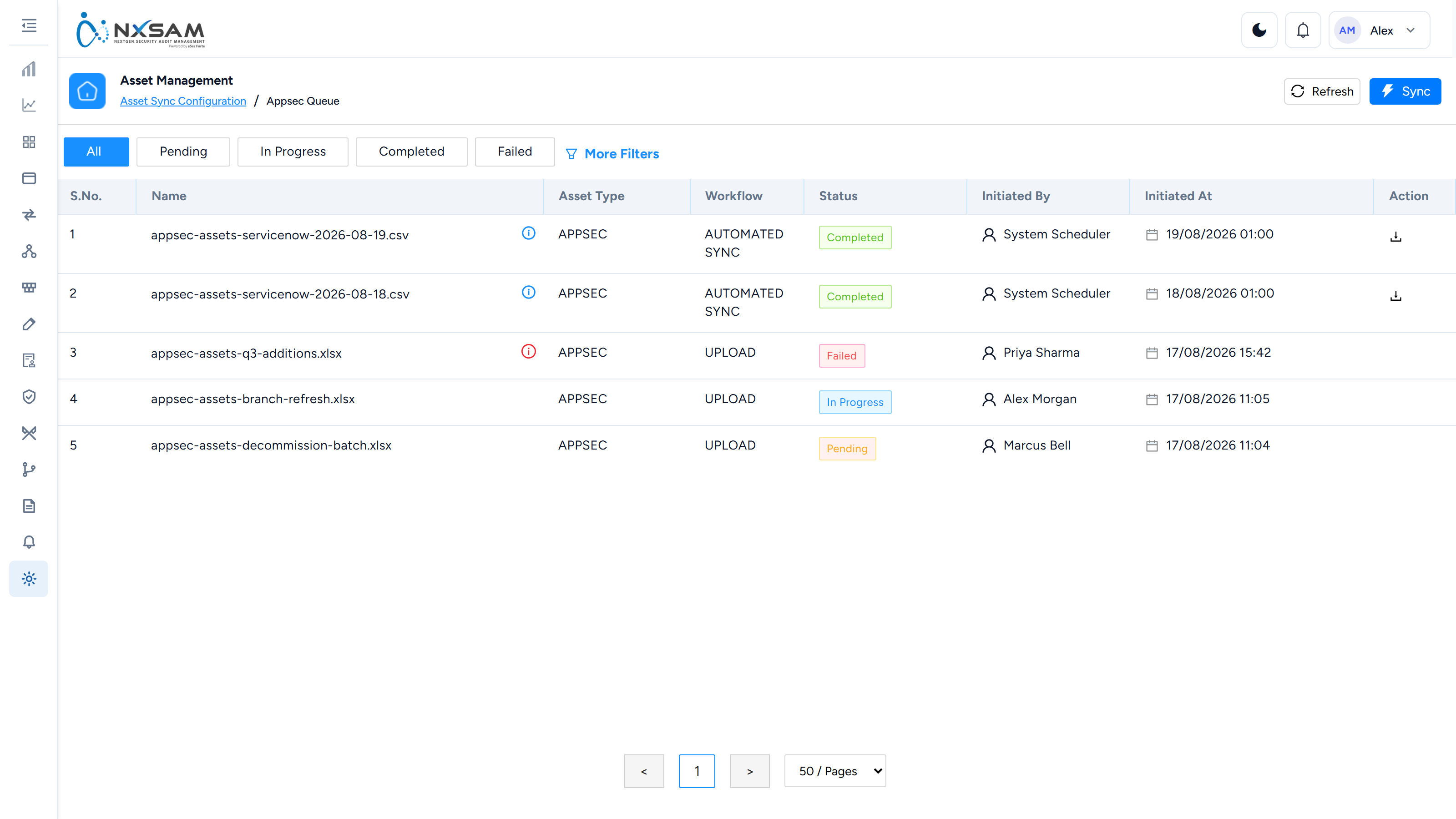
Where a sync is configured, treat the source system as authoritative. A local edit to a synchronised field is overwritten on the next run, which looks like the platform discarding work.
Decommissioning
Assets that no longer exist should be decommissioned rather than deleted. Decommissioning removes an asset from active tracking while preserving its history, so past findings and the reports that mention them remain intelligible.
Deleting is also a soft operation — the record is hidden rather than destroyed — which is why a deleted asset's name can still appear on historical findings and older reports. That is intentional, and it is not a leak of removed data.
Audit calendar planner
Plans assessments across the estate over a period, so coverage is deliberate rather than whatever was requested ad hoc. Most useful where a compliance obligation requires every asset of a given class to be assessed on a defined cycle — the planner is where you can see whether that is actually happening.