System & Health: find the right screen
Every screen in this module, what each one is for, and where it lives. Use it to find the right screen quickly, and to confirm you are on the one a colleague means — several screens in this product have similar names and different jobs.
Screenshots come from a demonstration data set, so the figures are illustrative. Click any screenshot to open it at full resolution.
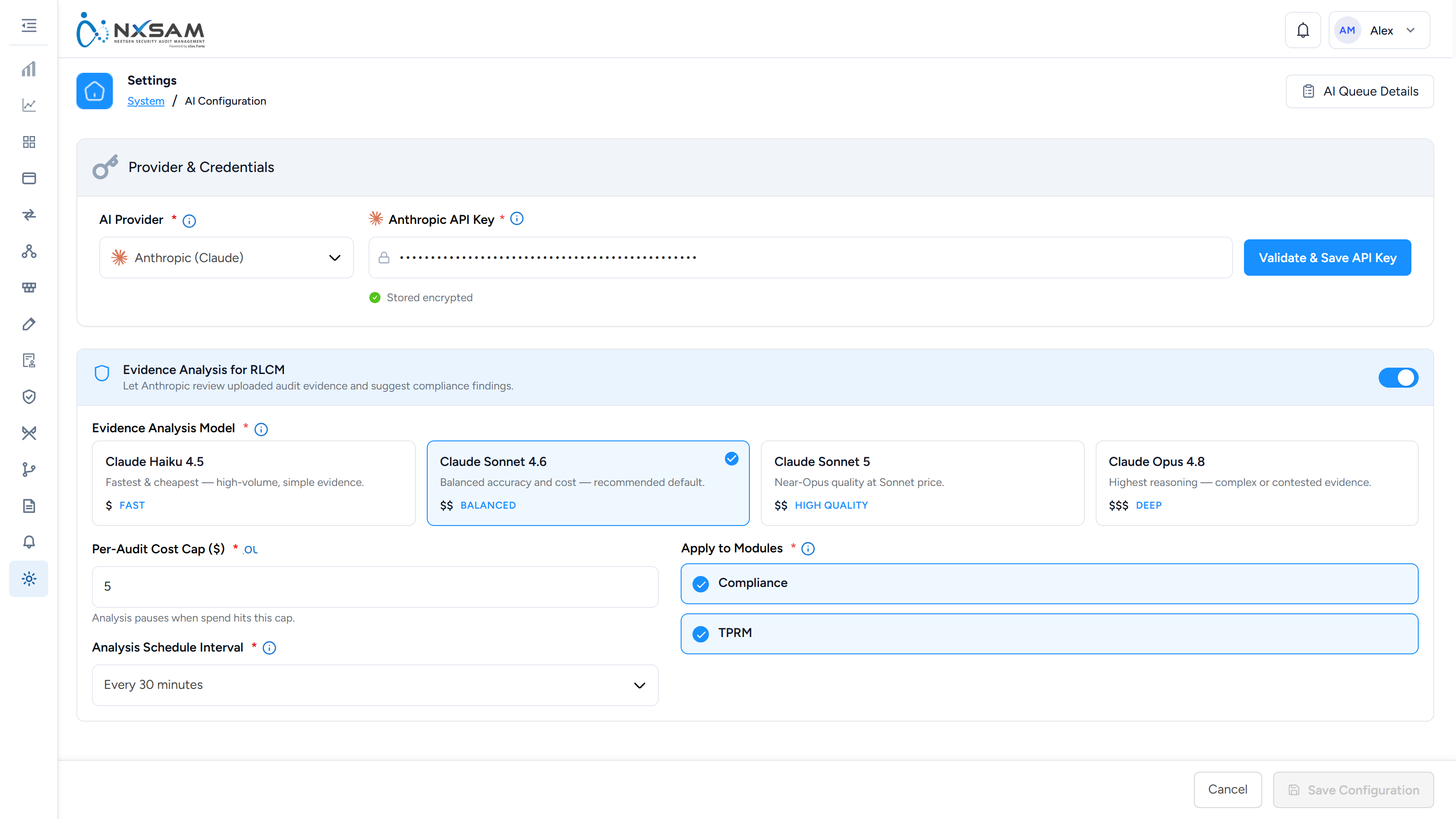
AI Configuration
Where the platform's AI service is connected and told what it may do — today, reading uploaded compliance evidence and suggesting a finding to the auditor. Provider, model, schedule, a per-audit cost cap, and which modules it is on for.
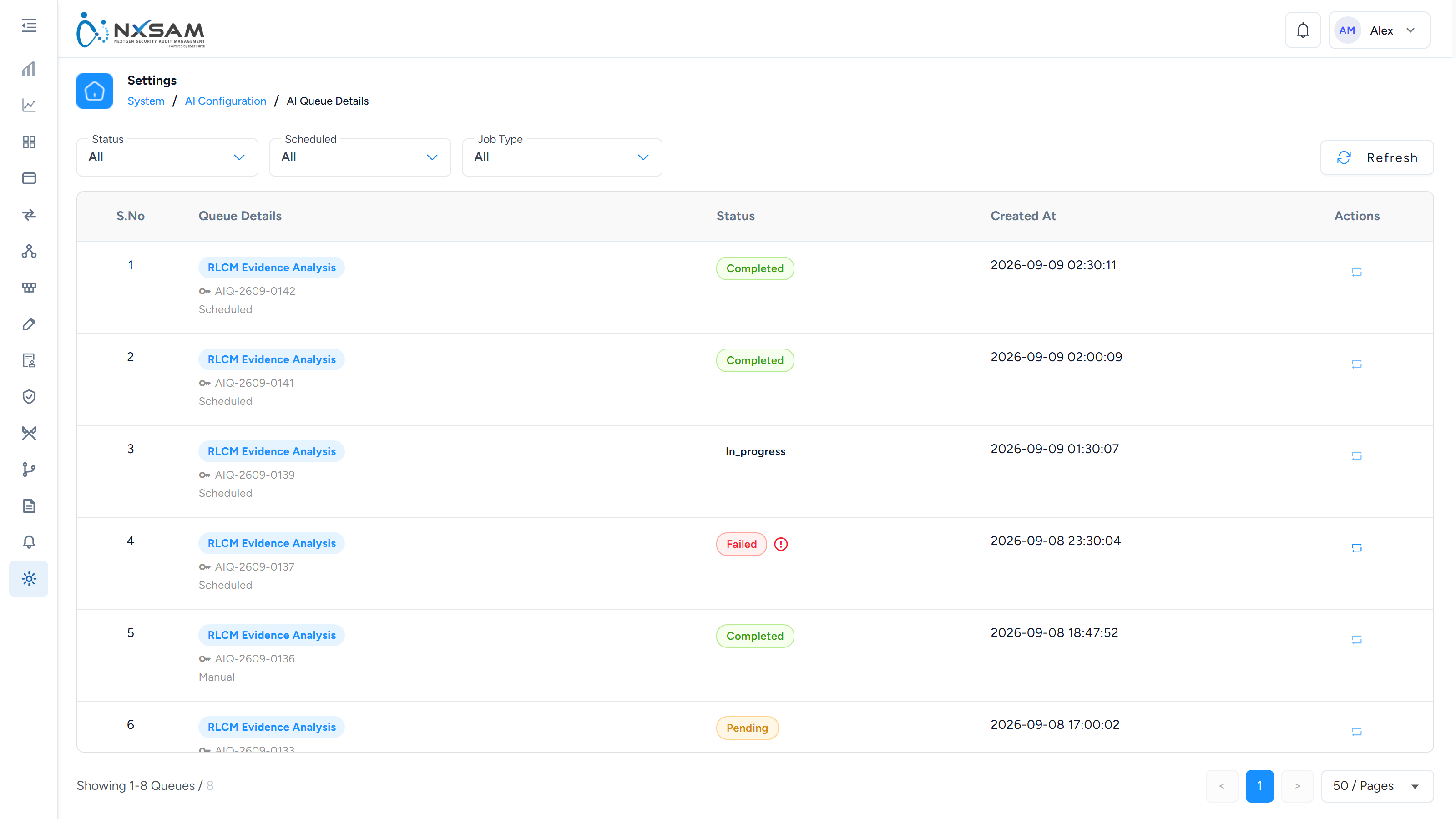
AI Queue Details
Every evidence-analysis run with its status, and a re-analyse action. A run that stays pending has usually met the audit's cost cap.
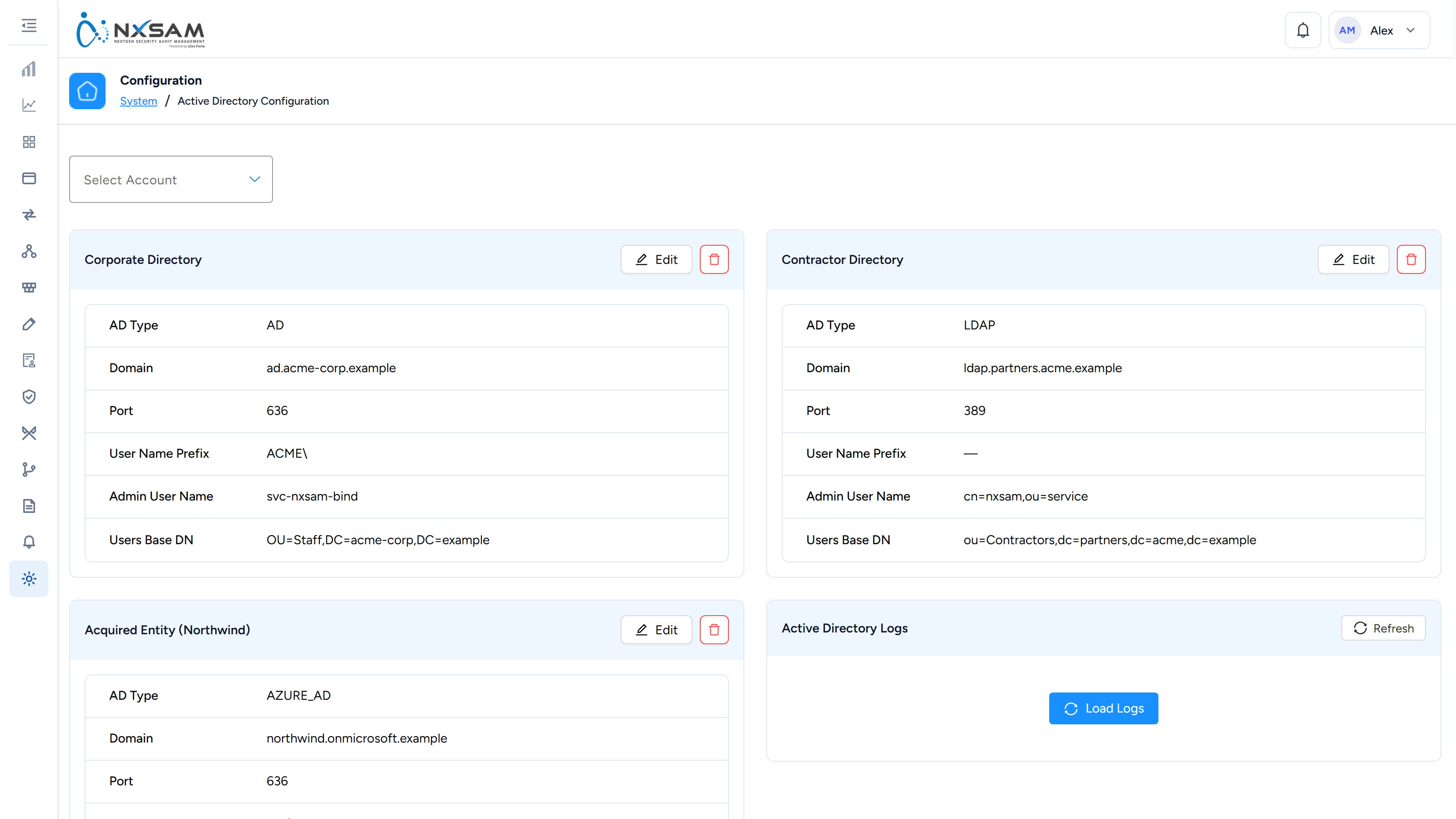
Active Directory
Directory integration for sign-in and user provisioning.
App Update
The running version, and whether a newer one is available.
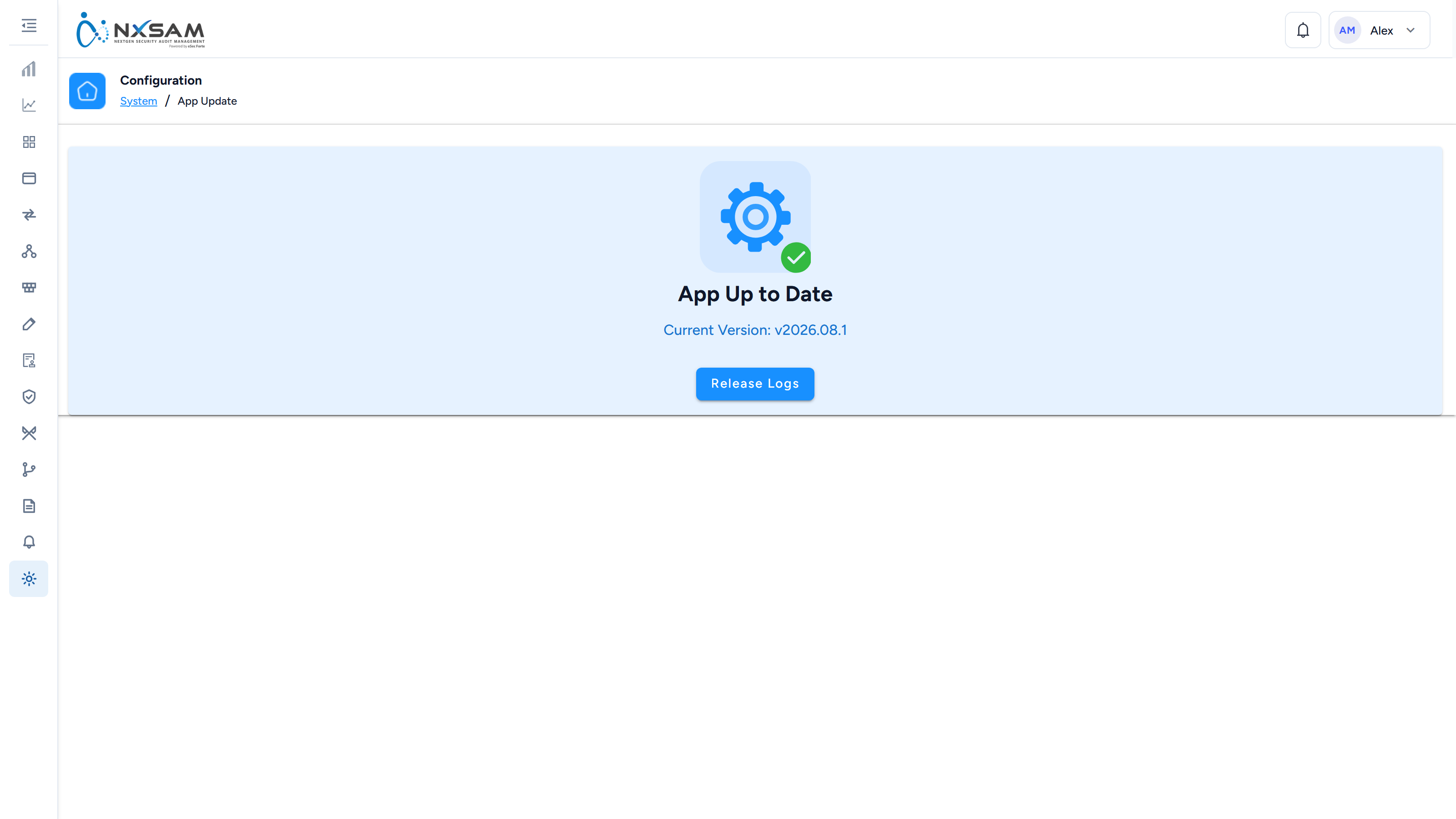
Asset Limit
Licensed asset ceiling and current usage. Worth checking before a large onboarding.
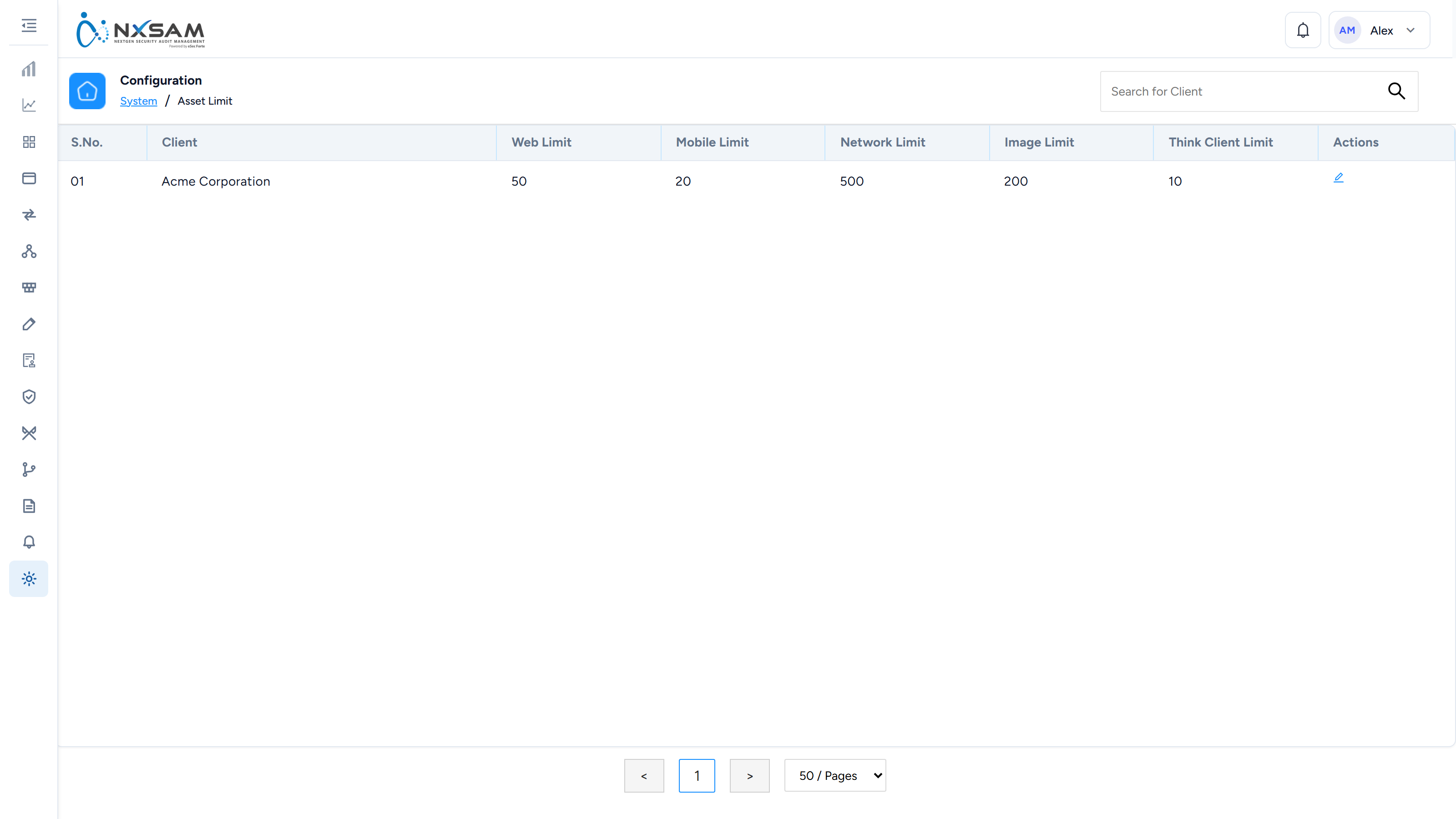
Email Configuration
The mail server used for notifications and scheduled reports.
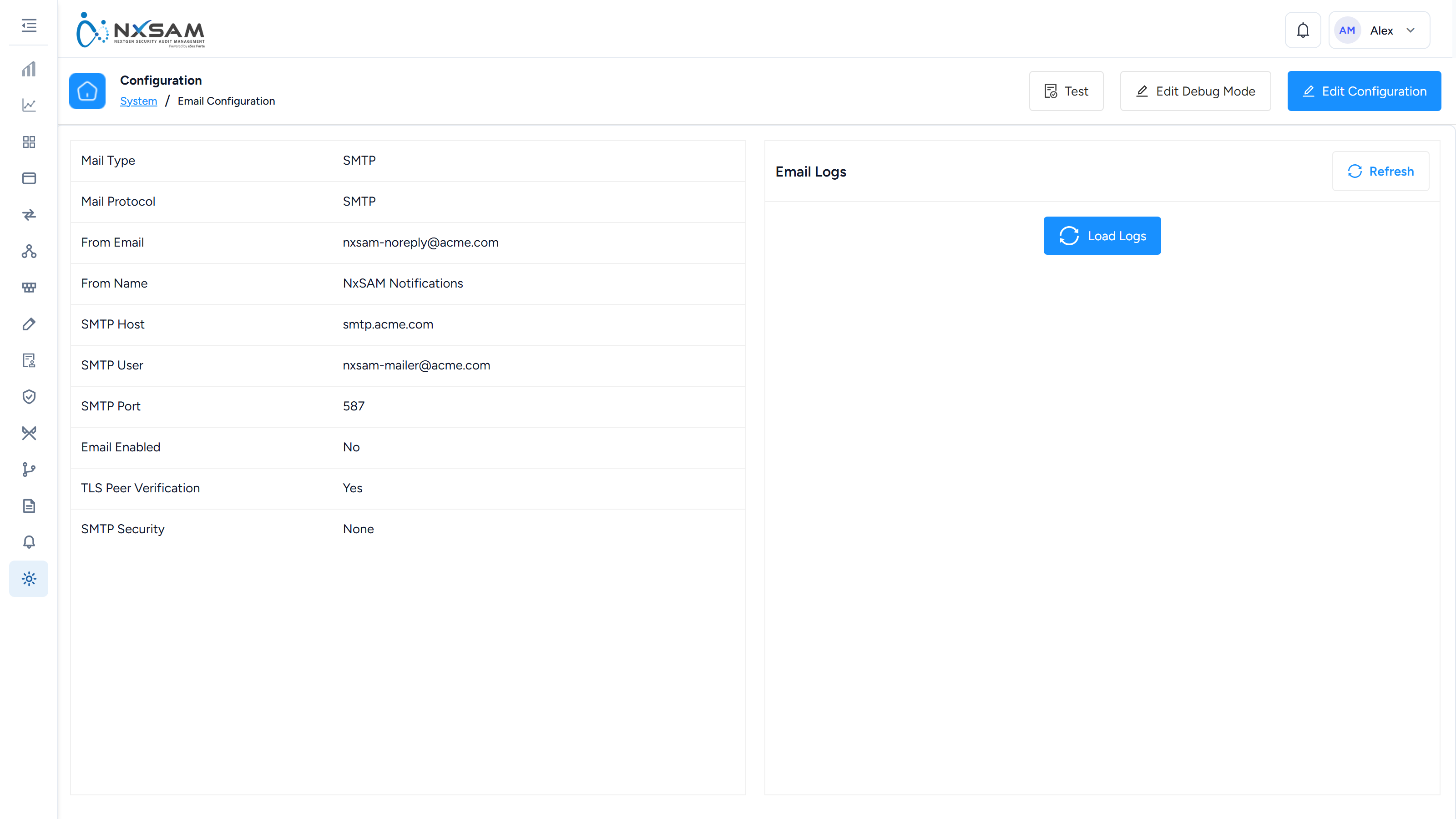
Health Check
Reconciles what NxSAM holds against what the source reported, so an incomplete import surfaces rather than passing unnoticed.
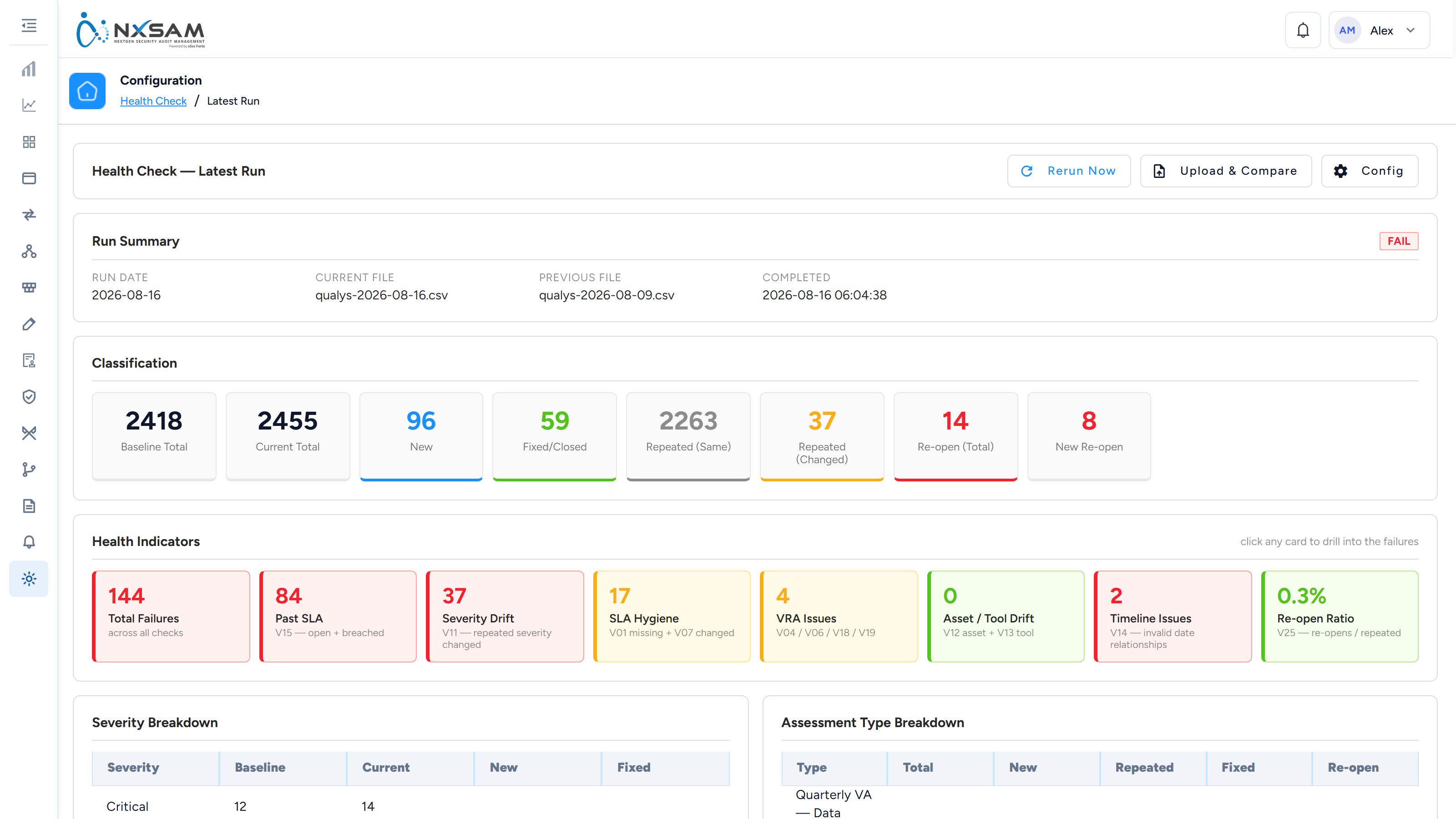
Health Check Configuration
The comparison rules that reconcile a tool’s own export against what NxSAM holds — which columns identify a finding, and what counts as a mismatch.

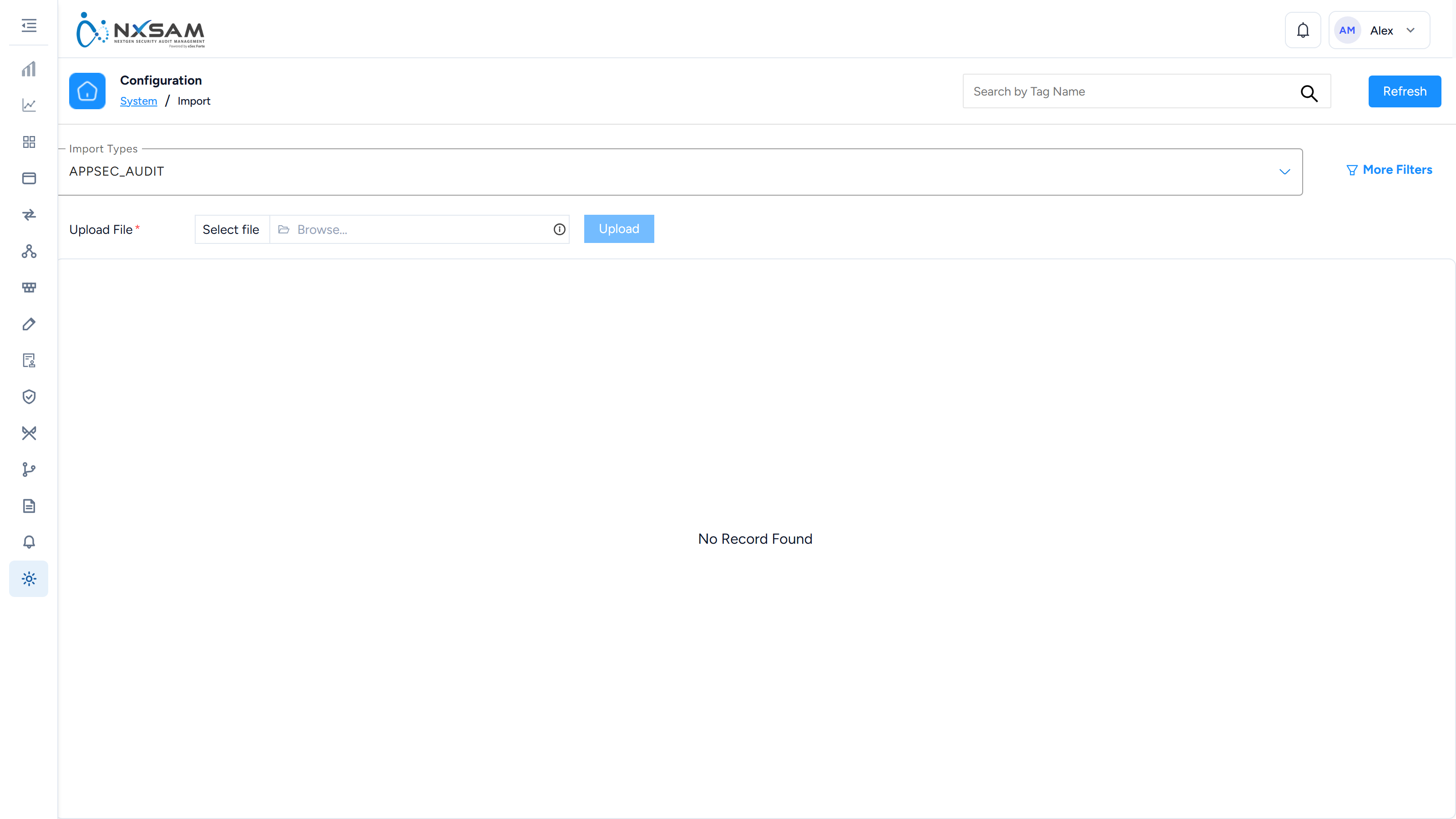
Import Configuration
How bulk imports behave, including what to do with rows that do not match.
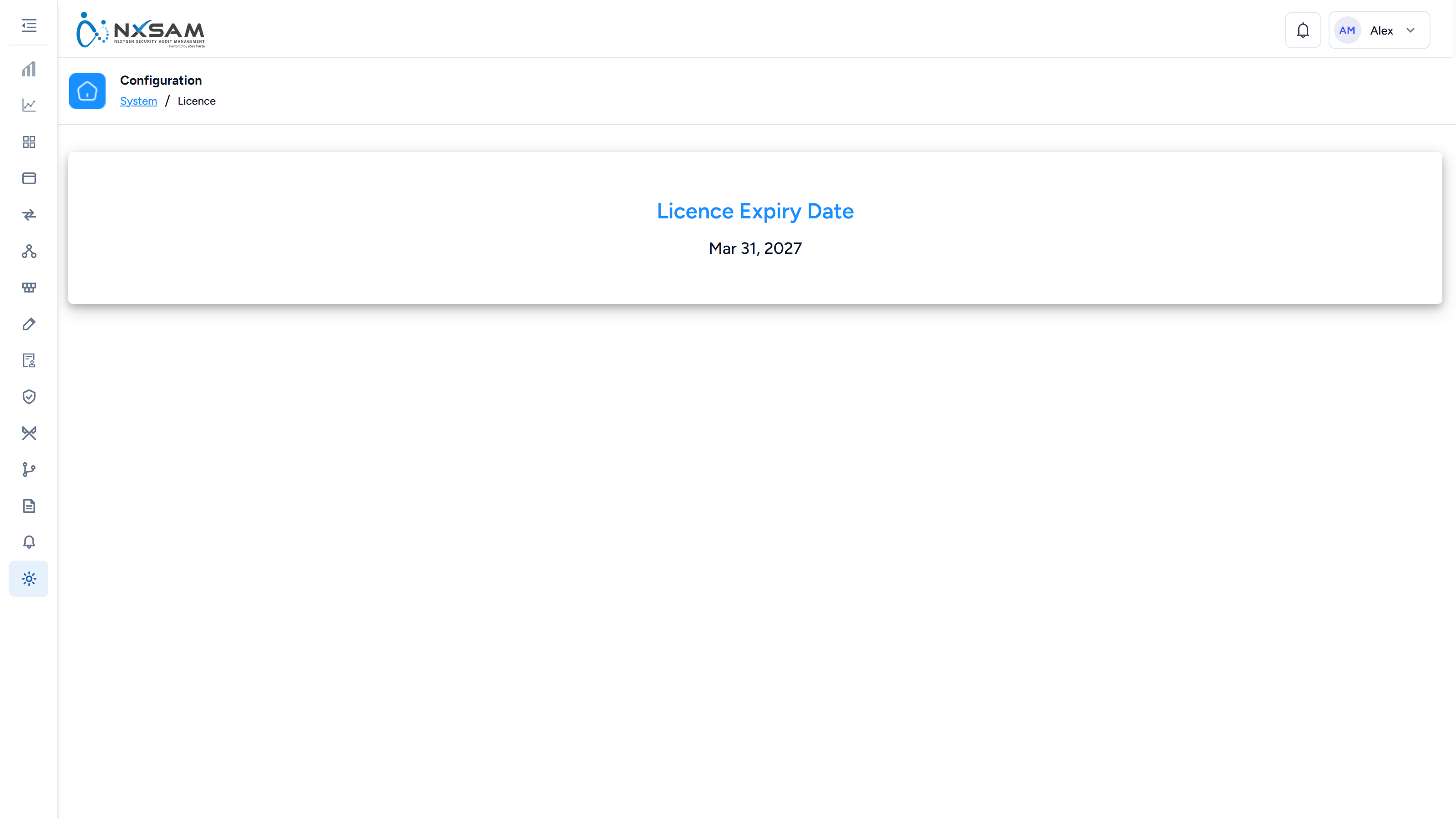
Licence
The same licence detail, reached from Configurations.
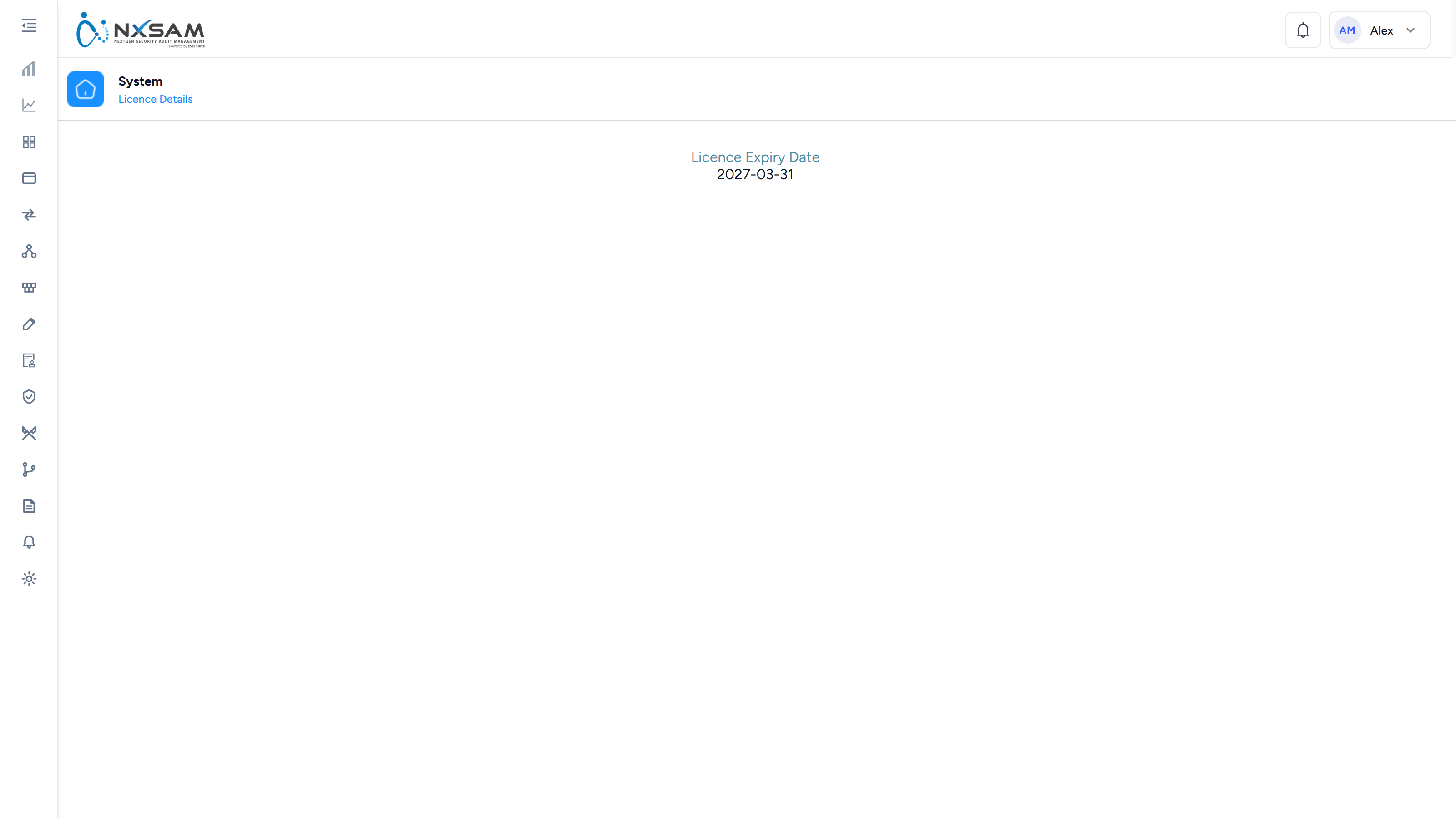
Licence Details
When the licence expires.
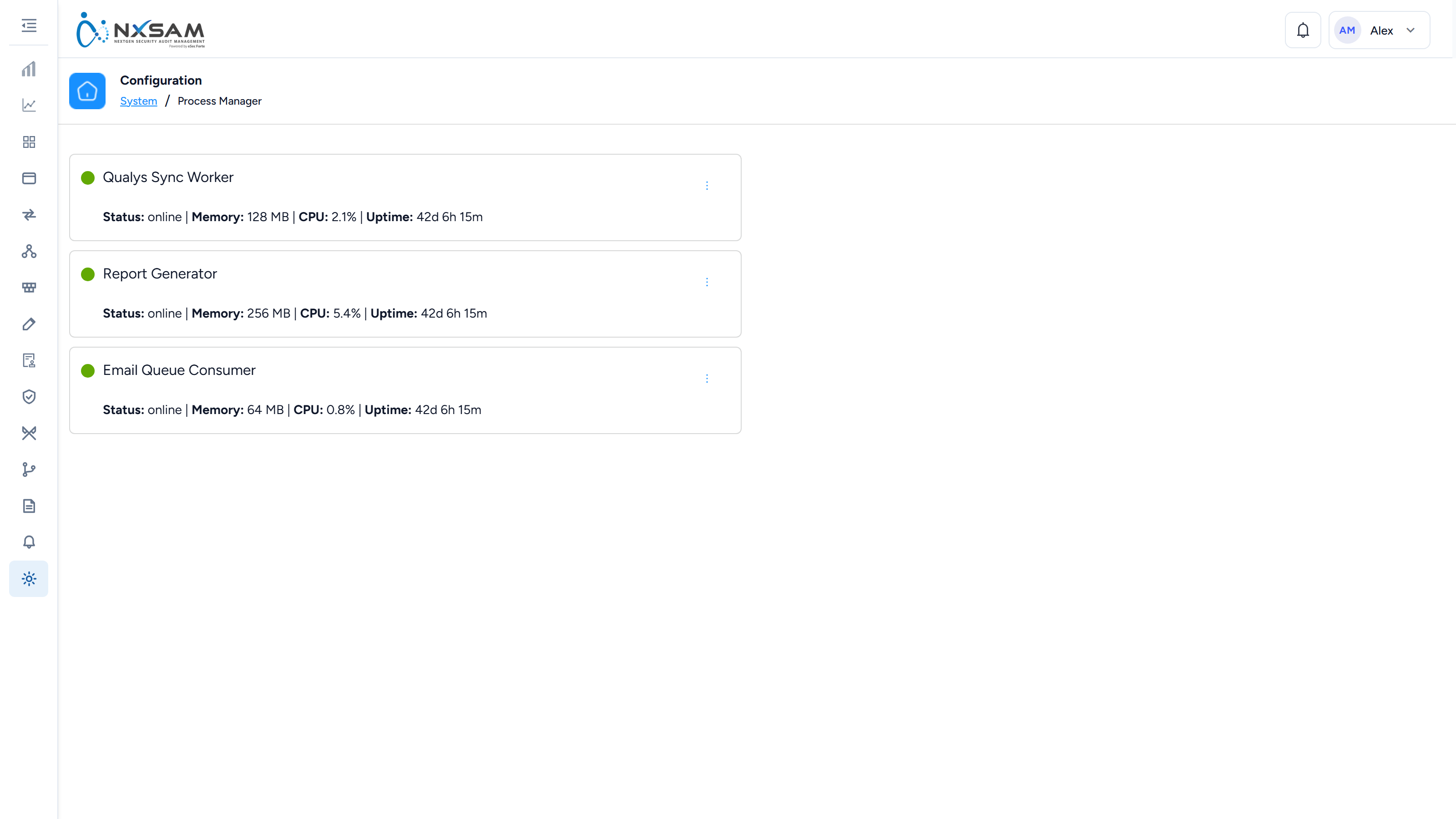
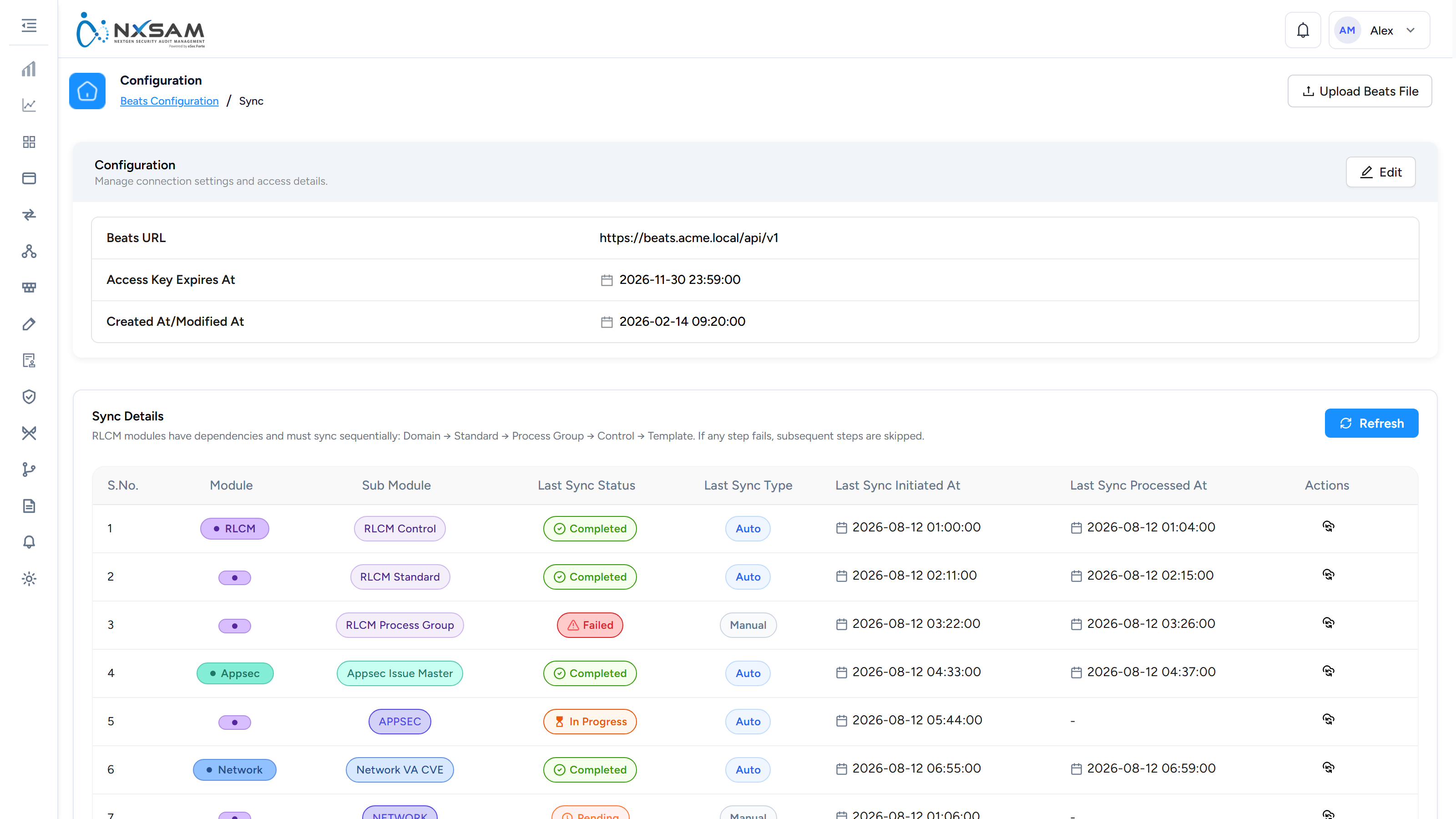
Process Manager
Background work — imports, report generation, synchronisation — and whether each job is queued, running or failed.
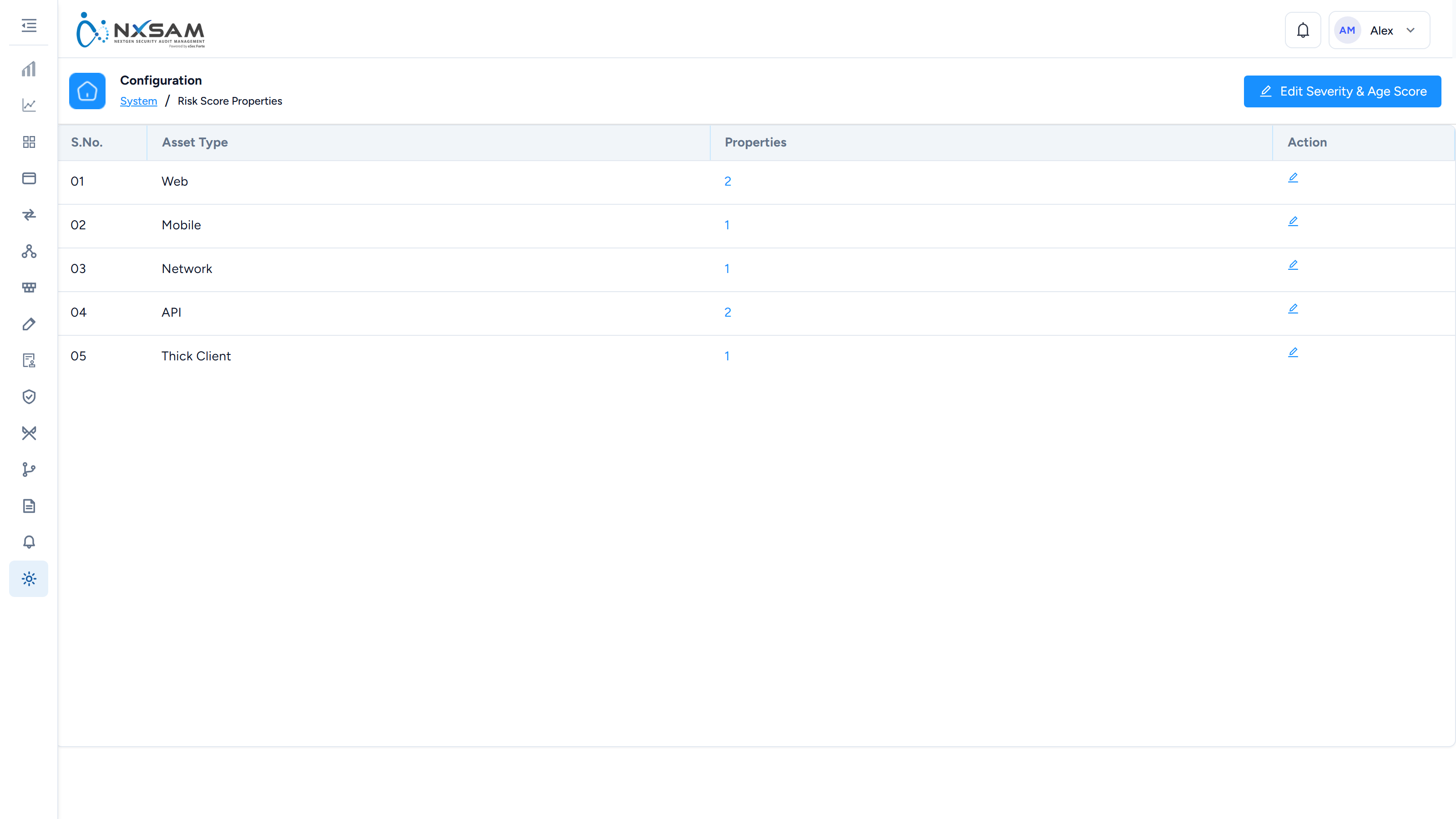
Risk Score Properties
Which asset attributes feed the contextual risk score.
Scheduled Jobs
The periodic background work that keeps derived data current. Figures stale by a fixed interval usually mean a job stopped.
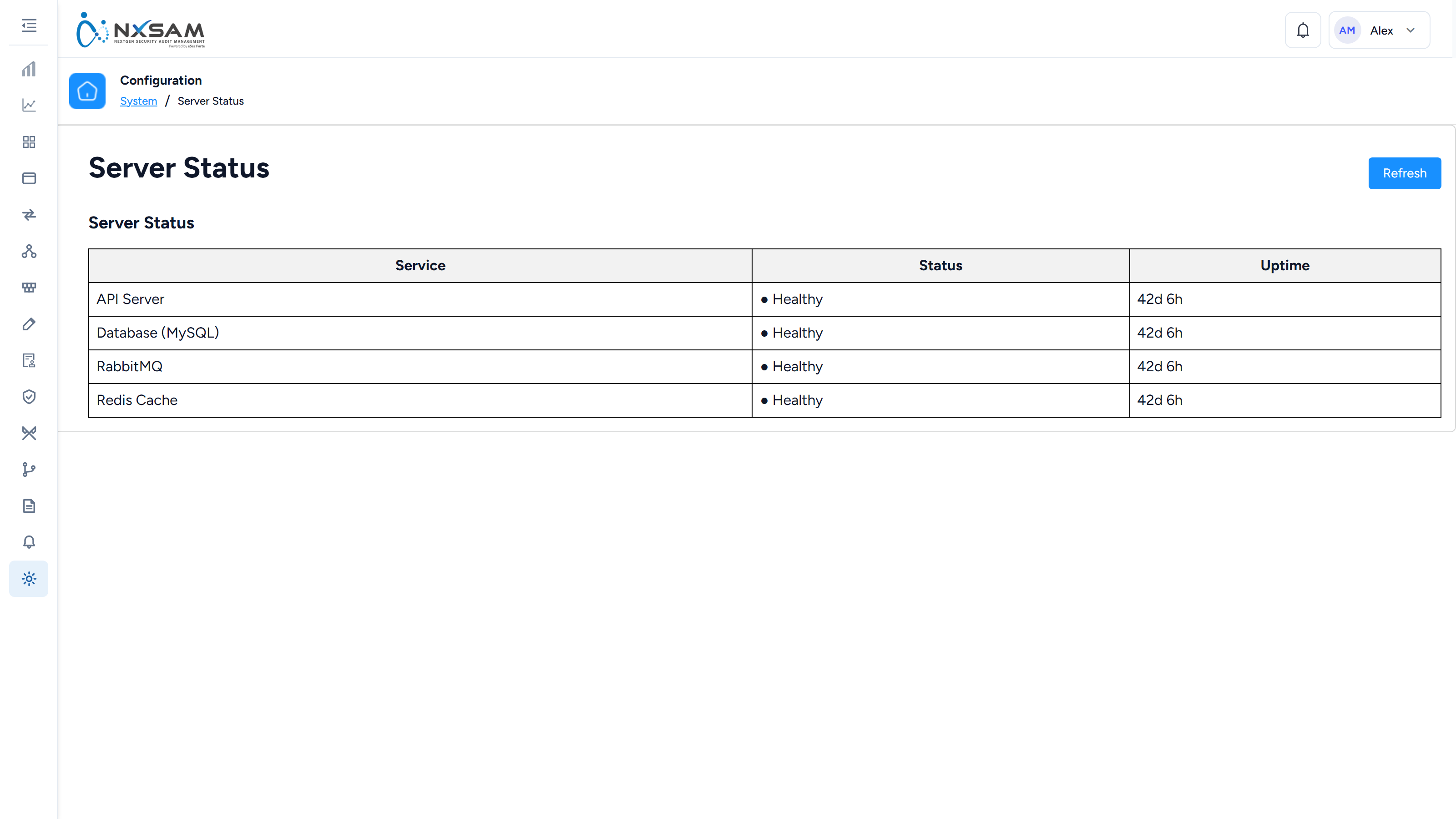
Server Status
Whether the platform's components are running.
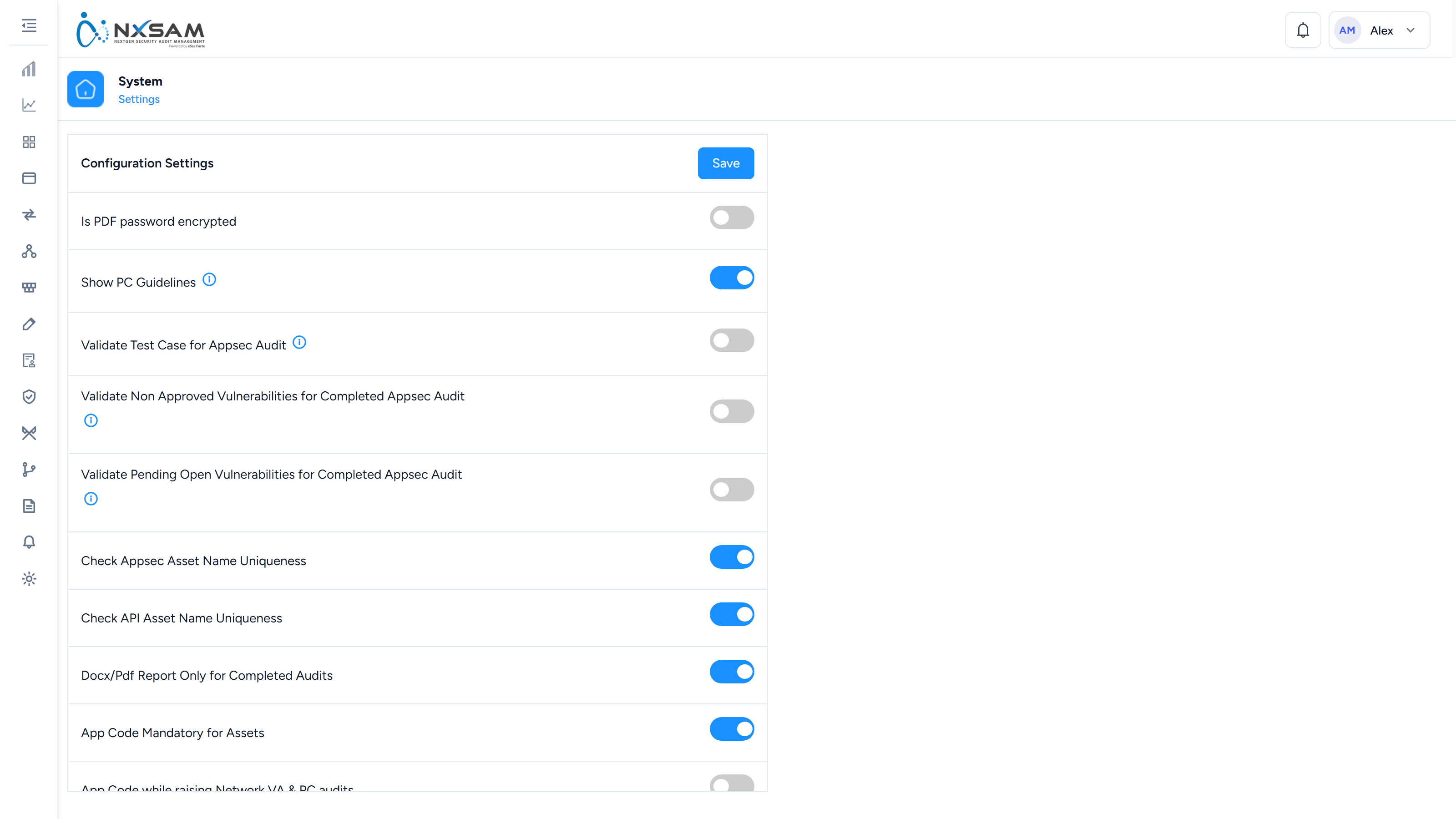
System Settings
The platform-wide switches: naming, mandatory fields, report contents, session behaviour. Changes here alter how every module behaves.
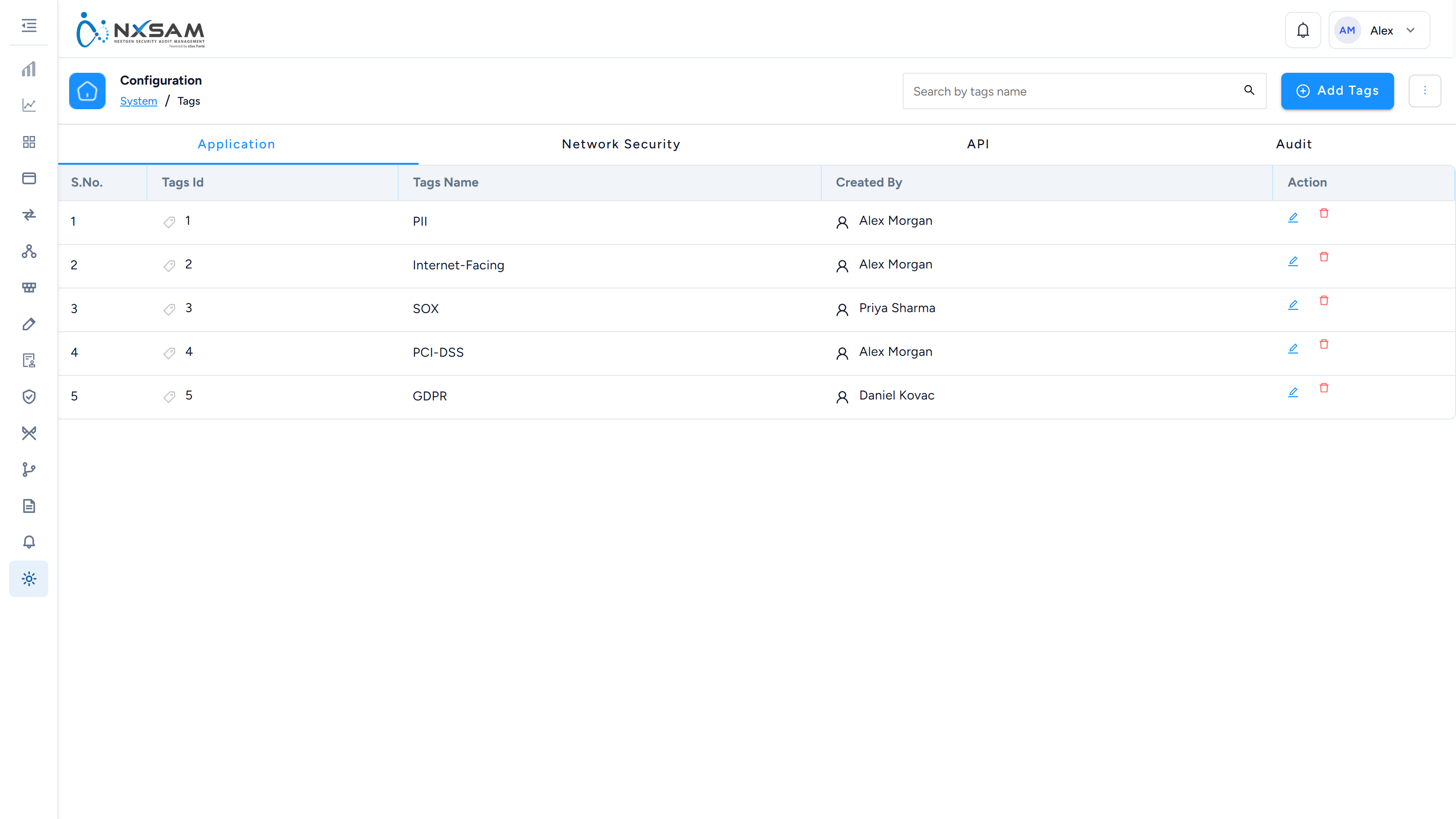
Tags
Free-form labels applied across assets and audits for grouping.
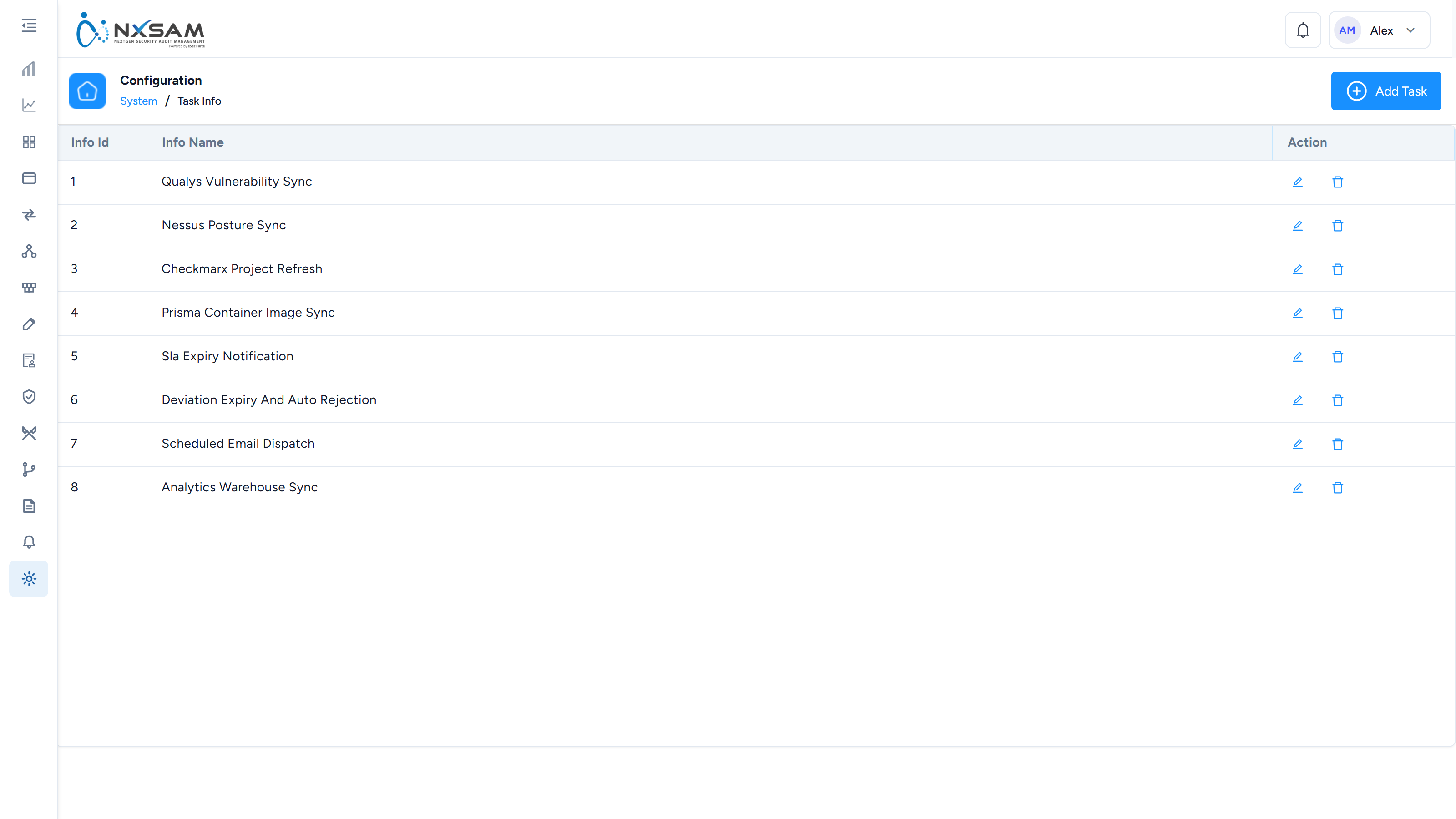
Task Detail
The detail behind one background job, including the error where one failed.