Cloud Security (CSPM): find the right screen
Every screen in this module, what each one is for, and where it lives. Use it to find the right screen quickly, and to confirm you are on the one a colleague means — several screens in this product have similar names and different jobs.
Screenshots come from a demonstration data set, so the figures are illustrative. Click any screenshot to open it at full resolution.
CSPM Asset Inventory
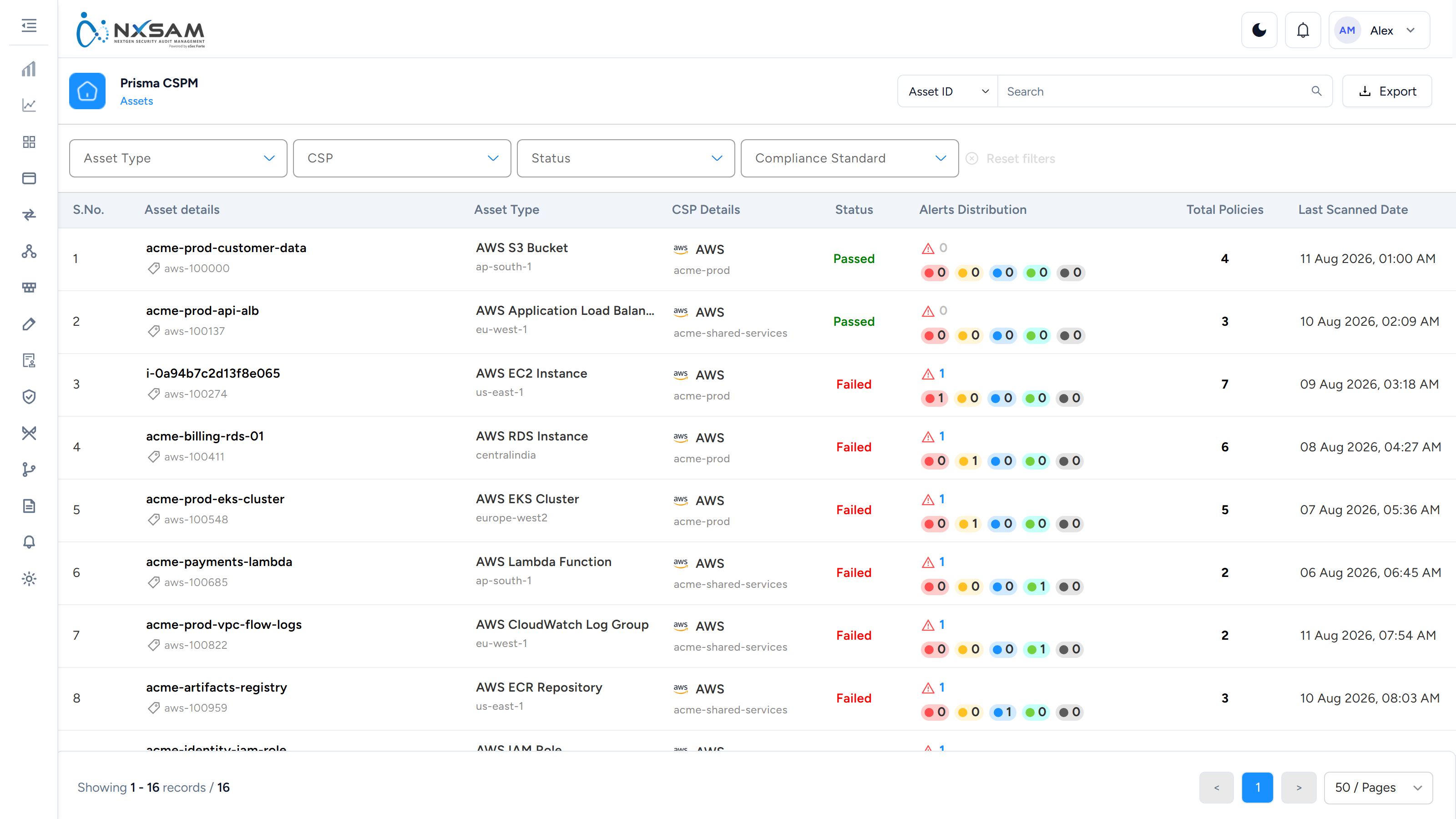
Cloud resources discovered across accounts and regions, with how many policies apply to each.
CSPM Assets
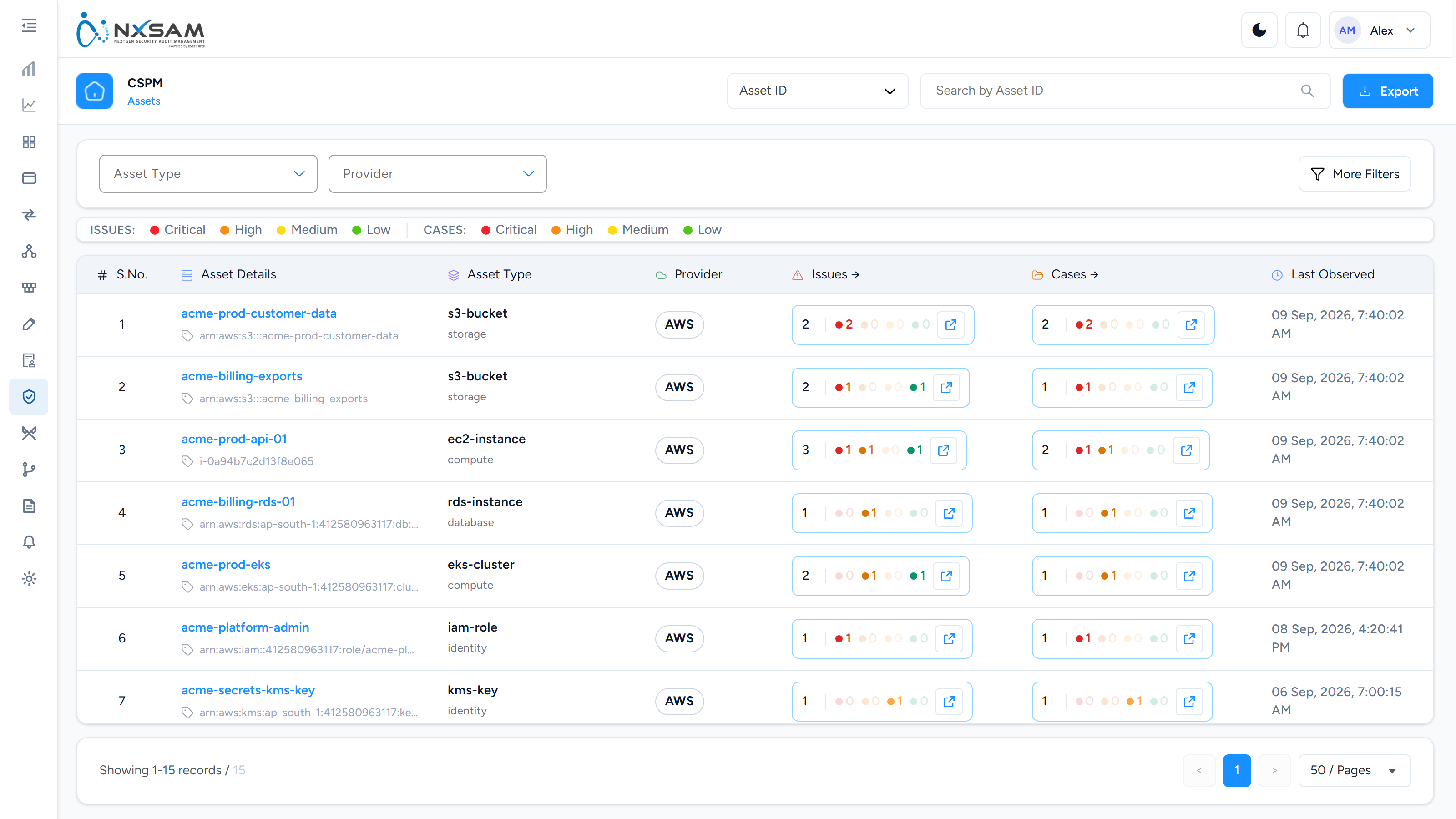
The cloud resources Cortex or SentinelOne has discovered, with their open issues and cases by severity. The arrows in the count columns open the other screens filtered to that asset.
CSPM Cases
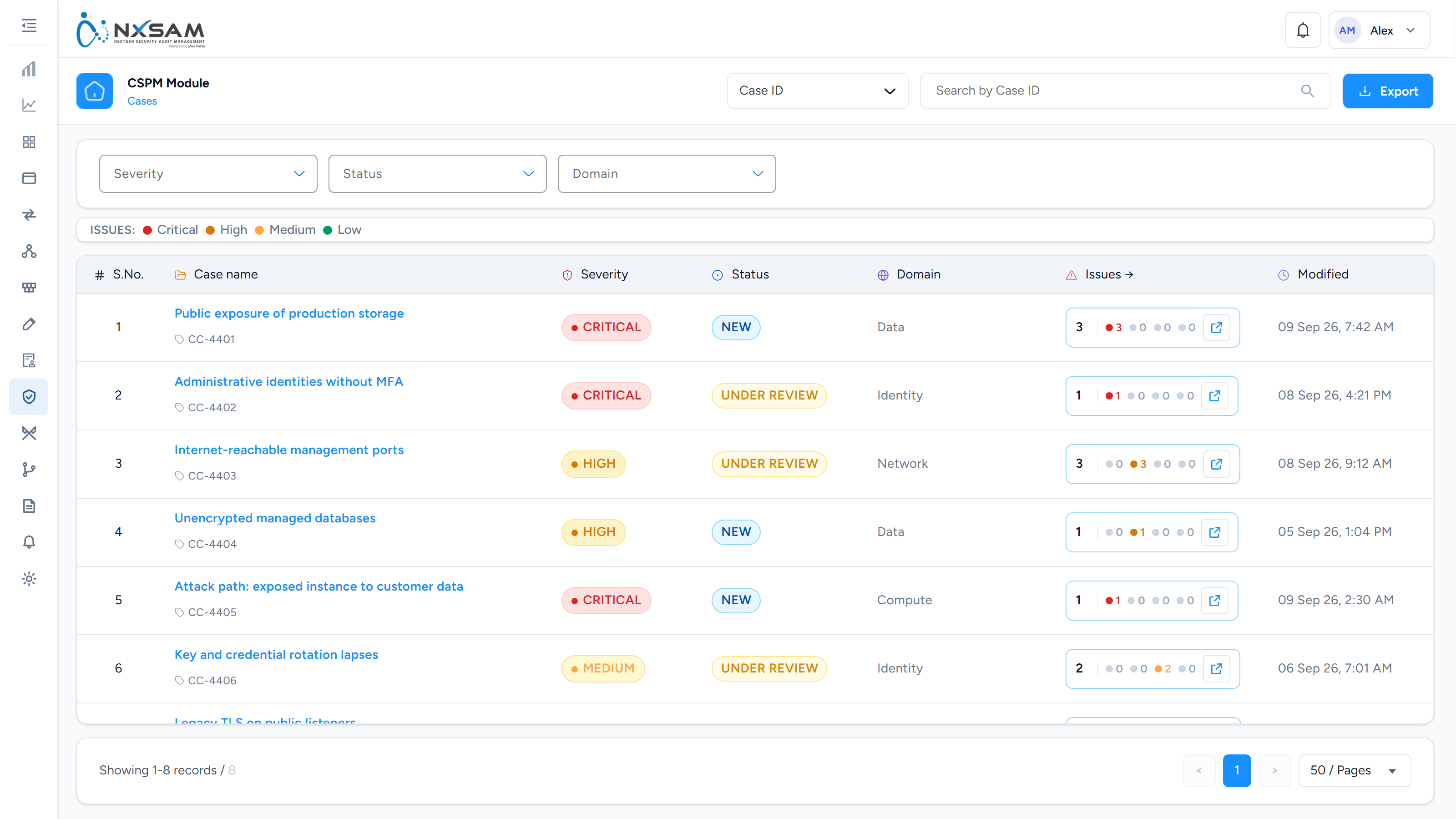
Issues grouped into one piece of work, with a severity of the case's own. Fixing the case fixes every issue in it.
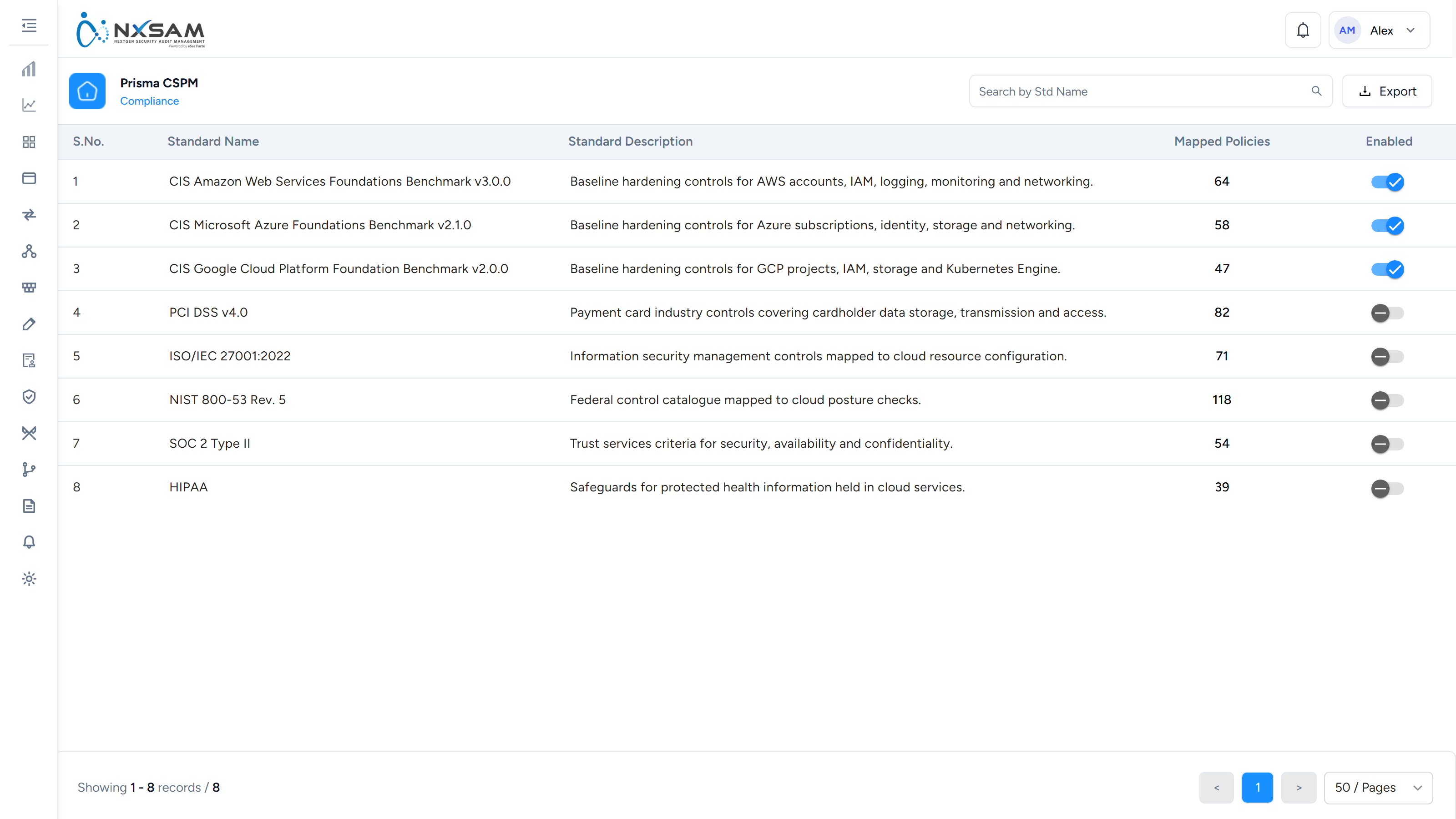
CSPM Compliance Standards
The benchmarks posture is measured against, and which are switched on.
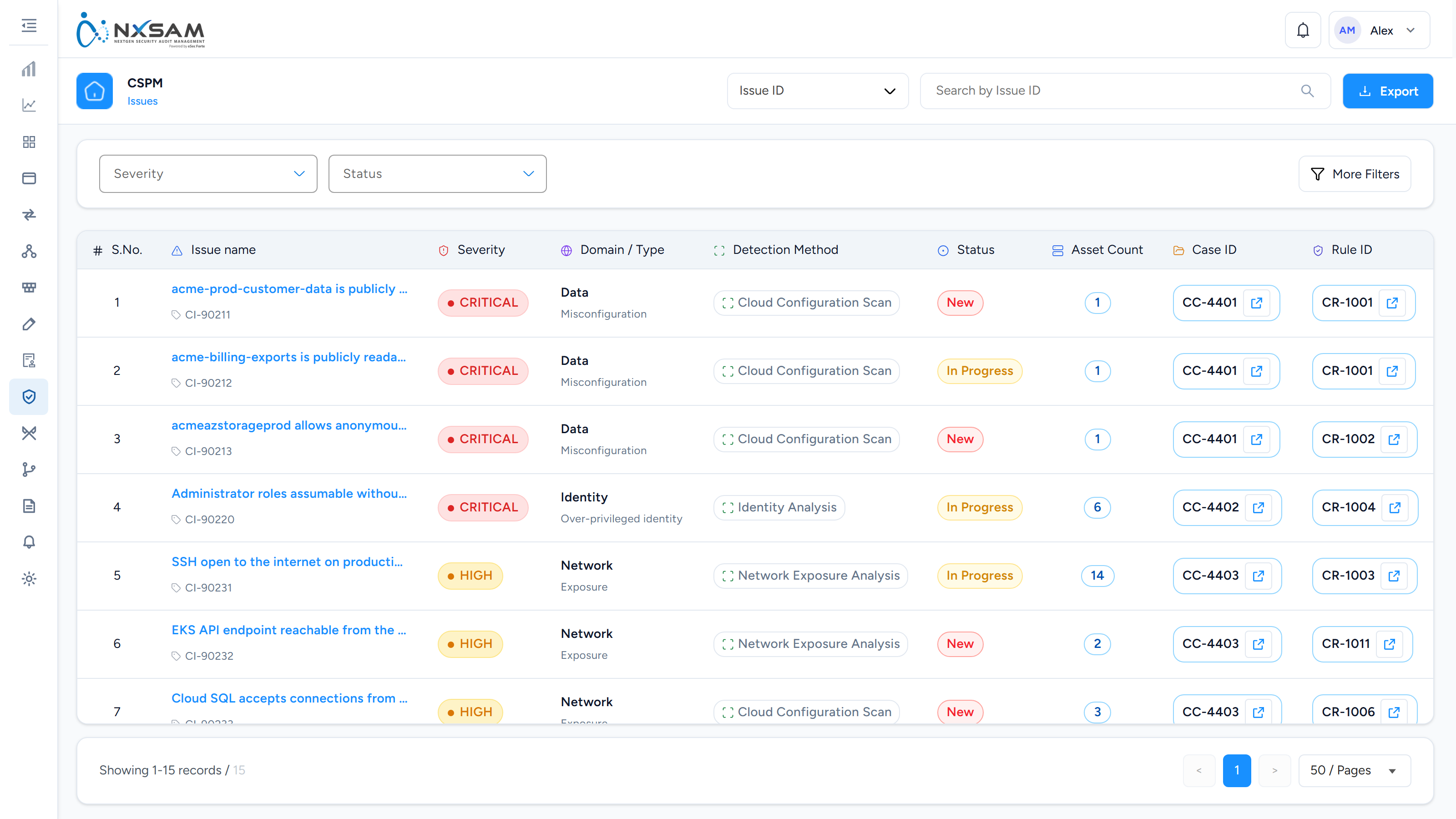
CSPM Issues
One row per rule failing against one or more resources. Asset Count is the column to sort by — an issue on two hundred assets is one template to fix, not two hundred resources.
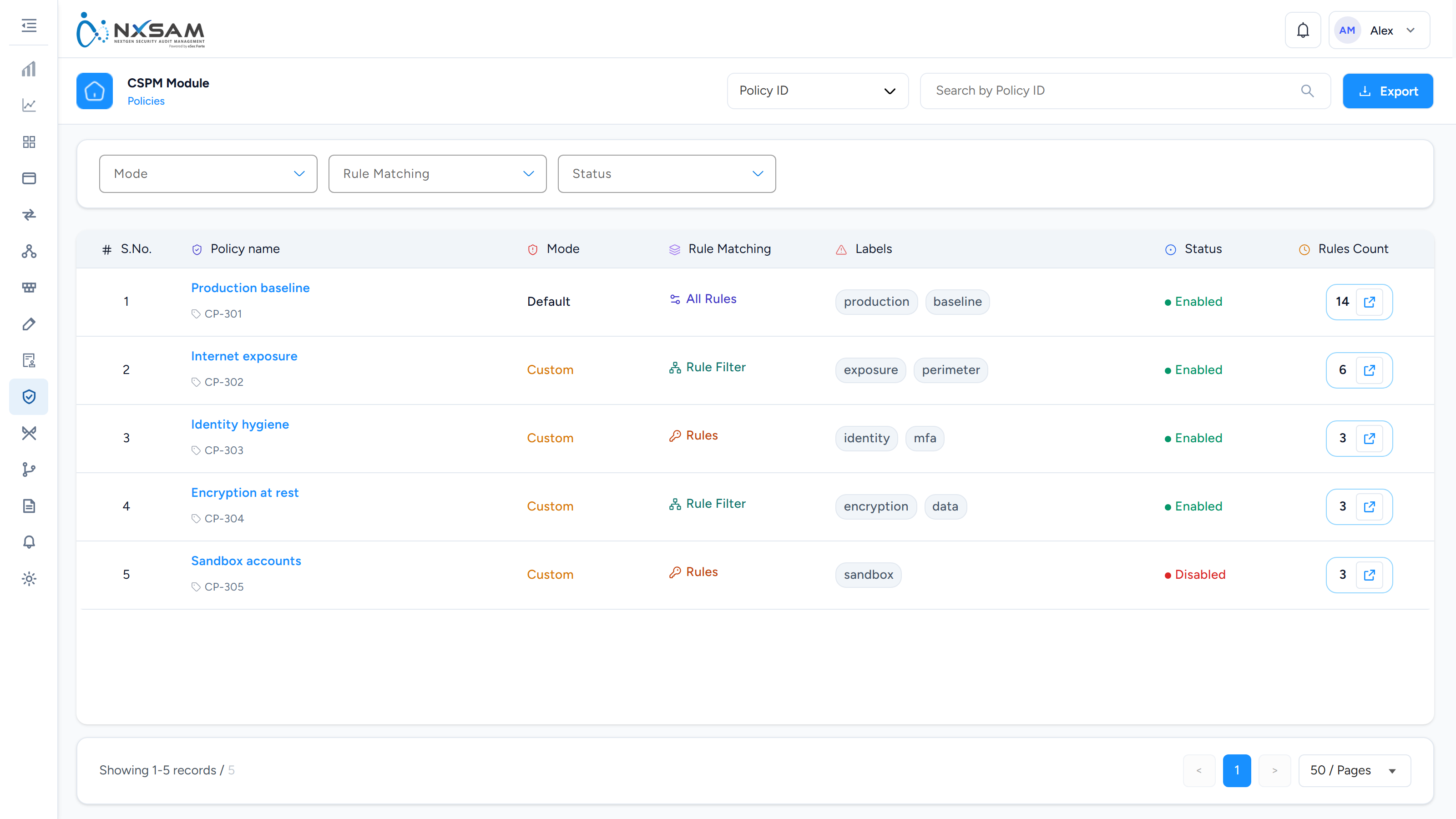
CSPM Policies
Named groups of rules as configured in the posture platform, and whether each group is switched on. Explains why a rule that exists is or is not producing issues.
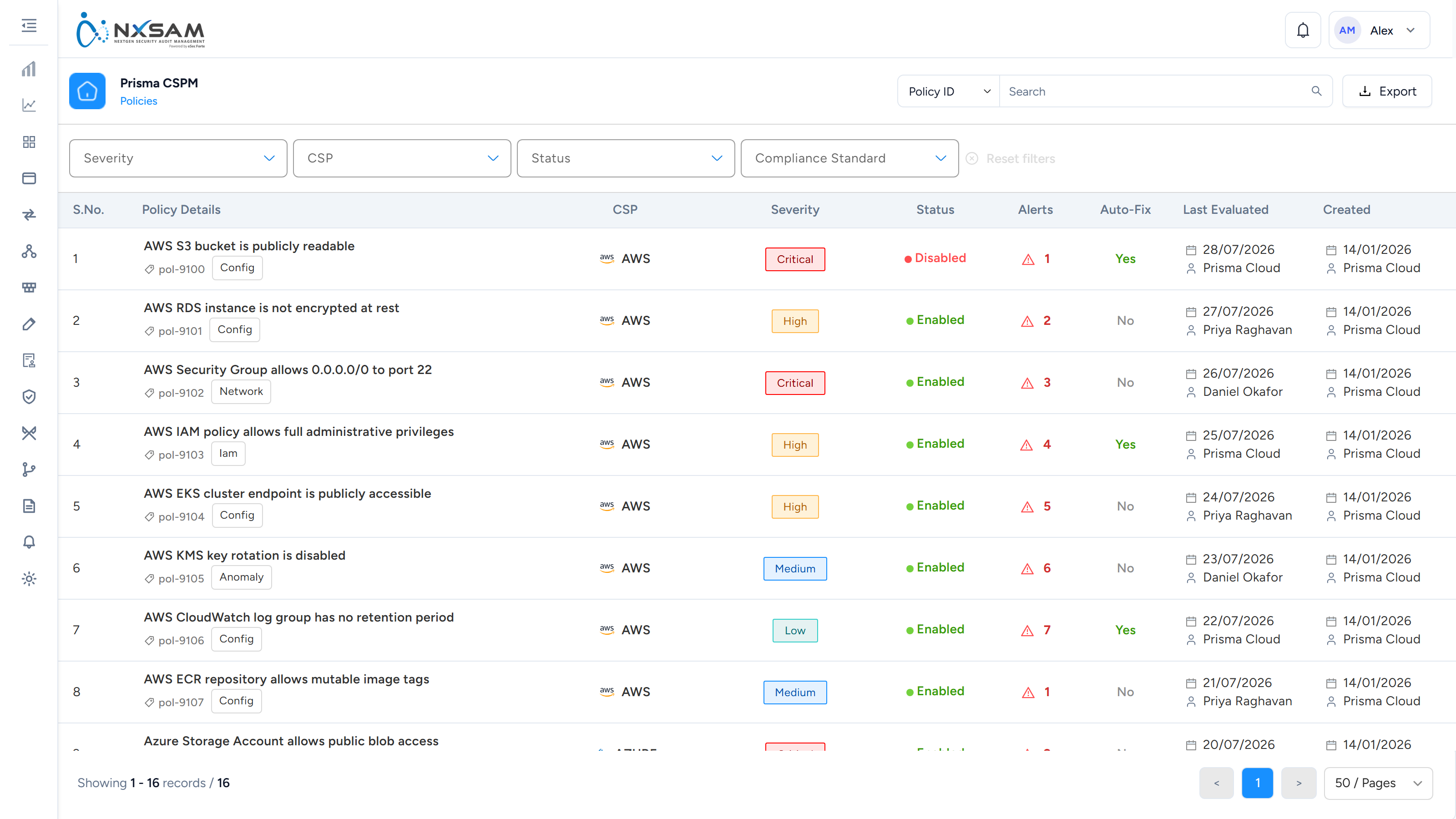
CSPM Policies
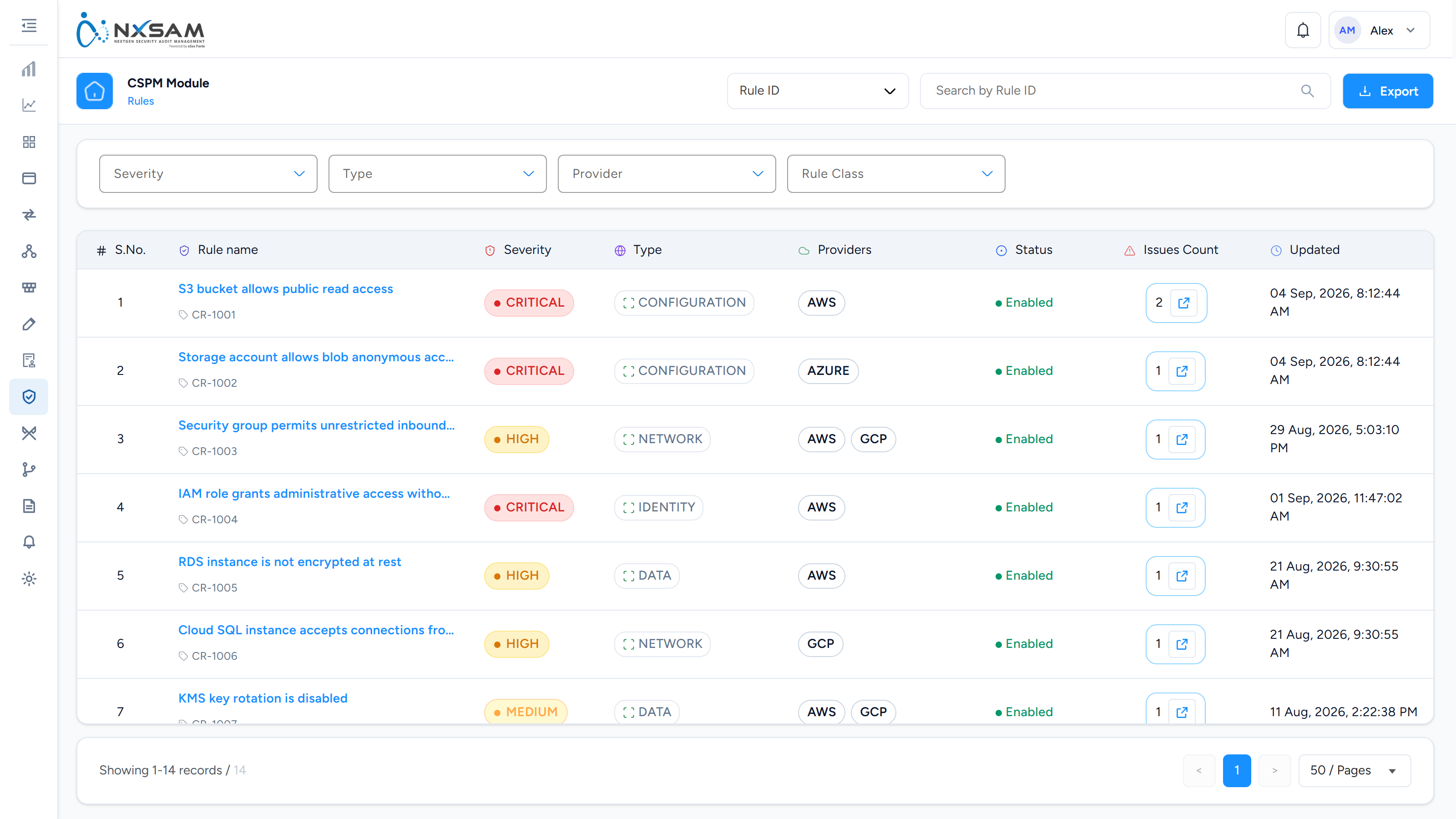
The individual checks behind those standards, with the severity each raises.
CSPM Rules
The individual checks behind the issues, with whether each is enabled and how many issues it has raised.