Third-Party Risk (TPRM): find the right screen
Every screen in this module, what each one is for, and where it lives. Use it to find the right screen quickly, and to confirm you are on the one a colleague means — several screens in this product have similar names and different jobs.
Screenshots come from a demonstration data set, so the figures are illustrative. Click any screenshot to open it at full resolution.
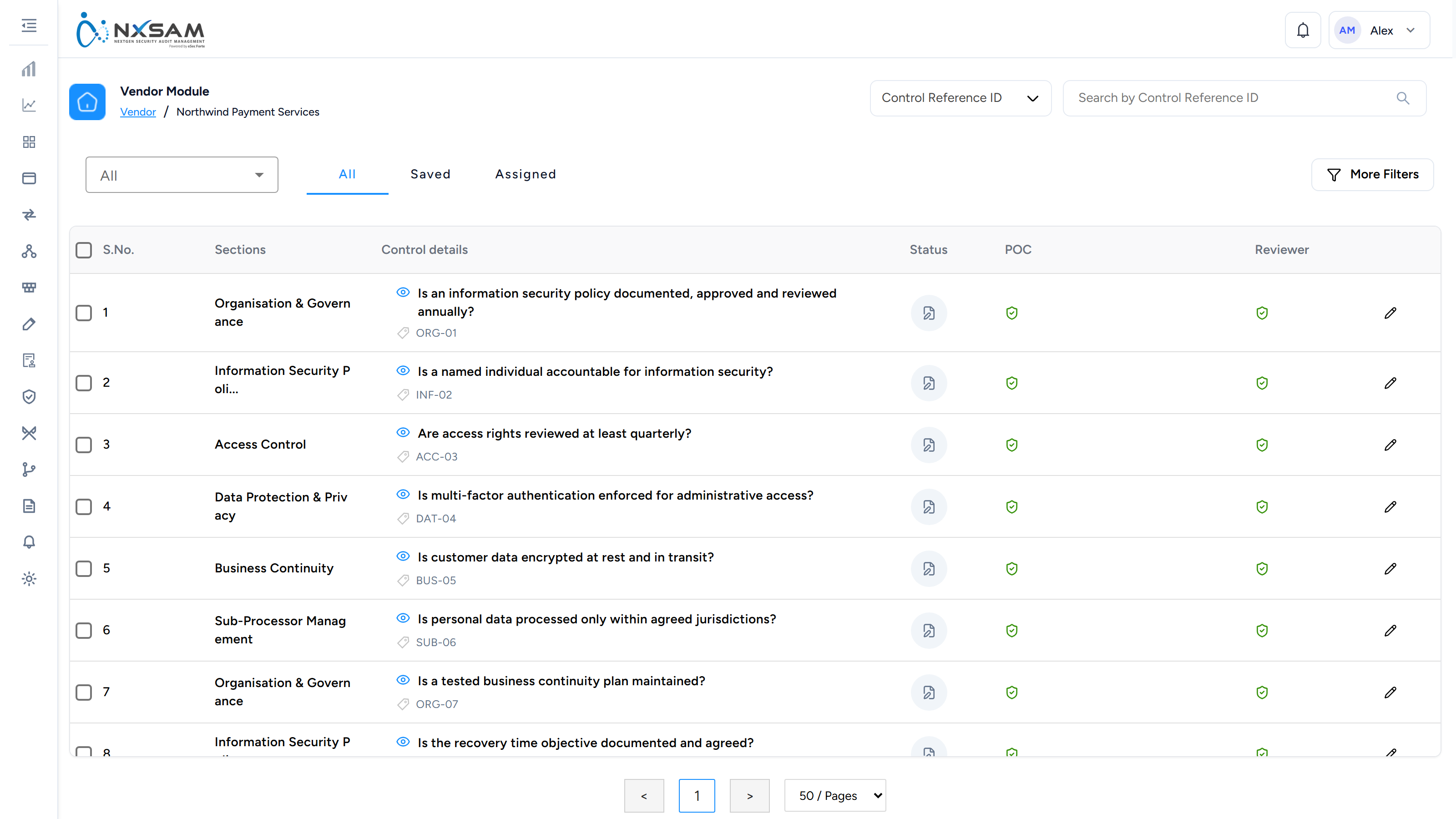
Pre-Assessment Detail
One vendor's pre-assessment responses in full.

Pre-Assessment Management
Pre-assessments in flight and their outcomes.
Pre-Assessment Scorecard
How pre-assessment answers turn into a score and a tier.

Pre-Assessment Summary
The resulting tier and score, and what it means for the assessment that follows.
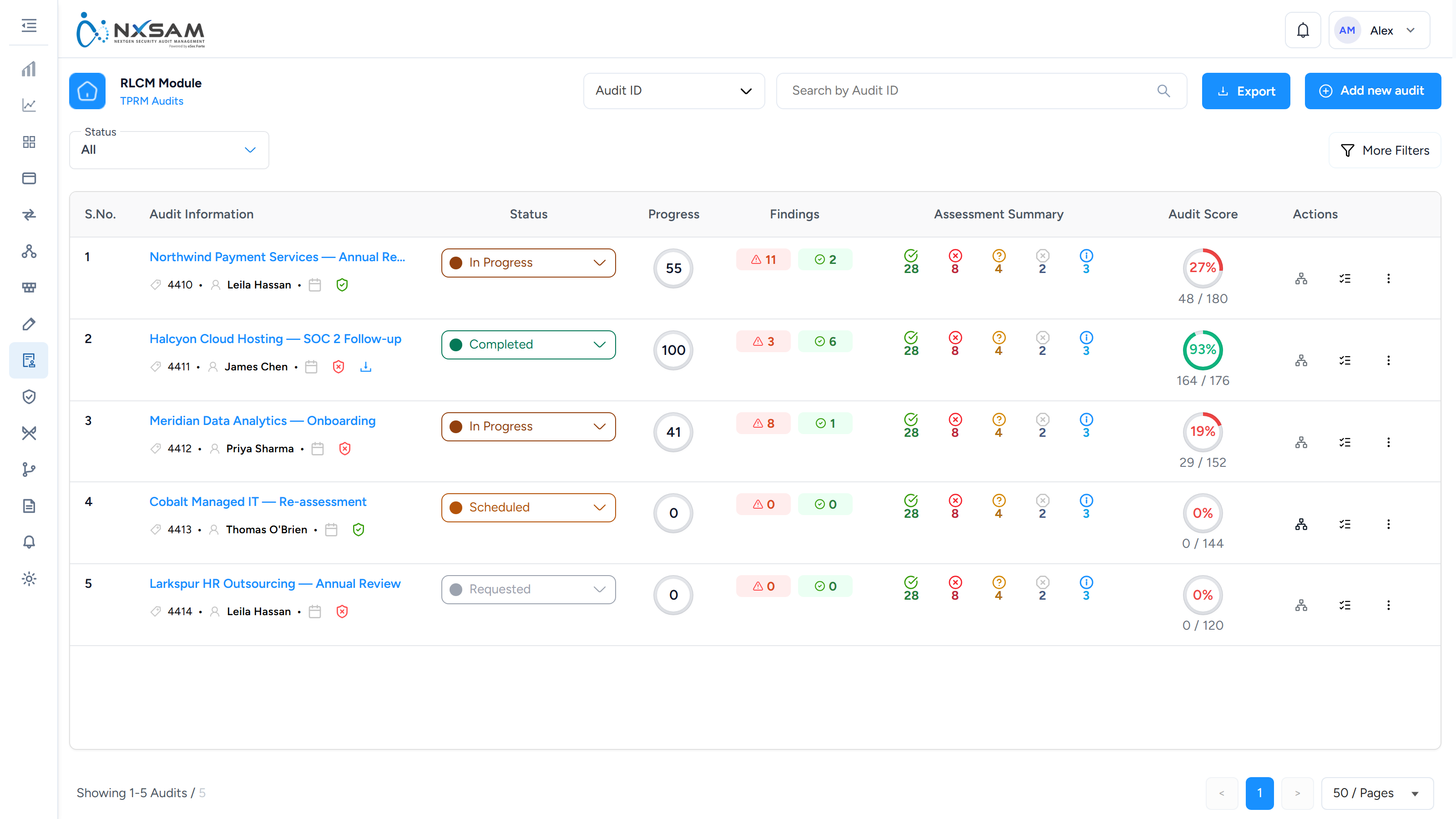
TPRM Audits
Vendor assessments run as audits, with findings against the vendor rather than an asset.
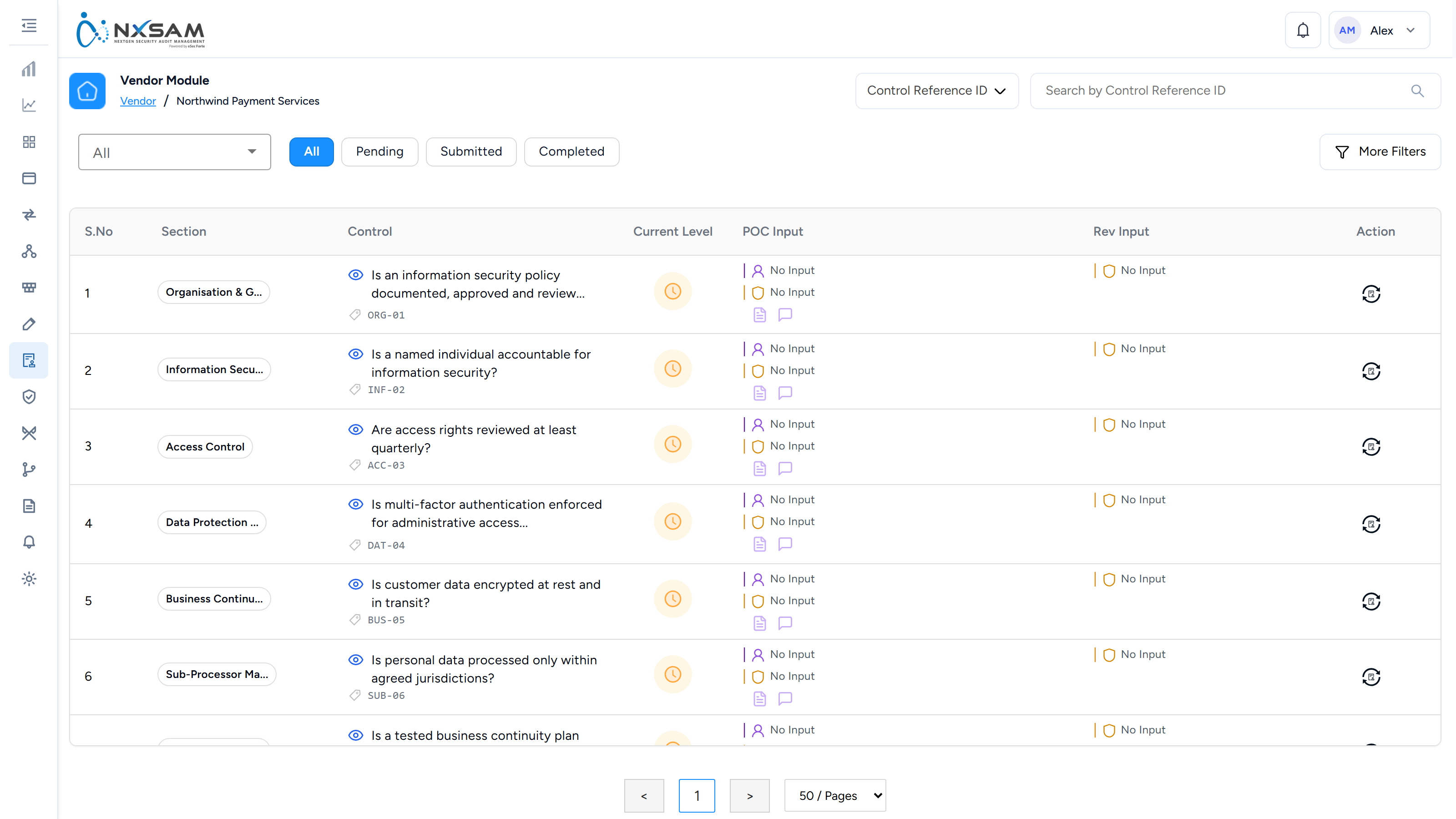
Vendor Pre-Assessment
A short questionnaire that decides how much scrutiny a vendor warrants before the full assessment.

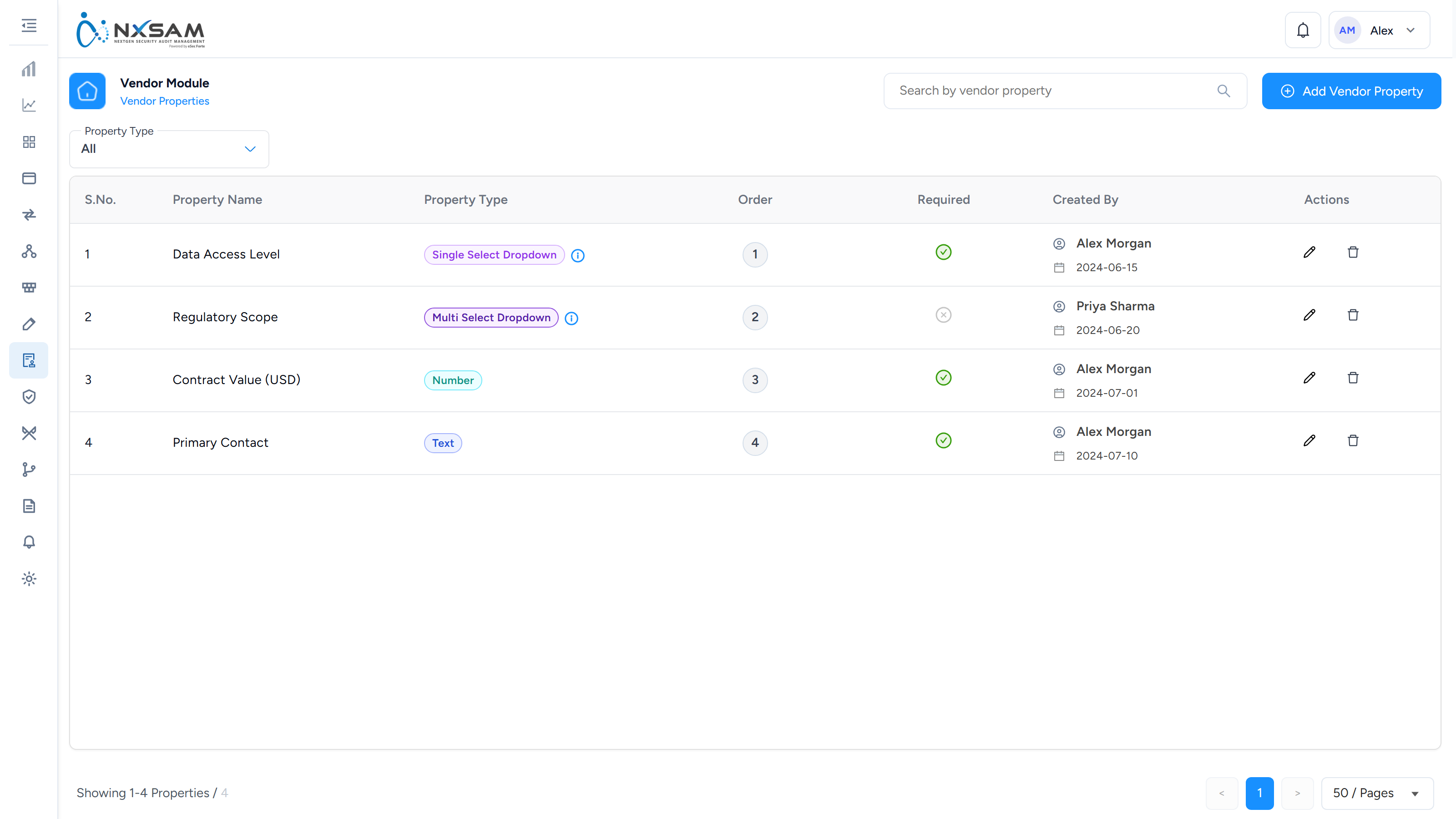
Vendor Properties
Custom fields recorded against a vendor.
Vendor Users
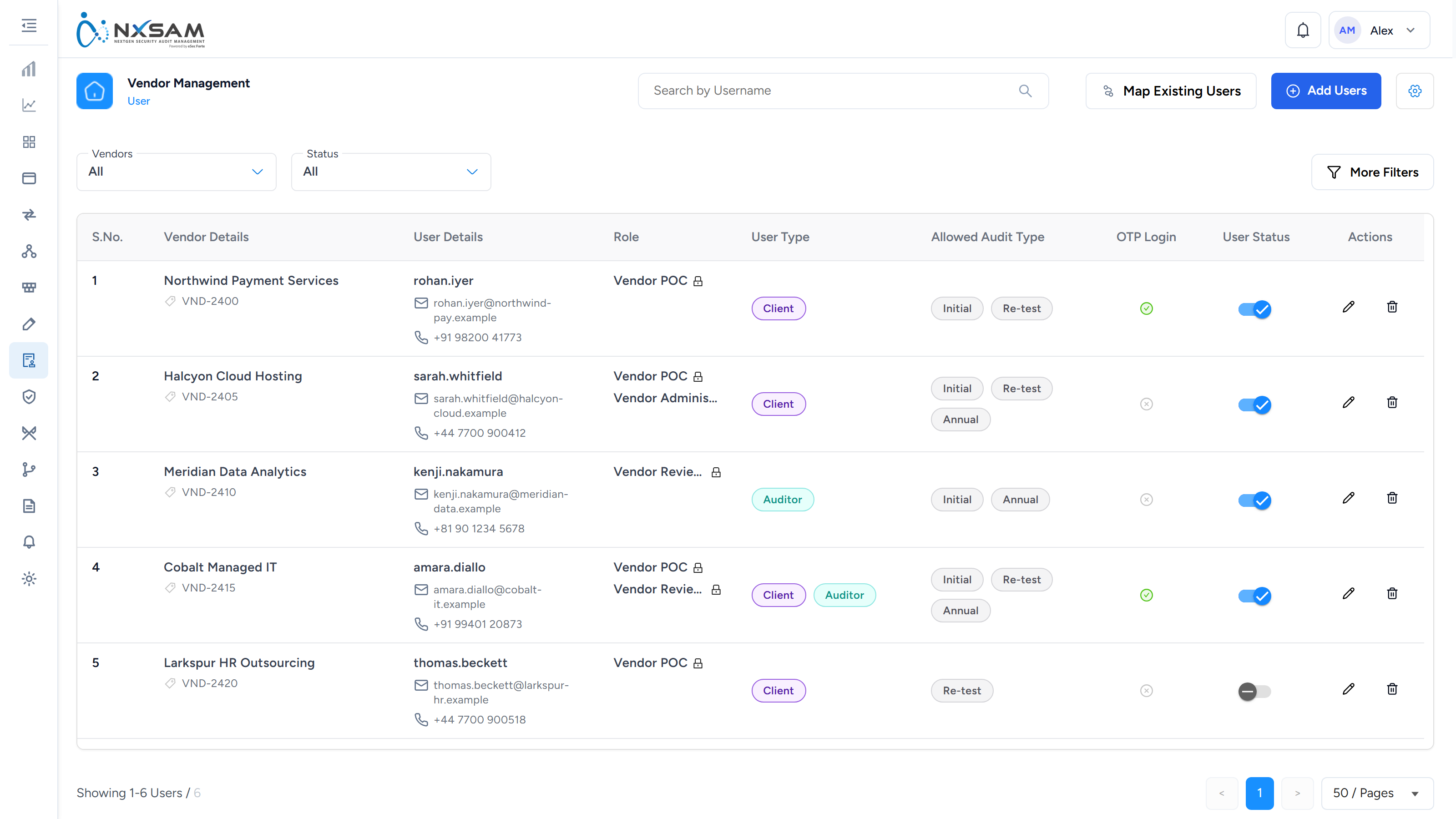
External contacts who can sign in to complete assessments. They see only what the vendor form settings allow.