Generate a report
Steps
- Go to Reports and choose the kind you need:
- Assessment report — the findings of one audit
- Overall vulnerabilities — everything currently open, across the estate
- Set the scope — which audit, assets, or period.
- Choose a template if more than one is available.
- Submit.
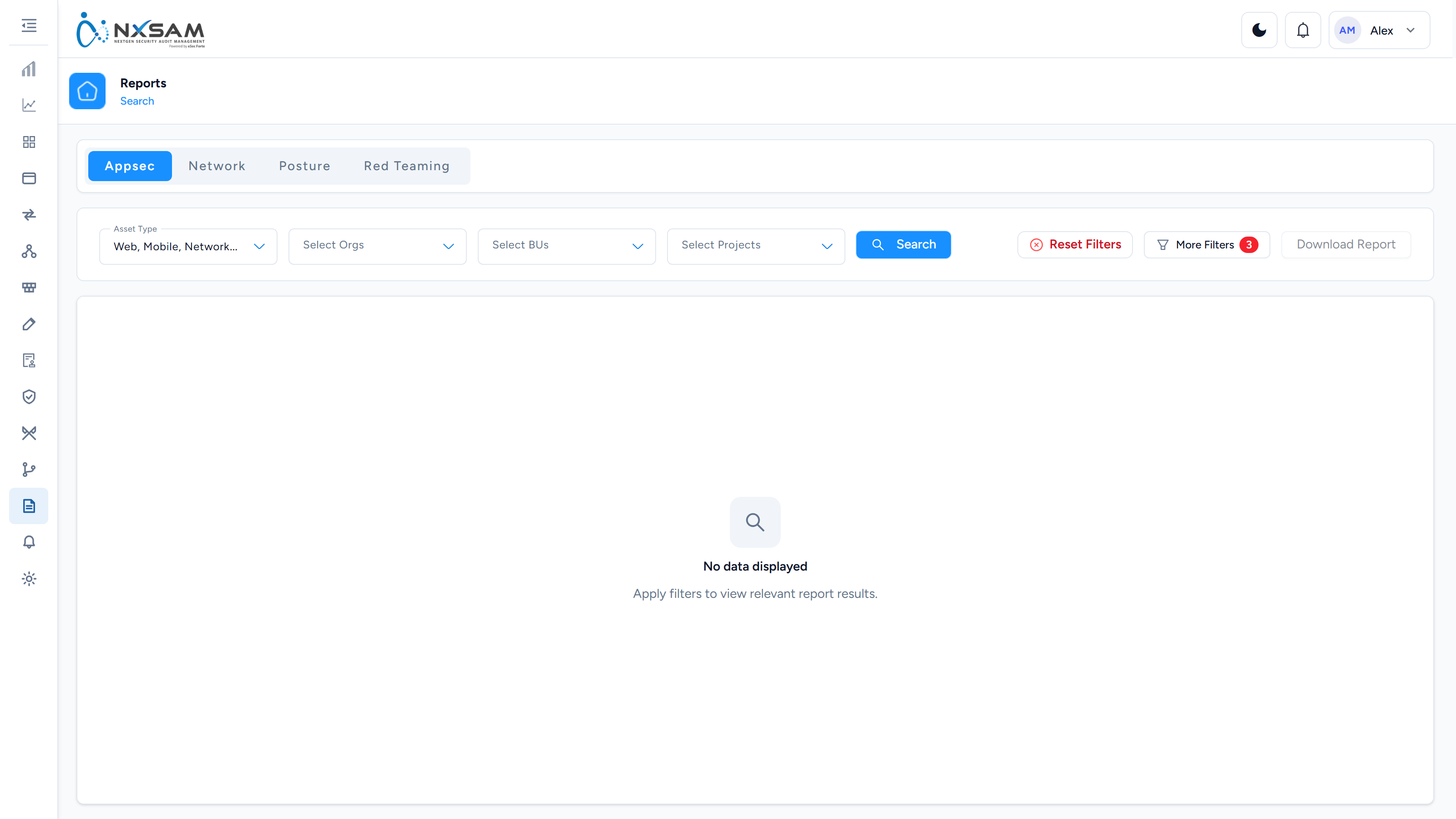
Generation happens in the background. The report appears in Reports Management when it is ready, and you download it from there.
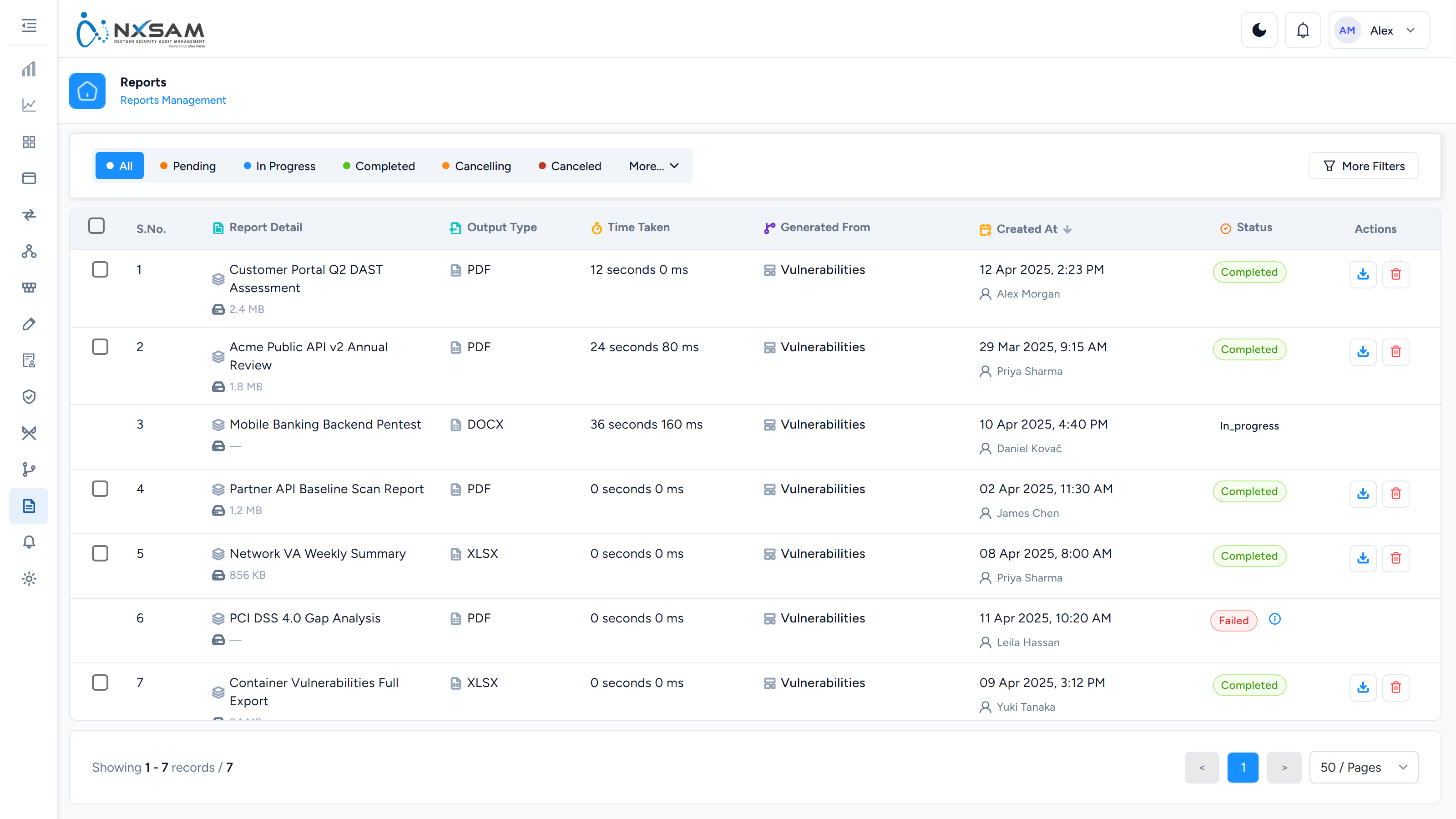
It is queued, not instant
A large report takes time. If it has not appeared, it is usually still being prepared rather than failed.
Choosing the right scope
The most common cause of a report being wrong is scope rather than data.
| You want | Scope to |
|---|---|
| What we found in this assessment | The specific audit |
| Everything open right now | The whole estate, no audit filter |
| One team's position | Their business unit or project |
| One application's history | The asset, across audits |
Which template you pick decides the sections and the cover, not the data — two templates over the same scope contain the same findings.
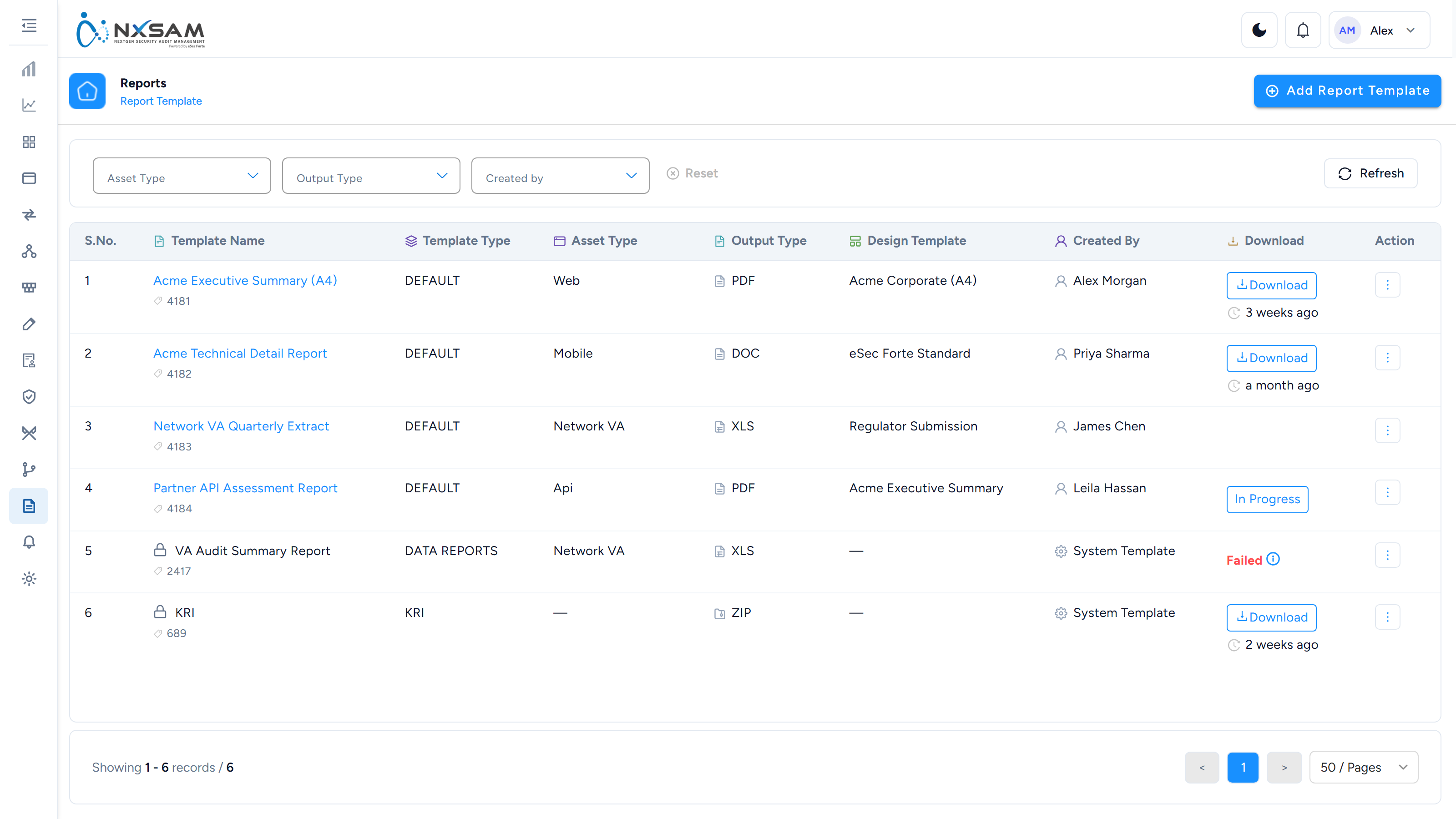
What the report contains
A report is a snapshot, produced once and stored. That is what makes it valid to send to an auditor — it does not change after you have shared it.
It also means the report will not update. If the data has moved on, generate a new one.
Why a report can differ from the screen
Almost always one of three things:
- Time. The report was generated earlier; the screen is live. SLA states change as dates pass, with no data edit at all.
- Scope. The report covered a narrower or wider set than the screen is showing.
- Inclusion rules. Reports may exclude findings the screen includes — those awaiting approval, for instance.
Check the generation timestamp and scope before treating a difference as an error.
Sharing
Reports download as files. Consider before sending:
- Sensitivity. A vulnerability report is a map of your weaknesses. Treat it accordingly.
- Age. Include the generation date when you share, so the recipient knows what it reflects.
- Audience. An assessment report suits the team that owns the system; an overall report suits management.