Configuring risk in RLCM
RLCM scores compliance risk rather than technical severity, so it has its own scoring model — separate from the CVSS-derived severity used elsewhere in NxSAM. These screens define that model.
Why it is separate
A missing control is not a vulnerability. It has no CVSS score, no exploit, and often no technical impact at all — its significance is regulatory. Scoring it on the same scale as a remote code execution would be meaningless in both directions.
So RLCM keeps its own rating scale, its own status values, and its own weighting.
The pieces
| Screen | What it sets |
|---|---|
| Risk rating master | The scale itself — the levels a compliance risk can be rated at |
| Risk master status | The states a risk moves through as it is treated |
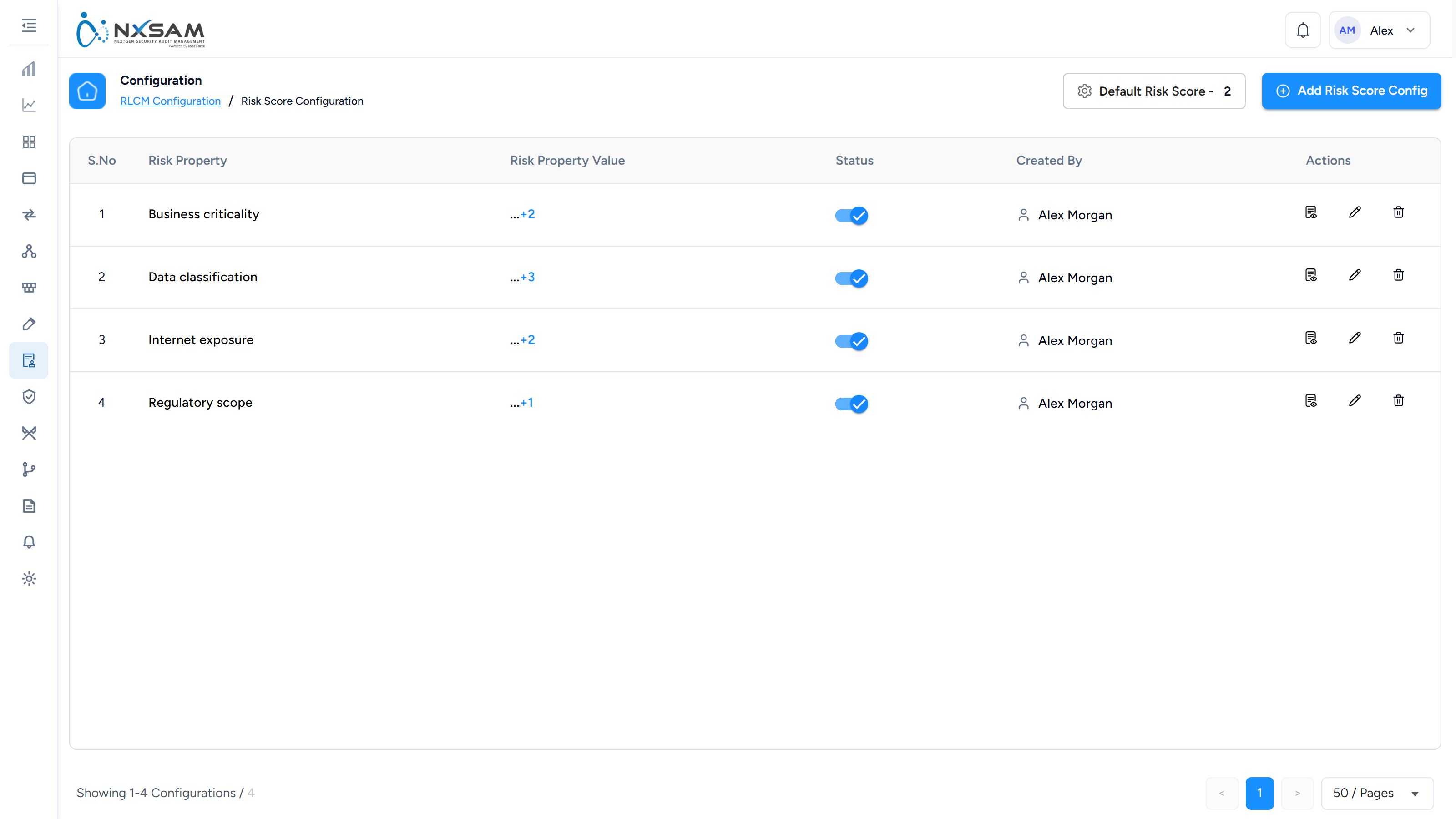
| Risk configuration | How ratings are assigned to findings |
| Risk score configuration | How individual ratings combine into an overall score |
| Risk property master | Additional attributes to record against a risk |
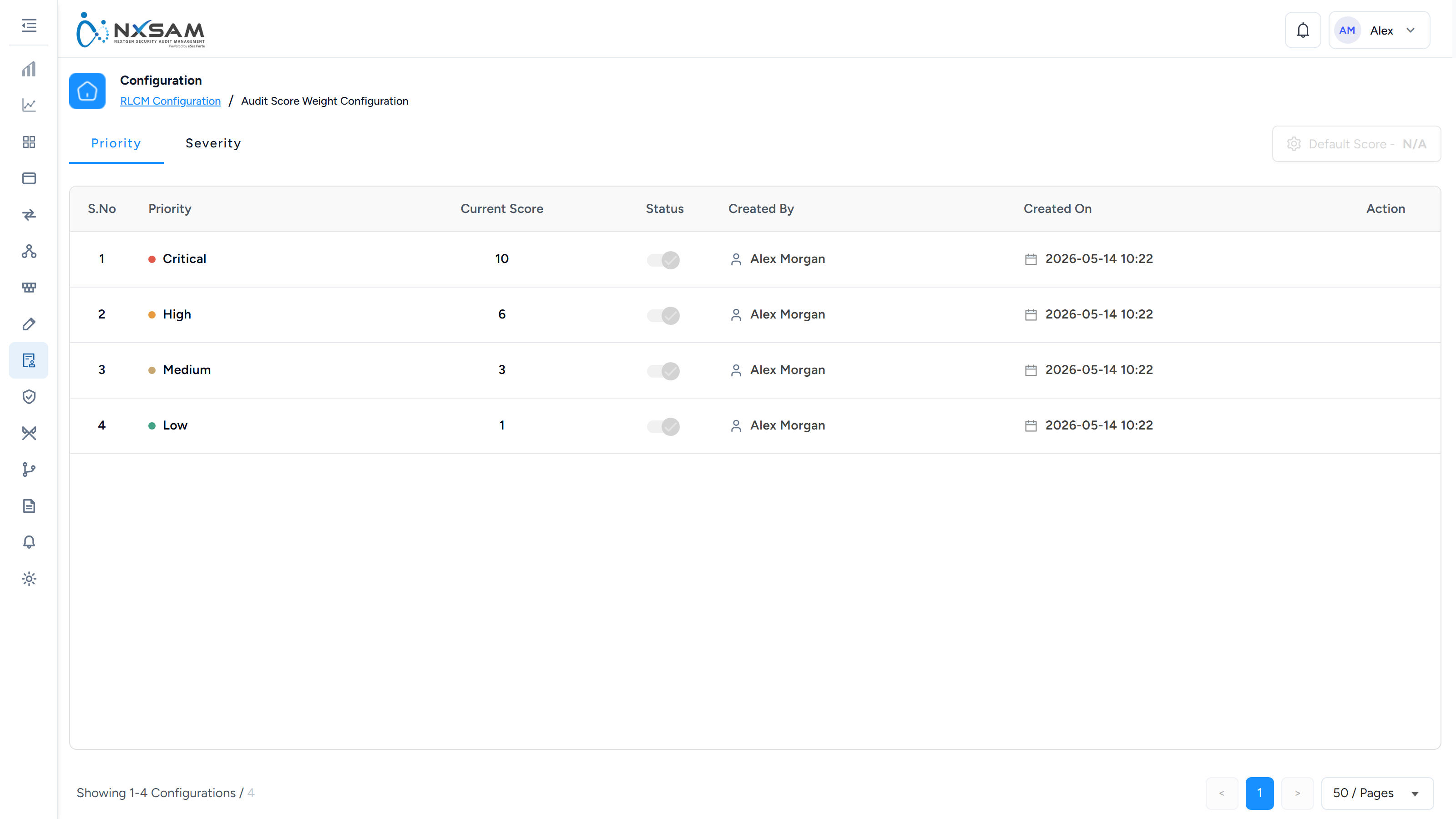
| Weight configuration | The relative weight of controls, sections or domains |

Weighting is what makes a score meaningful
Without weights, every control counts equally, and an audit is scored on the proportion of controls passed. That reads well and says little: failing a core access-control requirement counts the same as failing a documentation one.
Weighting lets a framework's own emphasis be reflected — so the score moves most when the things that matter most are failing. It is the difference between a score that tracks compliance posture and one that tracks paperwork volume.
Re-weighting changes historical scores
Scores are computed from the current configuration. Change the weights and previously completed audits will score differently when their score is next displayed.
If a trend line moves without any audit activity, a weighting change is the first thing to check.
Vendor user form setting
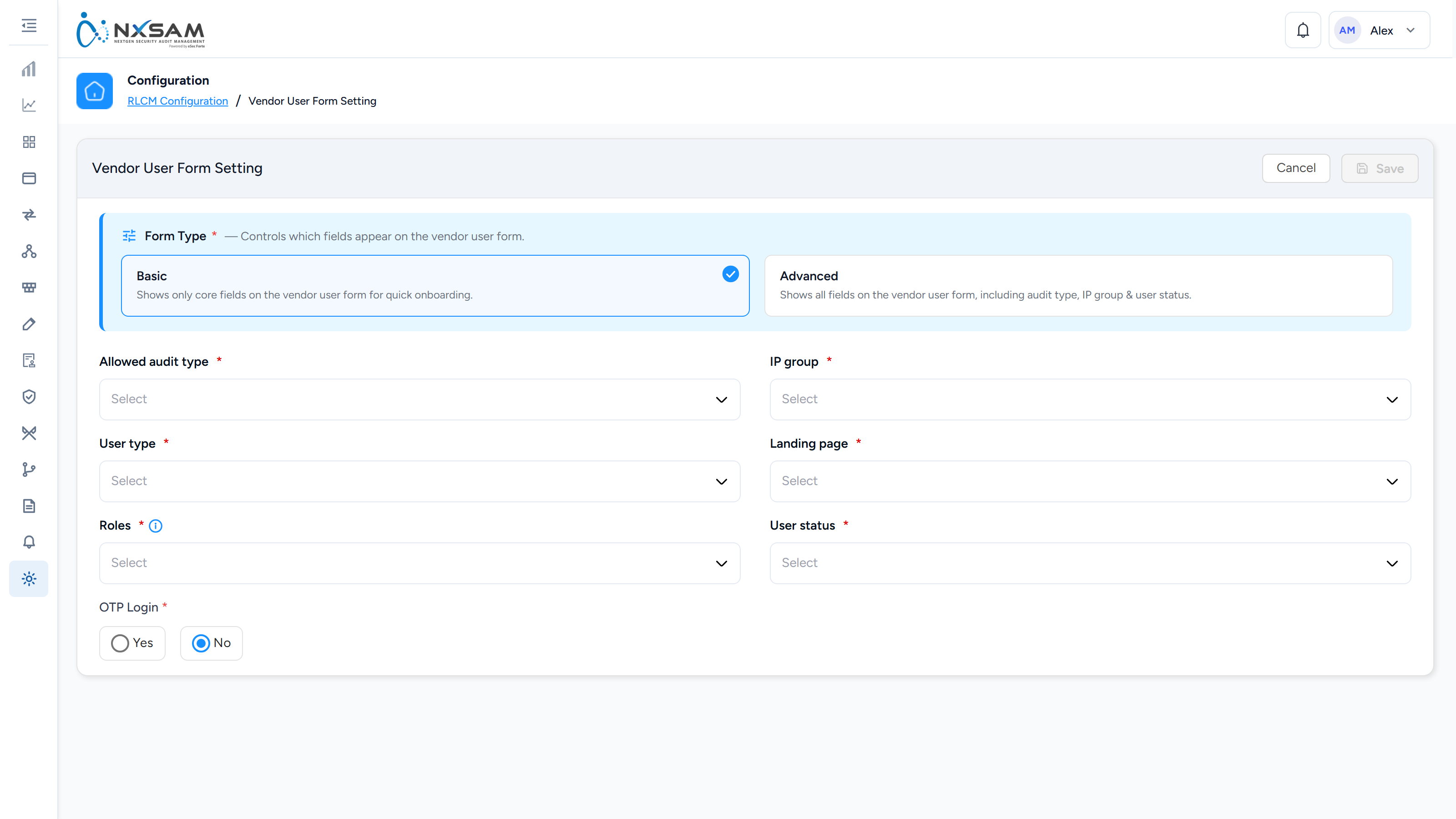
Controls what an external vendor user sees and can fill in when responding to a TPRM assessment. Vendor users are outside your organisation, so this is a disclosure decision as much as a usability one — anything exposed here is visible to a third party.
Recurring assessments
Schedules assessments to be raised automatically — annually, half-yearly or quarterly — against a template and category, for a vendor or for the organisation itself. When the date arrives the audit is created with its default POC, reviewer and auditor already assigned, and appears in the audit list like any other.
This is what turns "we assess our critical suppliers every year" from an intention into something that happens without anyone remembering. Pending First Cycle is how you tell the difference between the two: a configuration that is active but has never run has not proved anything yet.
The panel is titled Purging Configurations
Nothing on this screen deletes data. Every control on it creates or schedules an assessment; the heading is misleading rather than a hidden behaviour.