Network Security: find the right screen
Every screen in this module, what each one is for, and where it lives. Use it to find the right screen quickly, and to confirm you are on the one a colleague means — several screens in this product have similar names and different jobs.
Screenshots come from a demonstration data set, so the figures are illustrative. Click any screenshot to open it at full resolution.
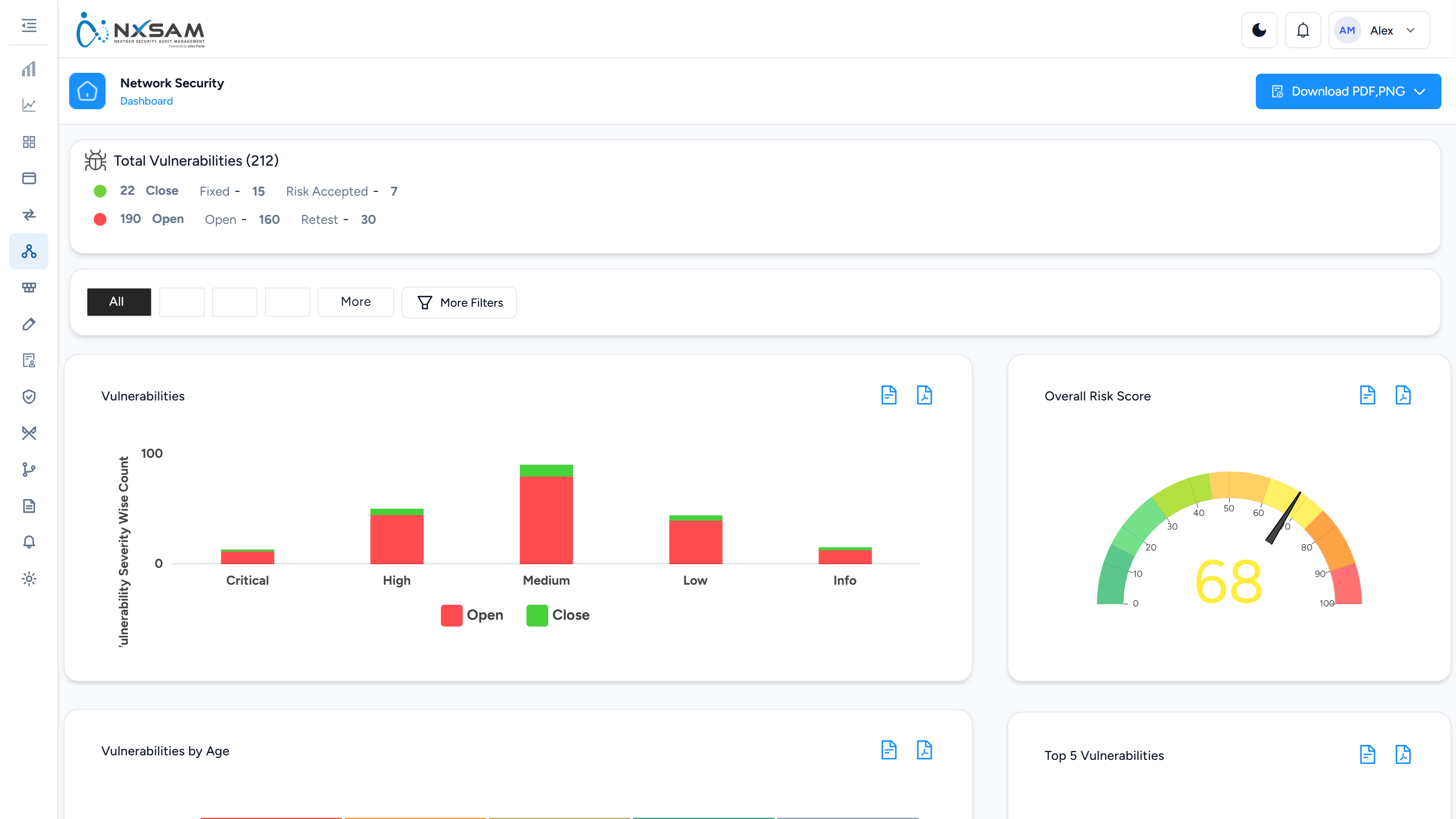
Network Security Dashboard
VA and PT posture together — severity mix, ageing, top hosts and the risk score trend.
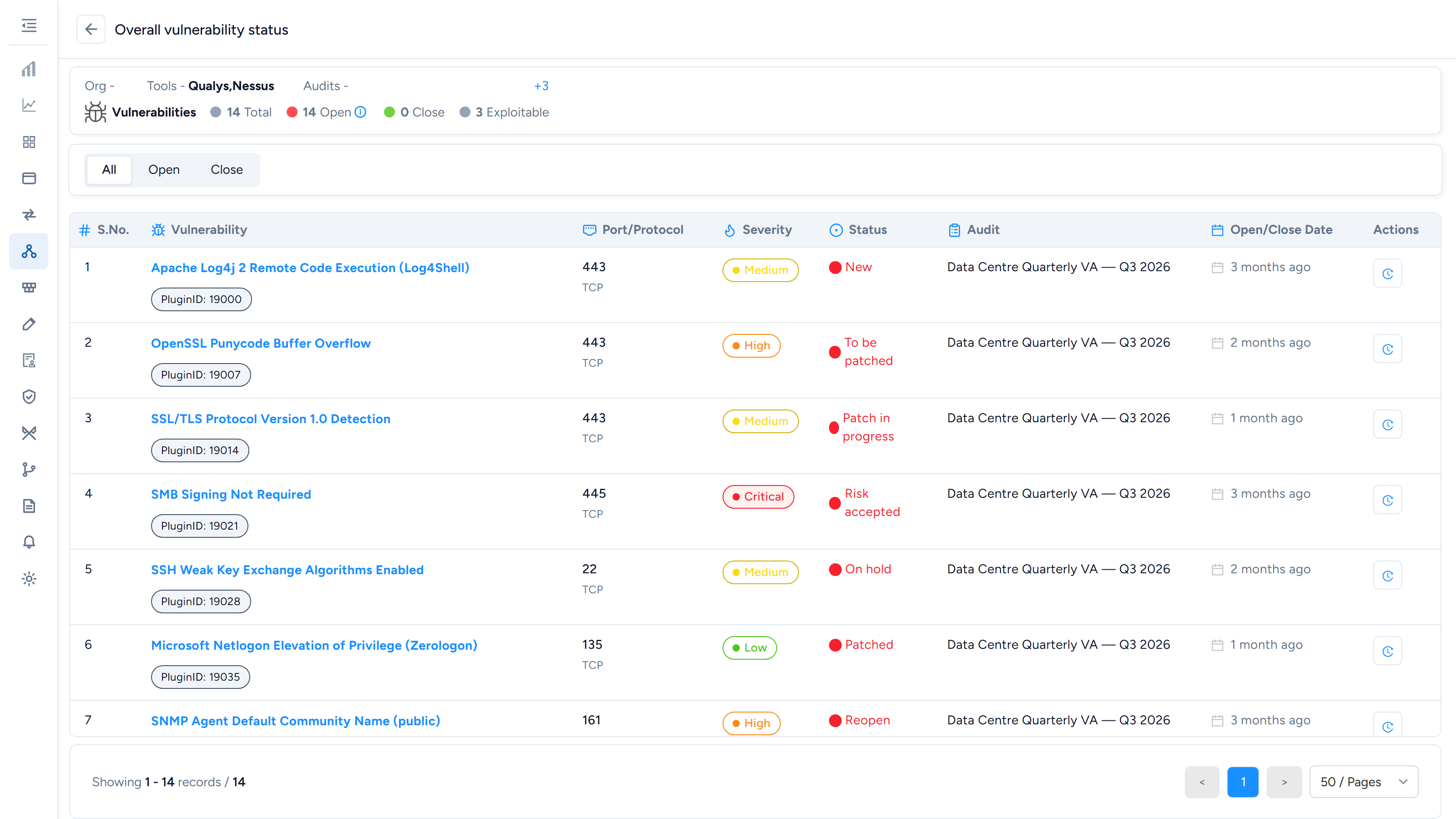
Overall Vulnerability Status
One host's whole history — everything ever found on it, across every audit that covered it, with what is still open.
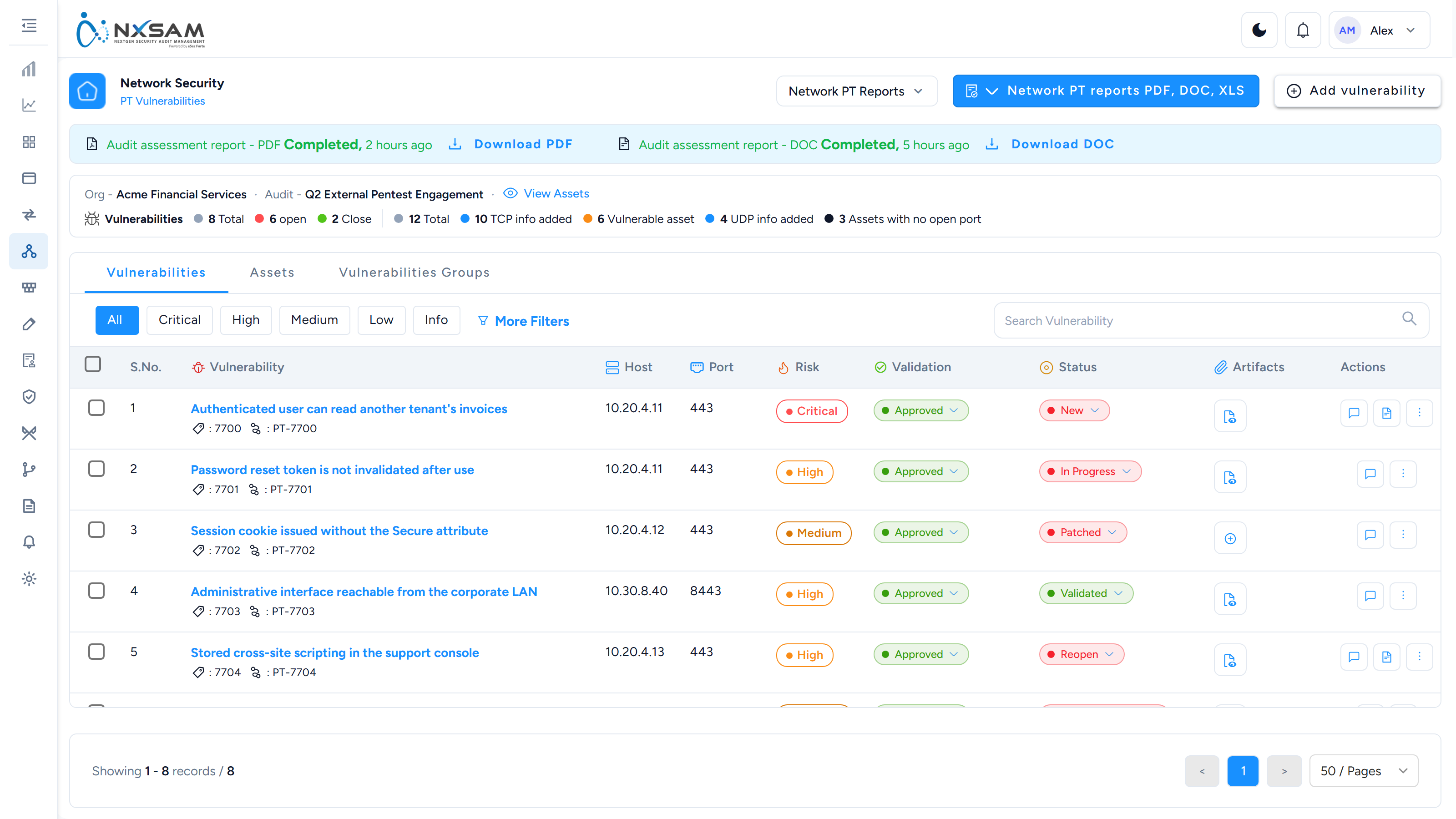
PT Findings
Findings written by a penetration tester, each with its own validation and current status. The status menu opens only once validation reaches Approved.
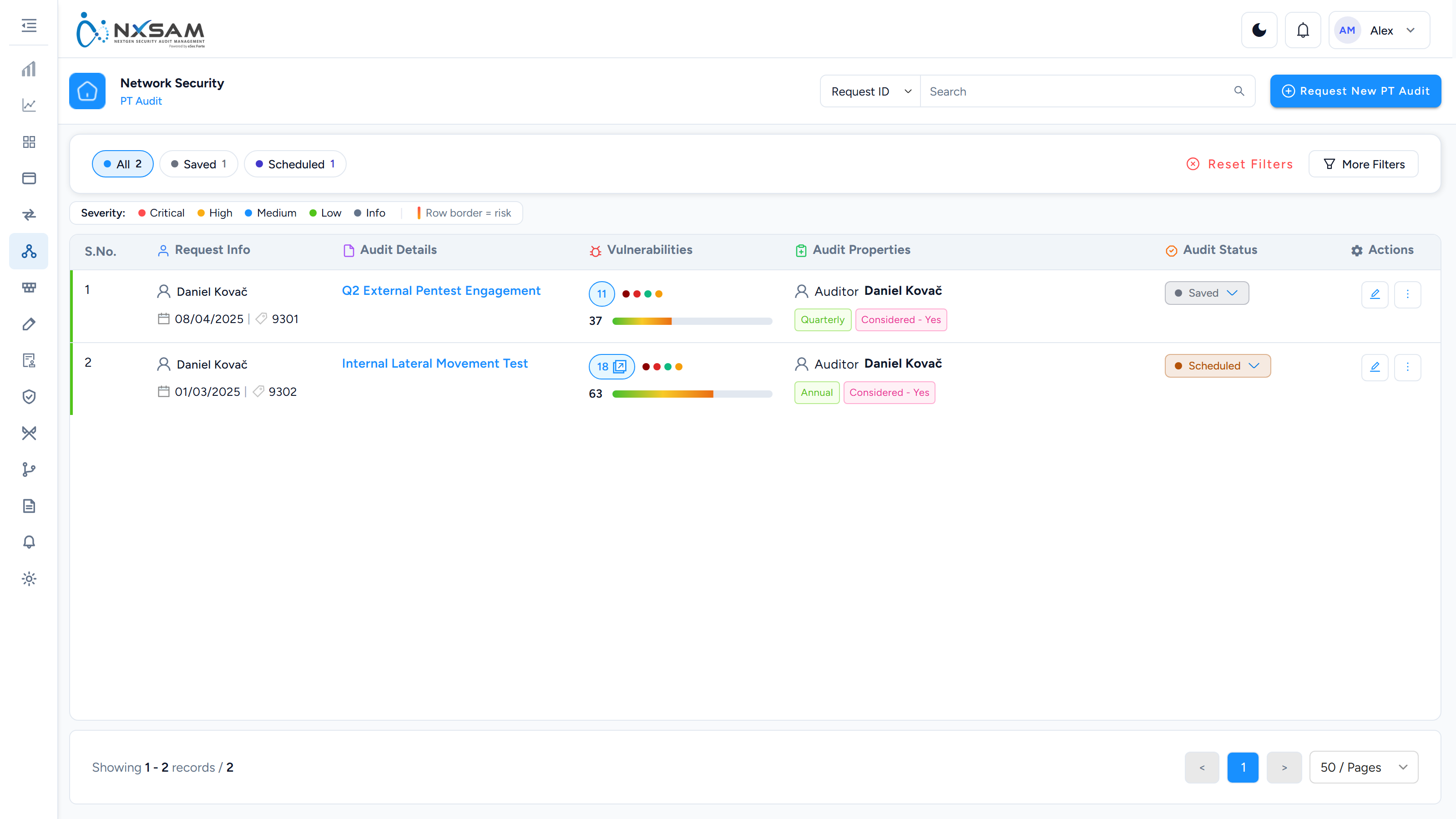
Penetration Test Audits
Manual penetration tests, tracked as audits with their own findings and evidence.
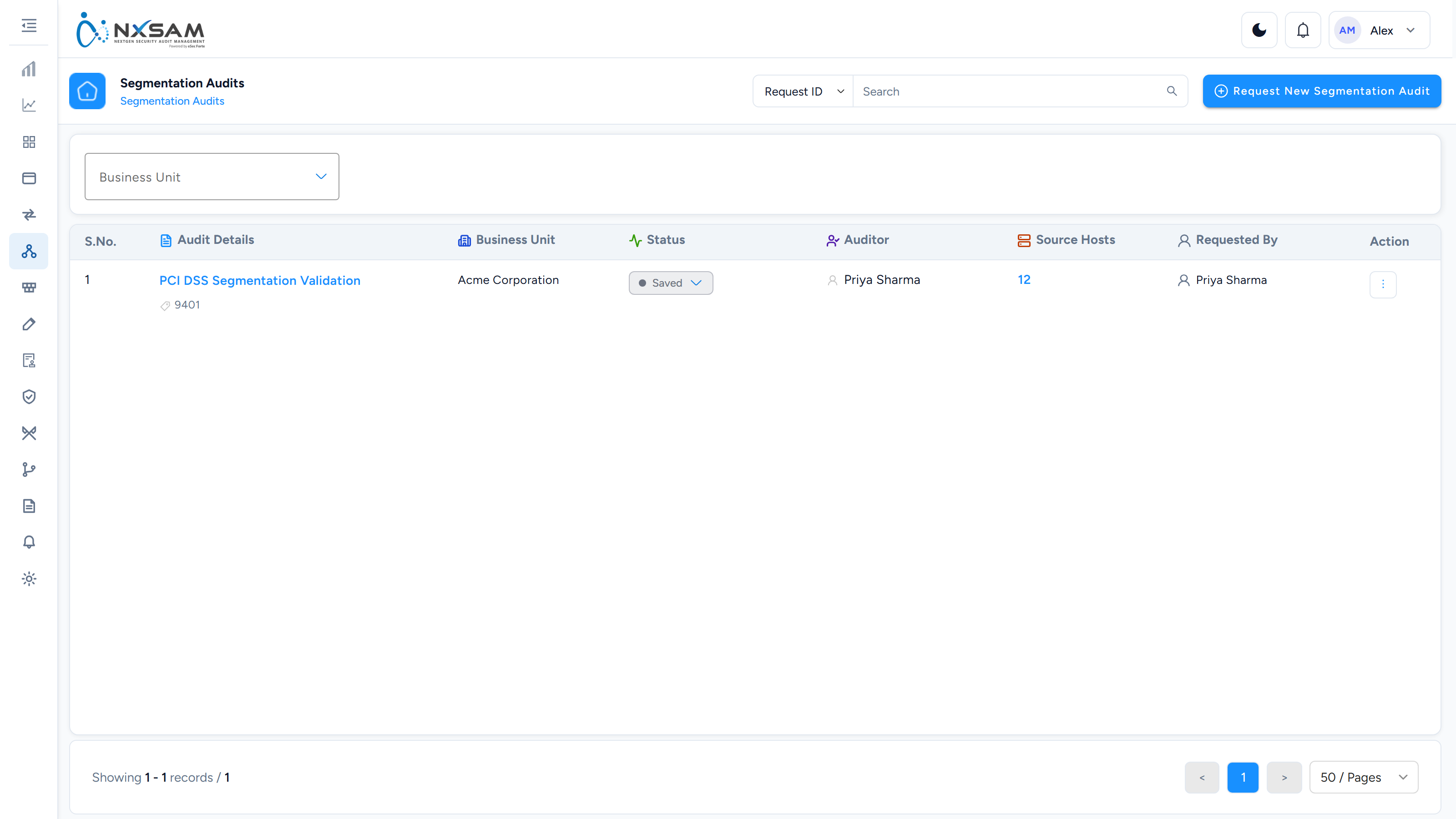
Segmentation Audits
Tests that network segregation holds — which source can reach which destination on which port.
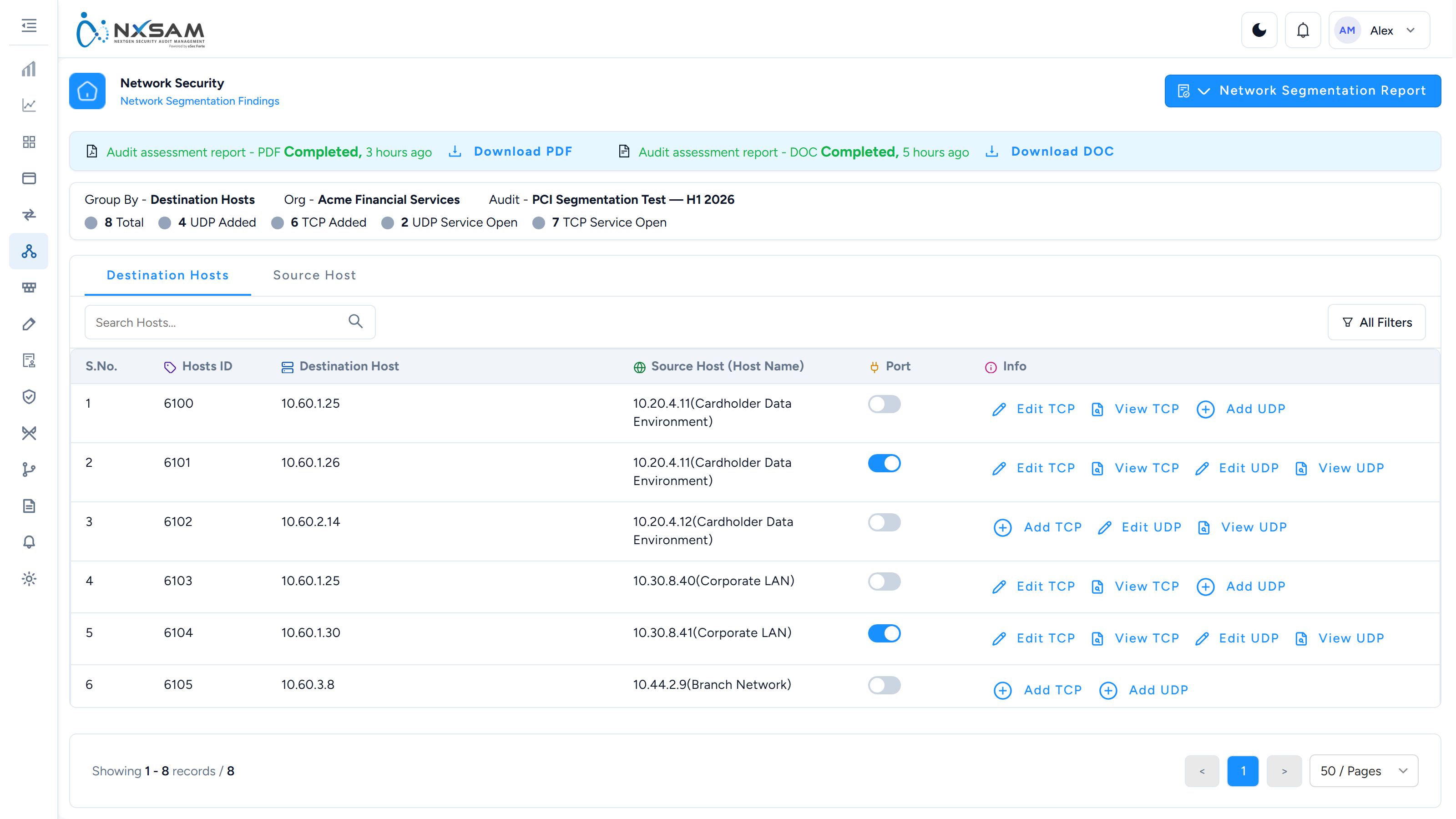
Segmentation Findings
Which source host reached which destination, and on which ports. A row where a service answered across a boundary is a segmentation failure.
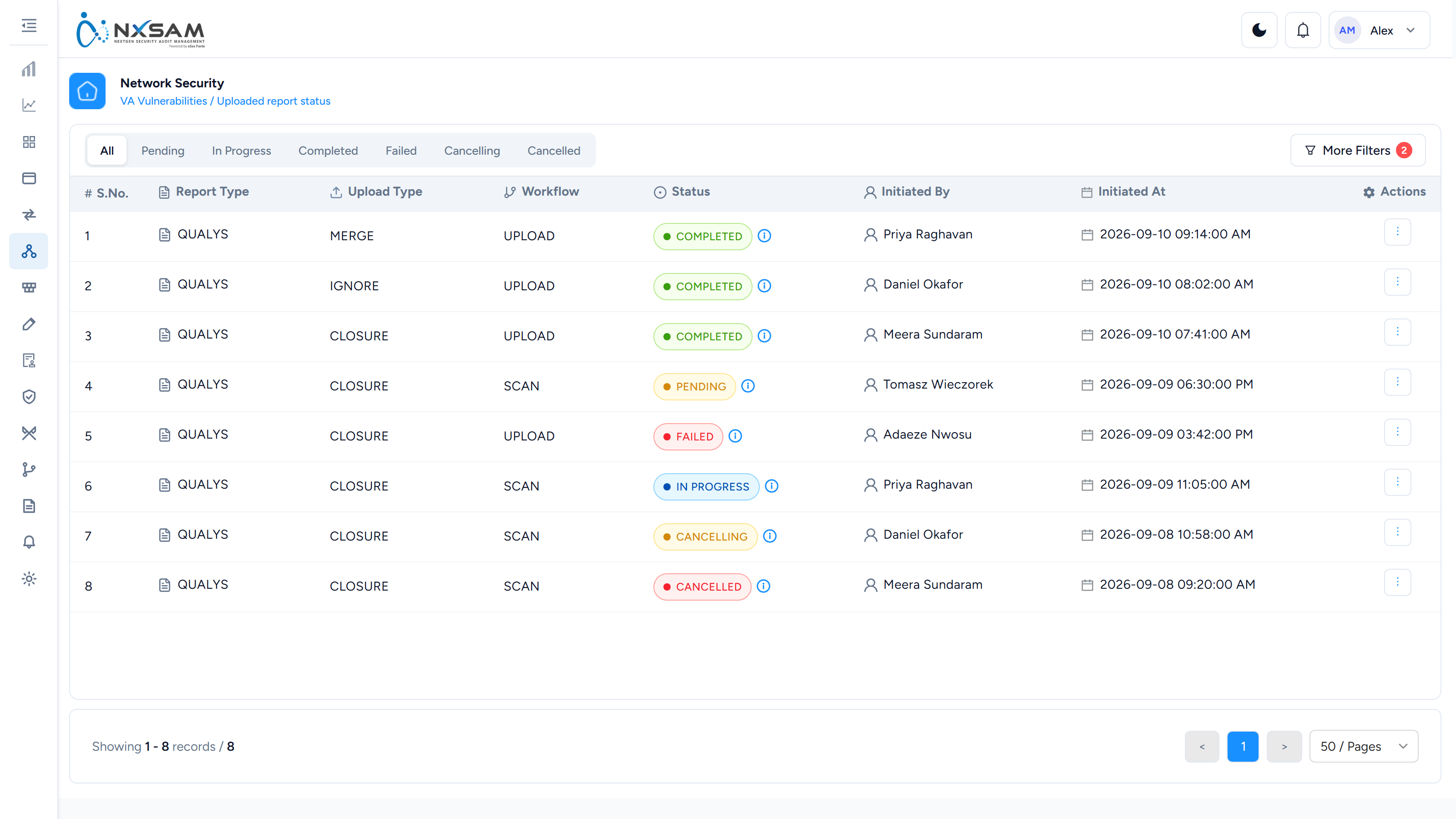
VA Import Queue
Batches of a VA import and their state. A partly loaded scan looks like a complete smaller scan on the module screen.
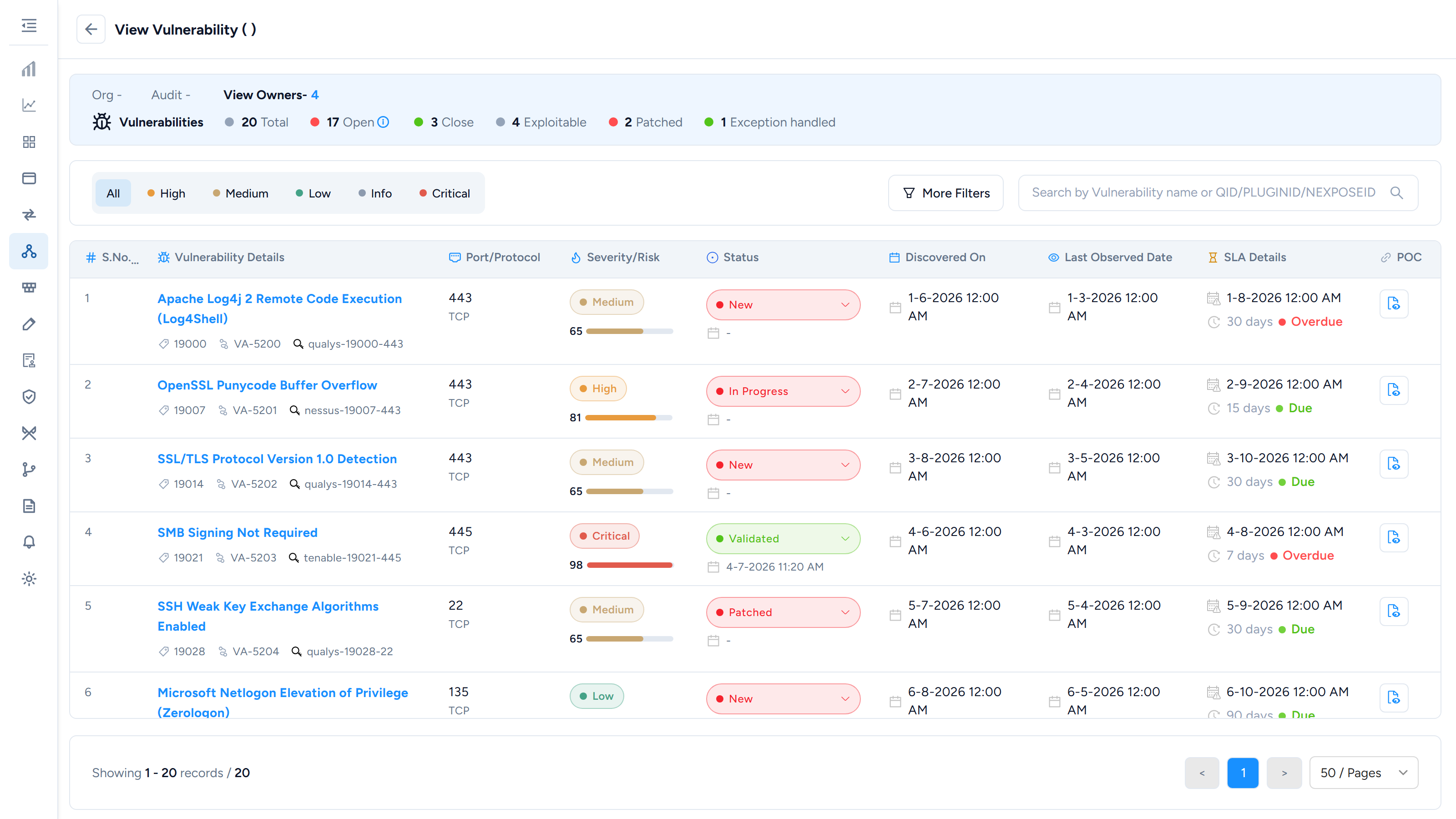
Vulnerability Detail
One finding in full — the check that fired, affected port and protocol, scanner output and remediation guidance.