Assets: find the right screen
Every screen in this module, what each one is for, and where it lives. Use it to find the right screen quickly, and to confirm you are on the one a colleague means — several screens in this product have similar names and different jobs.
Screenshots come from a demonstration data set, so the figures are illustrative. Click any screenshot to open it at full resolution.
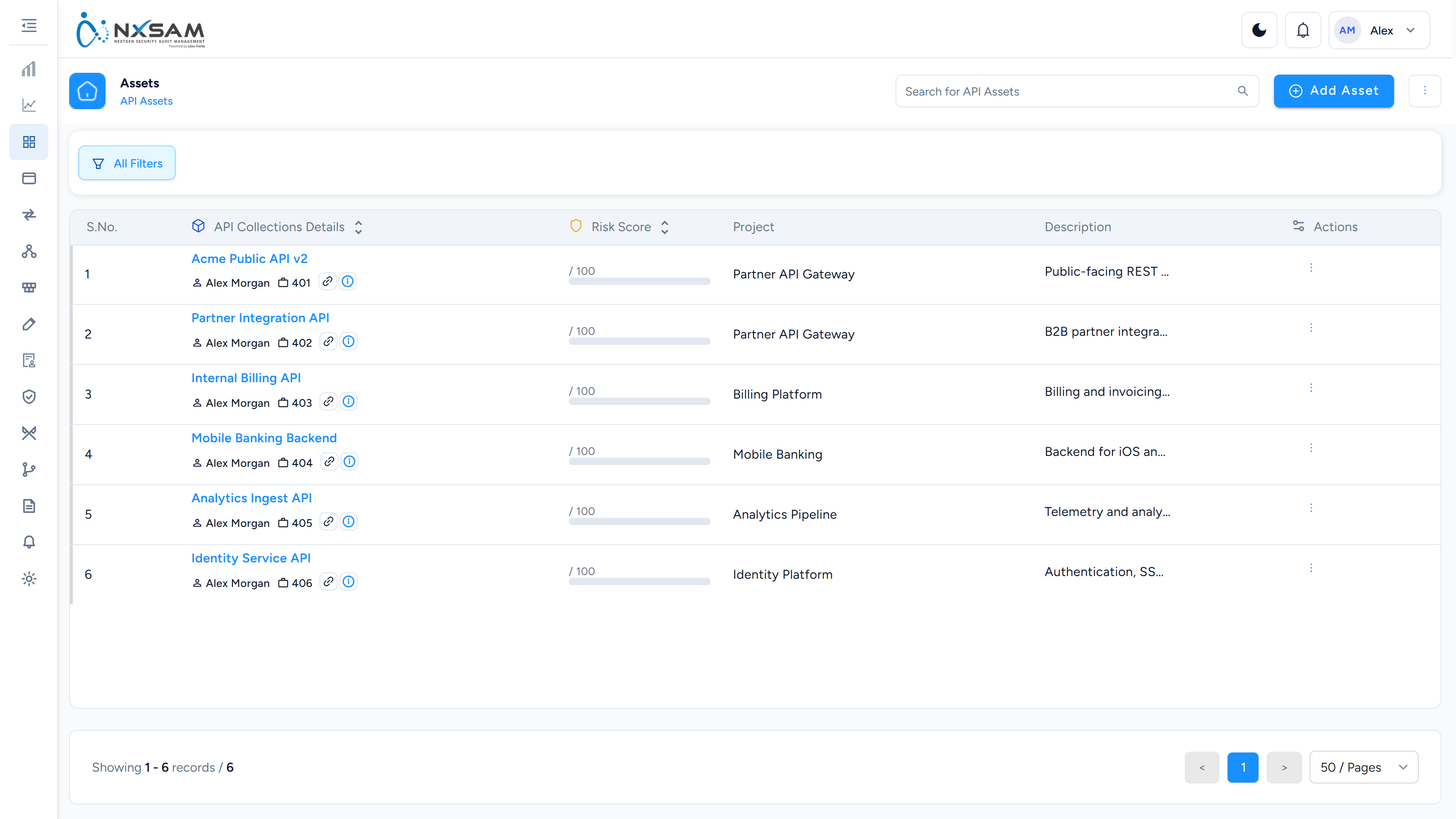
API Assets
Service endpoints assessed separately from the applications that consume them.
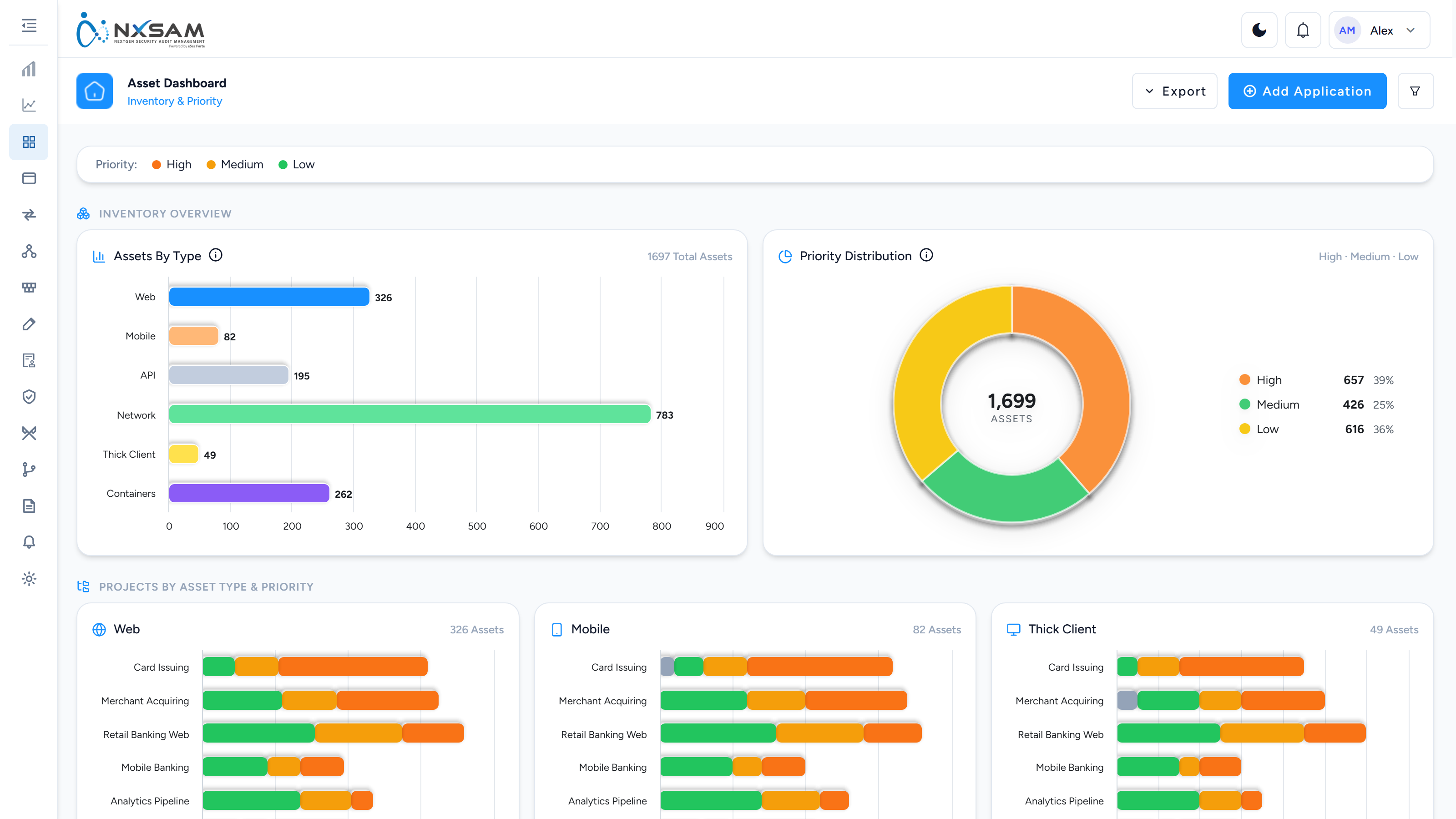
Asset Dashboard
How many assets of each type, and how their criticality is spread across projects. The split matters more than the totals — it shows where the important assets actually sit.
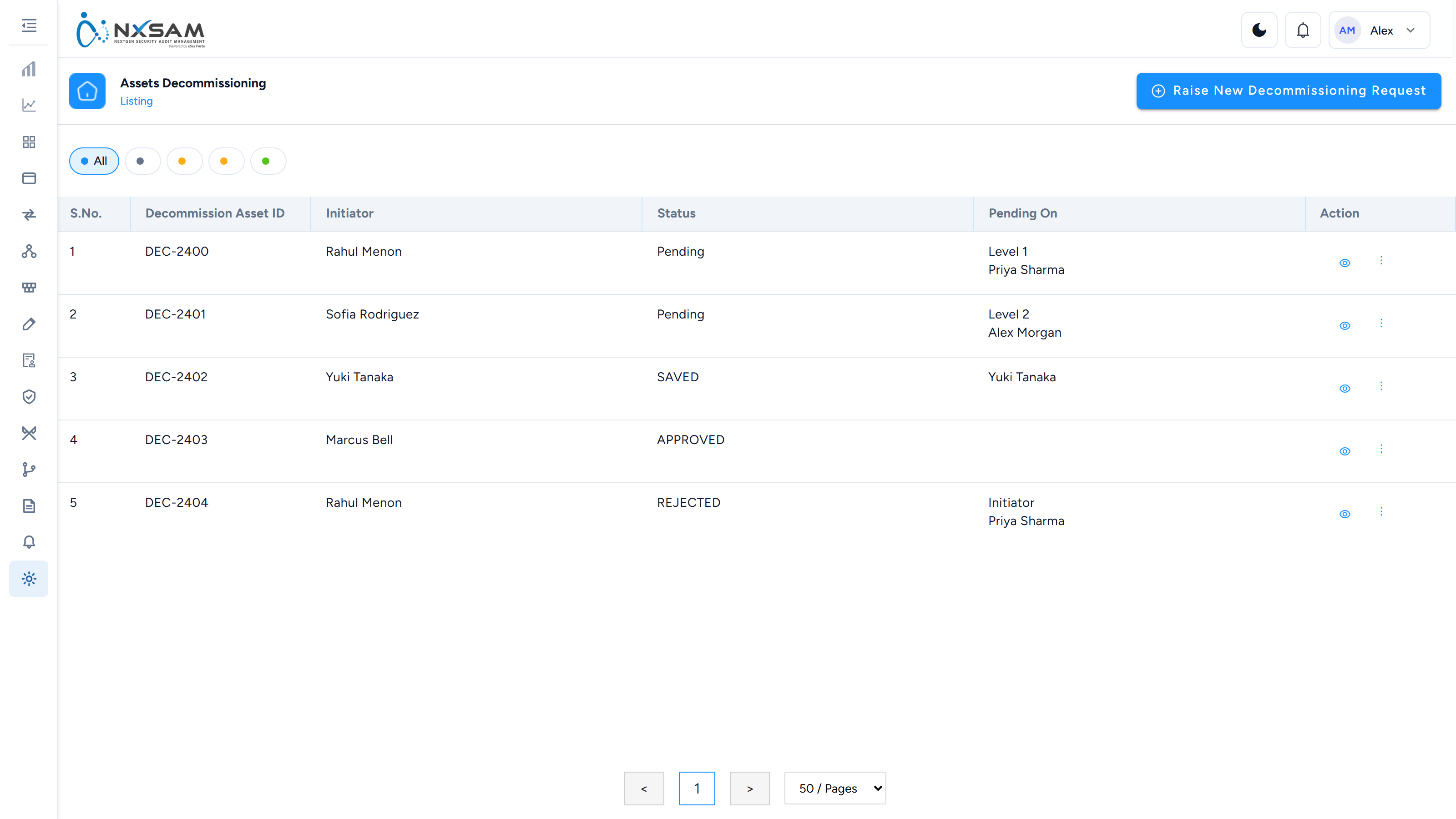
Asset Decommissioning
Requests to retire an asset, and who each is waiting on. Decommissioning preserves history; deleting hides the record.
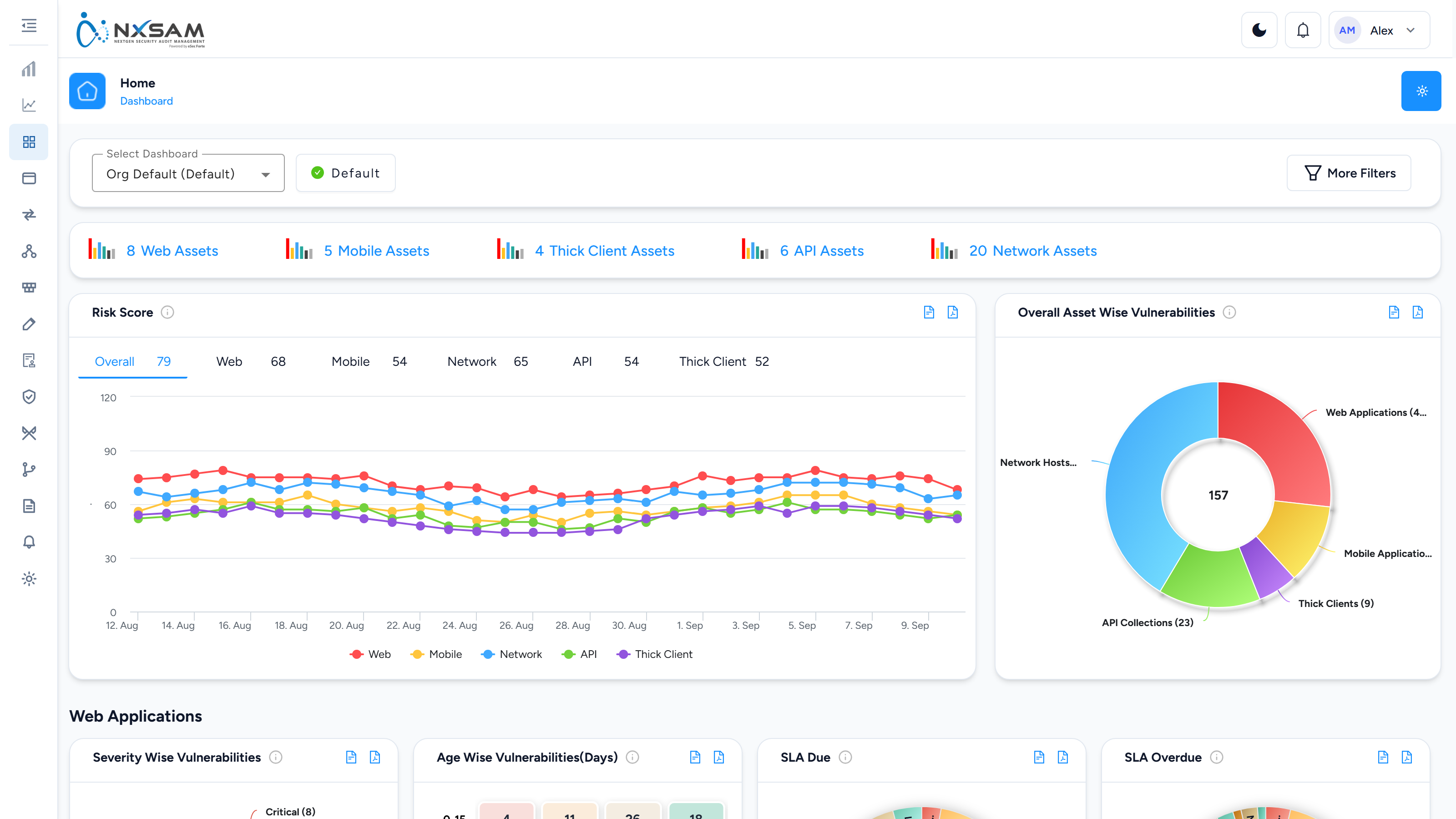
Asset Main Dashboard
Posture across the whole inventory, sectioned by asset type. Which sections appear is set by the dashboard profile.
Asset Properties
Custom fields defined on assets — data classification, hosting region, compliance scope. They become filterable everywhere the asset appears.

Asset Sync Configuration
Maps a CMDB’s columns onto NxSAM’s asset fields, and sets the schedule. Where a sync is configured, treat the source system as authoritative.

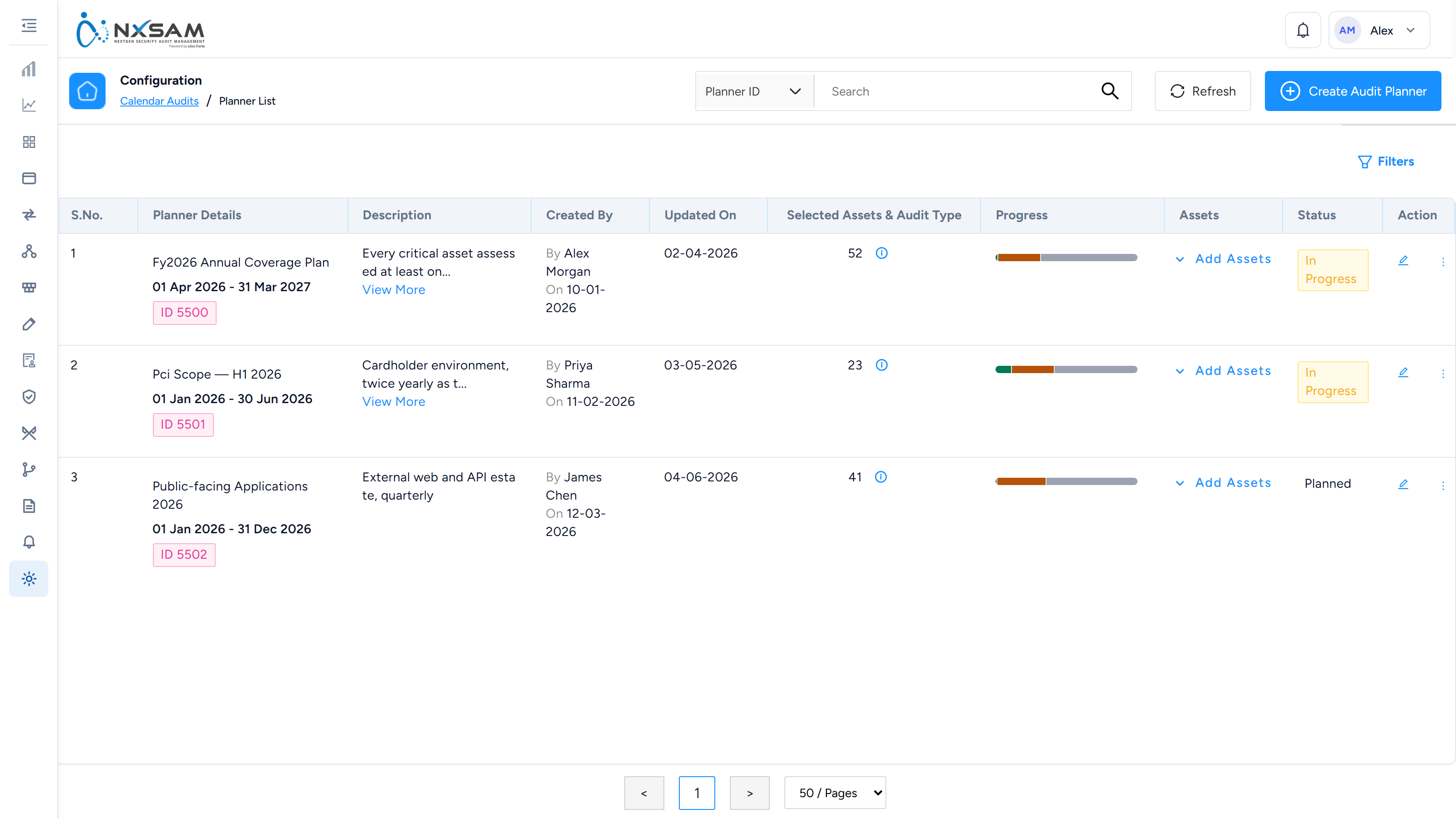
Audit Calendar Planner
Assessment coverage planned across a period. Each plan shows how much of it has been done, so a plan nobody is executing is visible.
Business Units
The middle level of the grouping hierarchy. Every asset sits under a project, which sits under one of these.

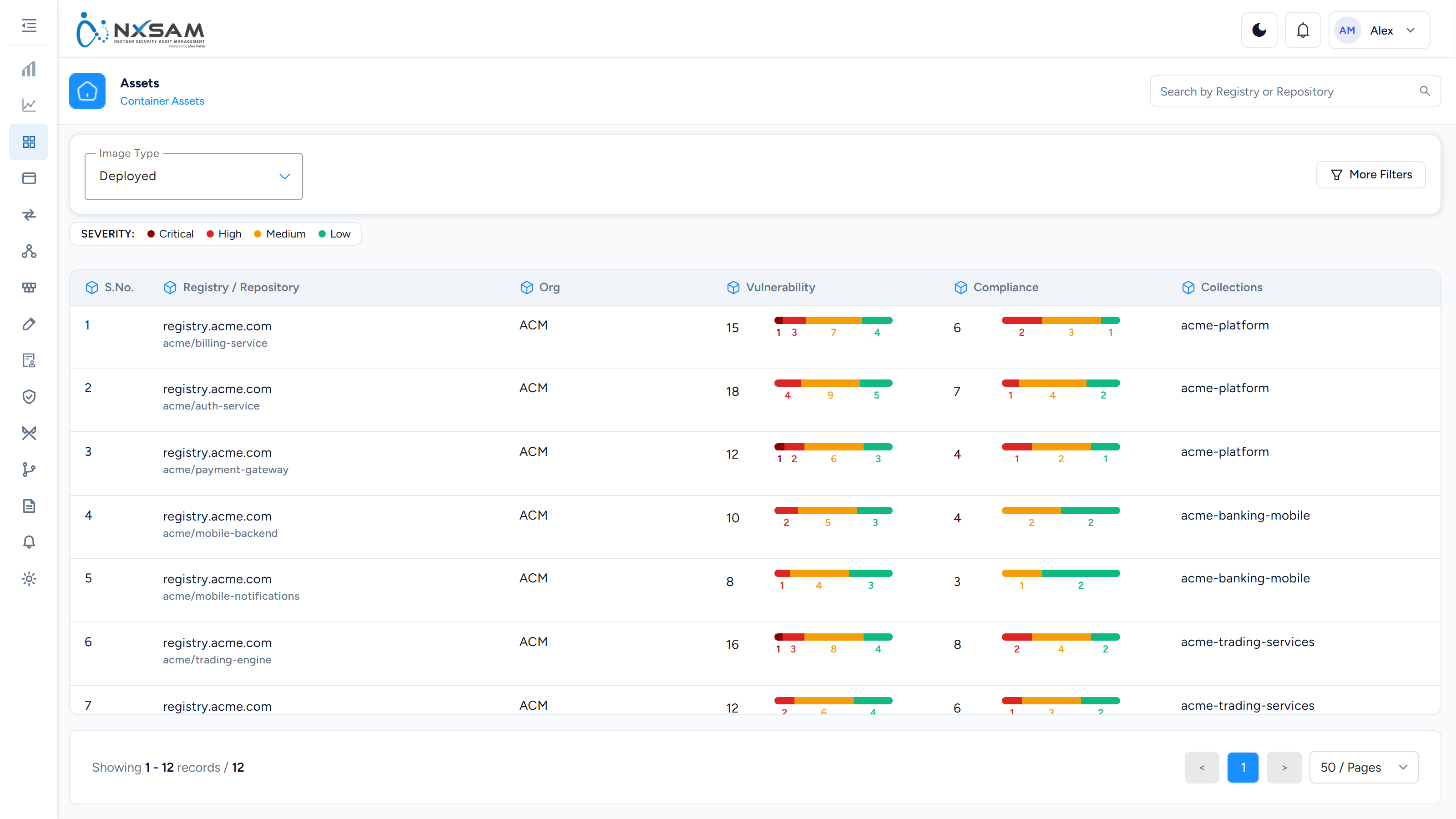
Container Assets
Container images by repository and tag. A tag change is a different asset.
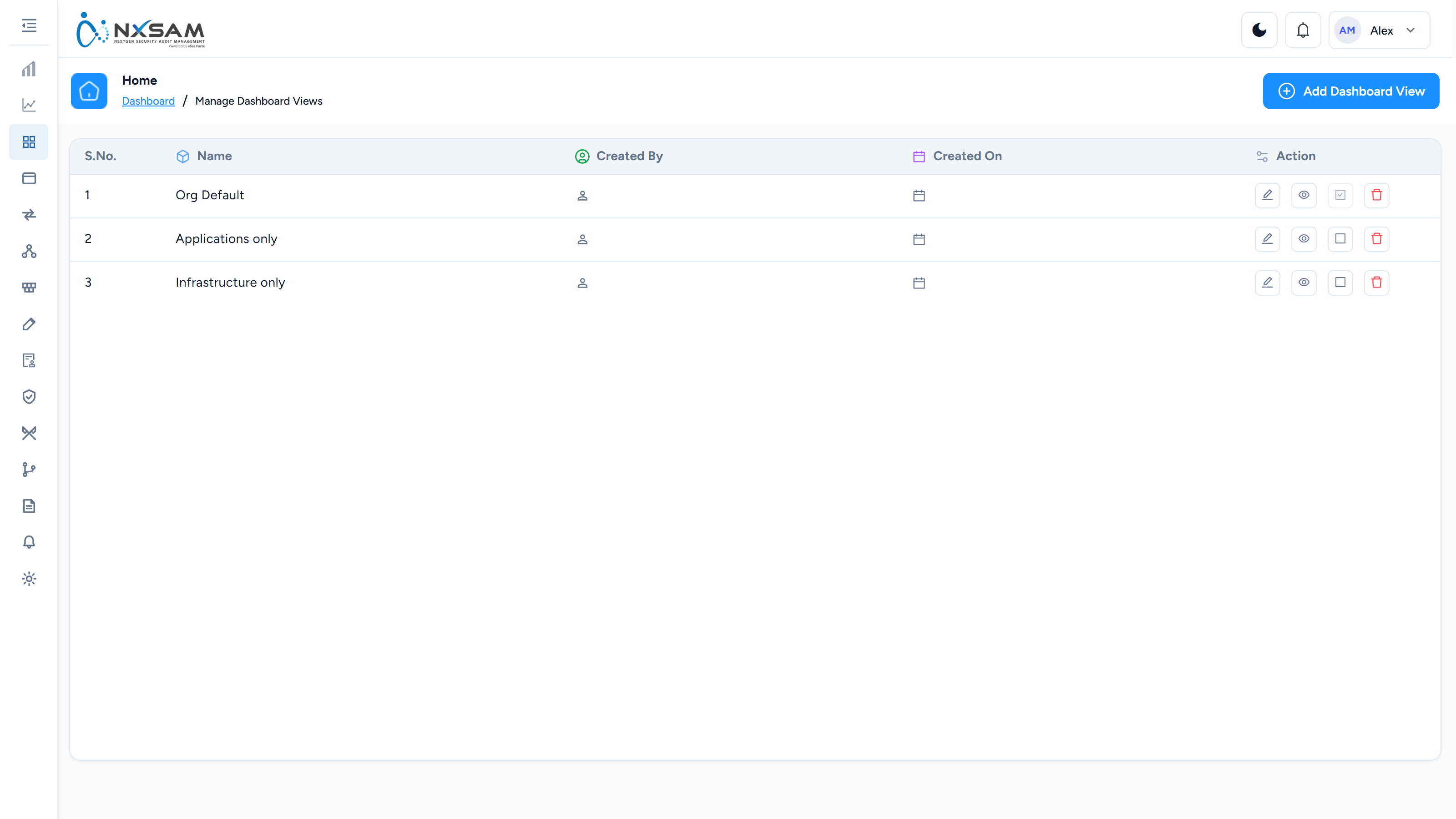
Manage Dashboard Views
Create and edit dashboard profiles — which sections and widgets appear, and the default filter applied.
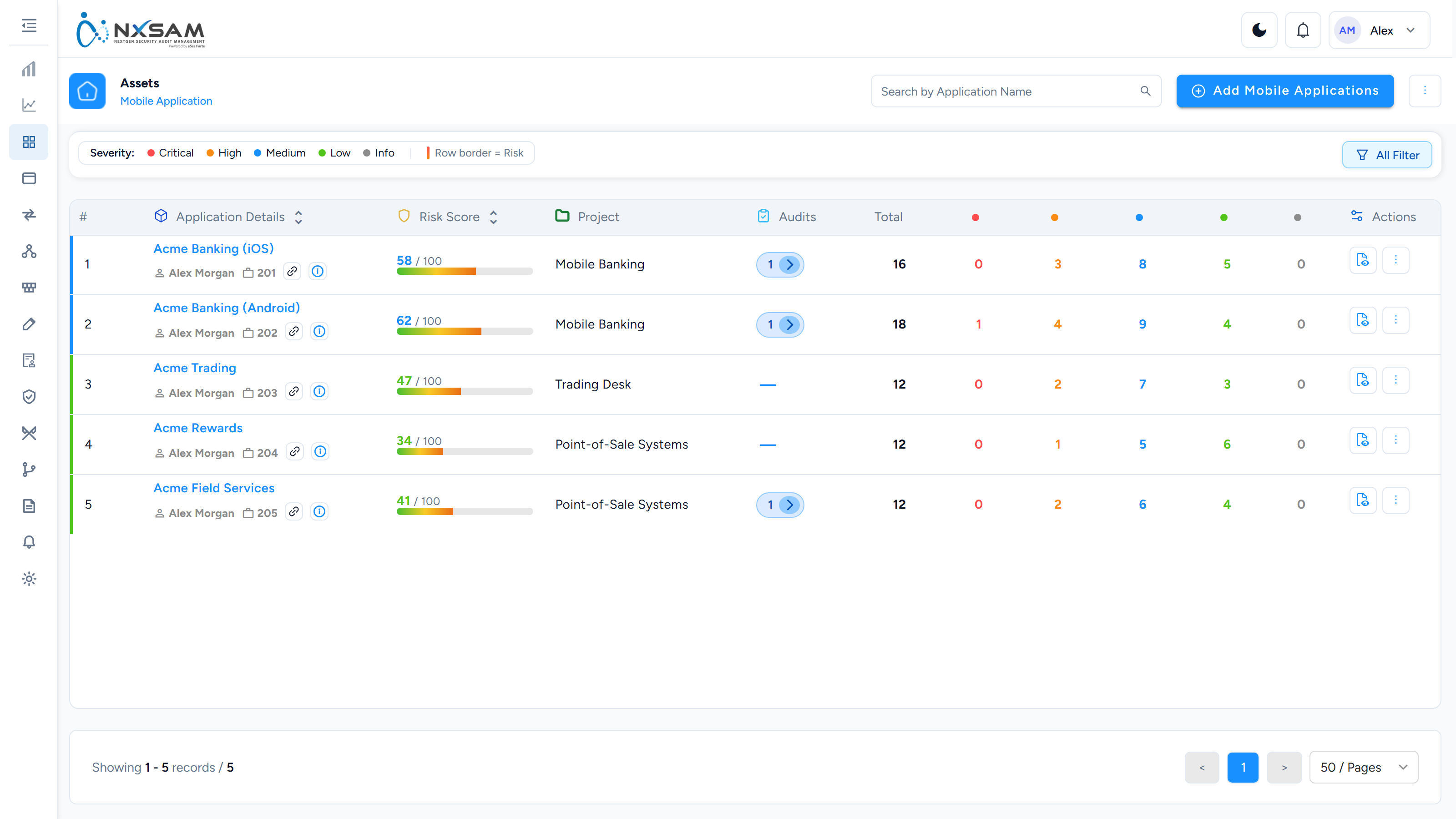
Mobile Applications
iOS and Android applications, identified by package or bundle rather than URL.
Network Asset Map
Relates network hosts to the applications running on them, so an application finding can be traced to its infrastructure.

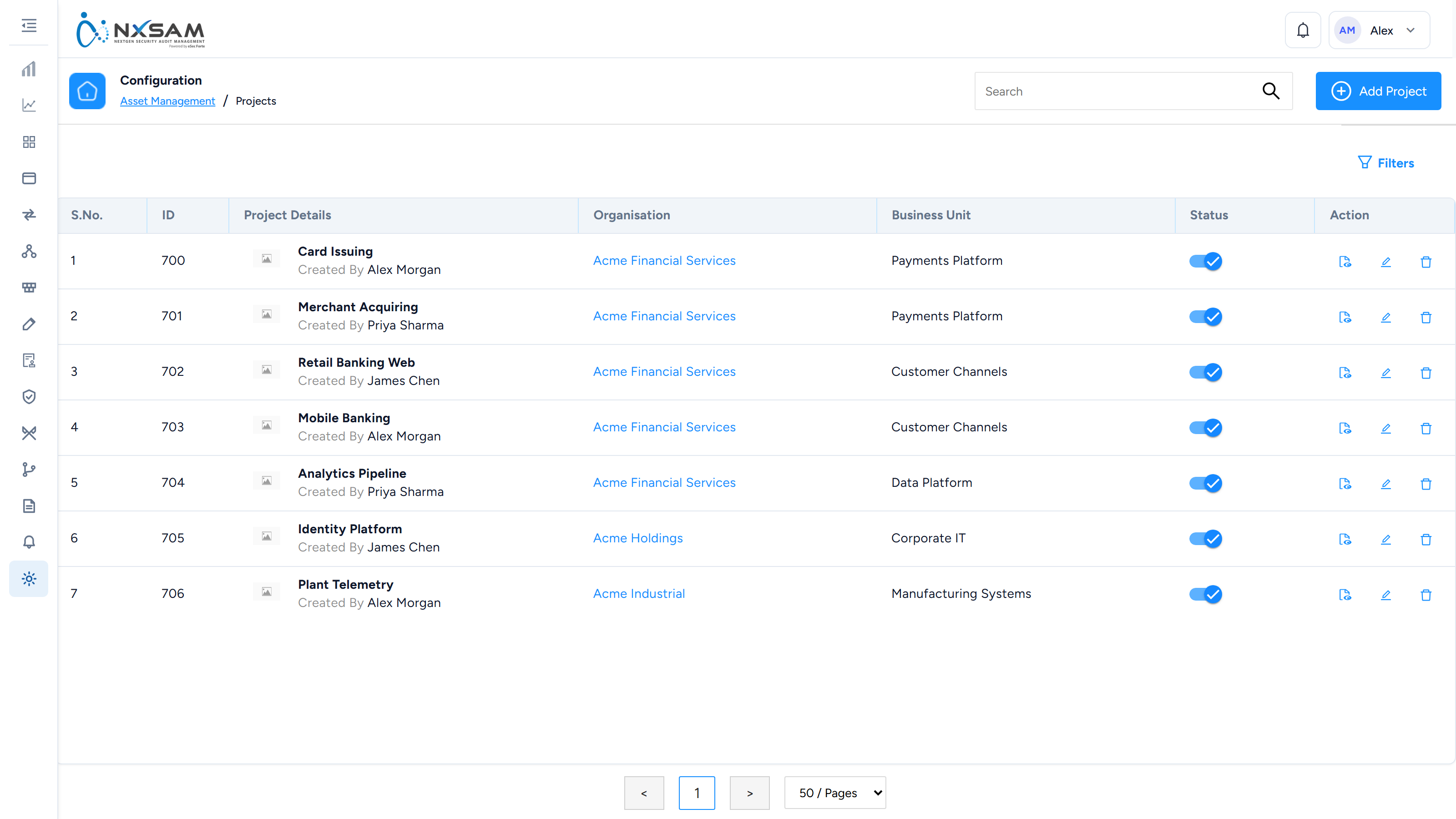
Projects
The narrowest grouping level, and the one most reports group by.
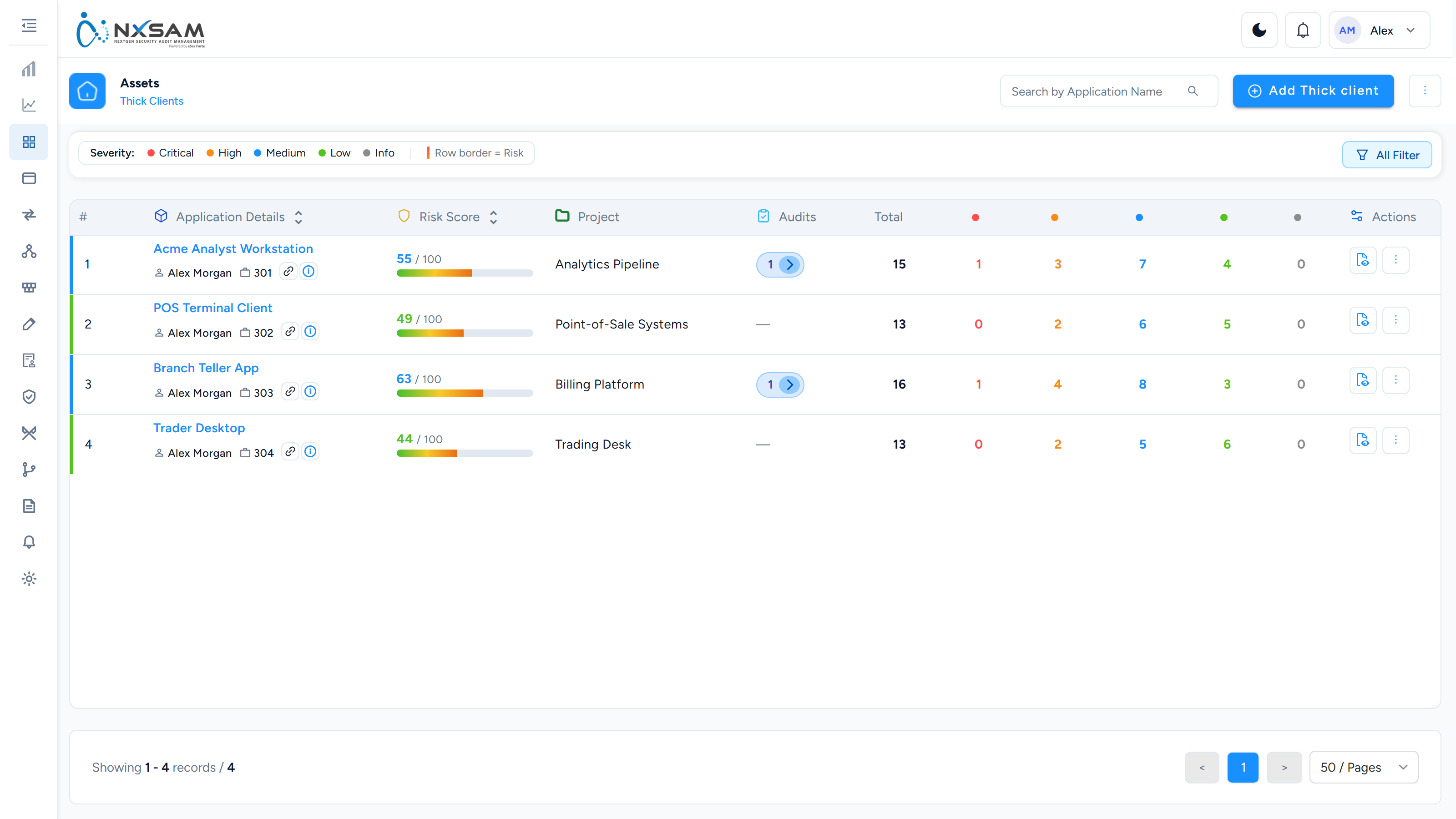
Thick Clients
Installed desktop software tracked as assets in their own right.
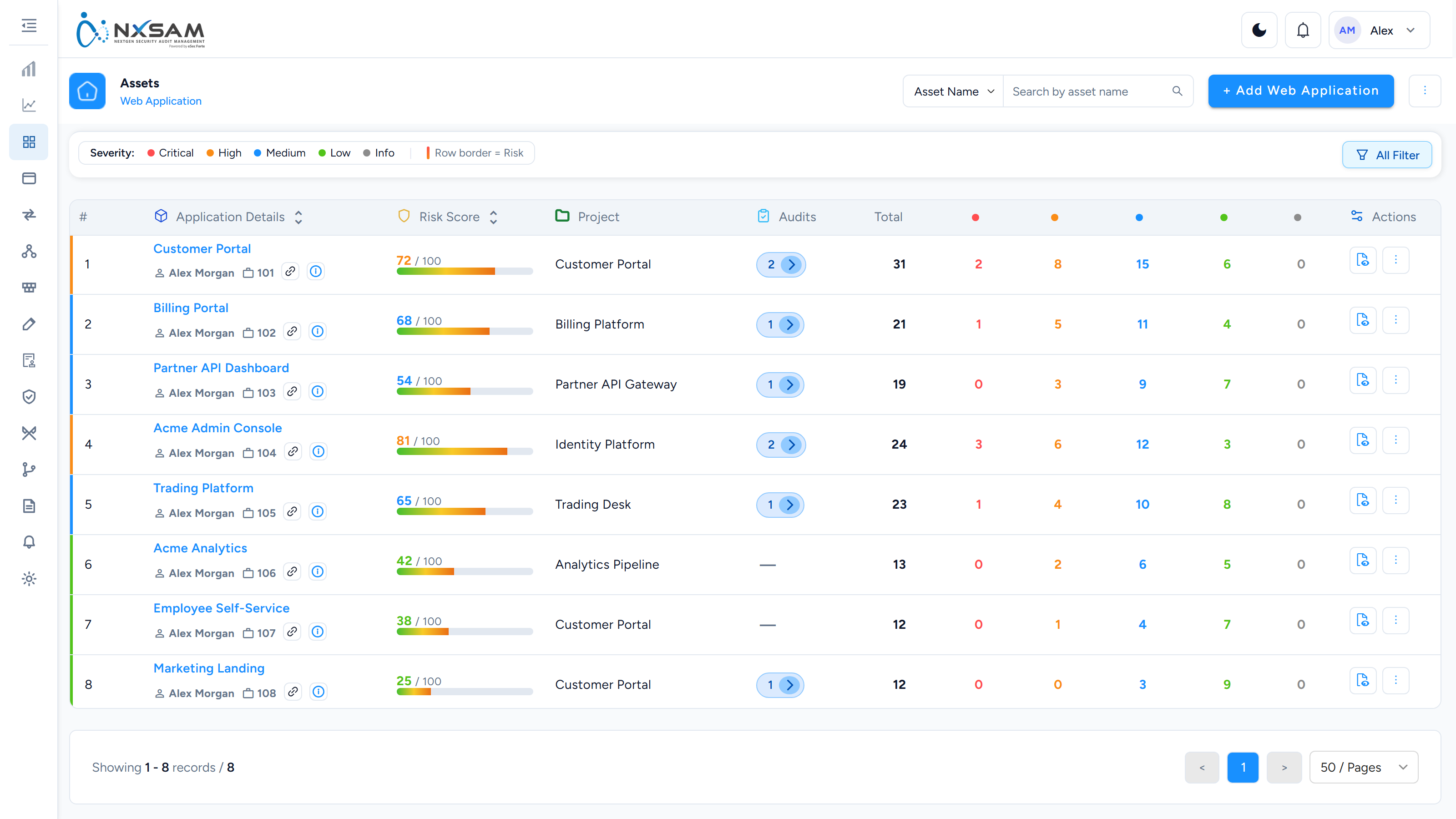
Web Applications
The web application inventory. One row per site or web-based system, with its URL and open findings.